Using Scripts 7-1
USING SCRIPTS
This chapter explains how to load, enable, and delete scripts. You can also enable
status polling and immediate commands.
Using the Scripts menu requires custom software. Scripts can print data streams written
for other printers or define a lookup table. Contact us to create a custom script for your
printer.
You can limit access to this menu to prevent changes.
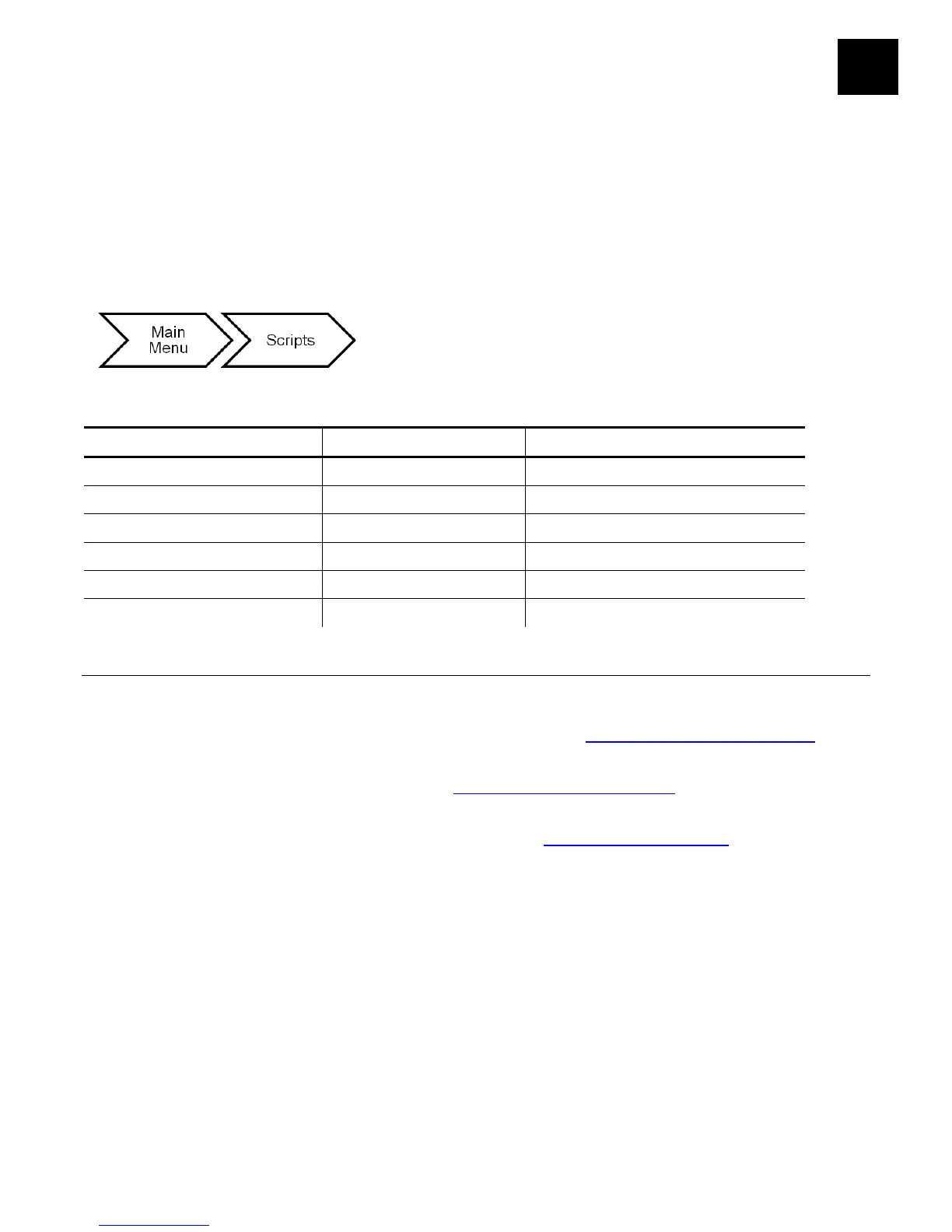
The script options are in the following table:
Load Script NA NA
Enable Script No/Yes No
Script Info NA NA
Delete Script No/Yes No
Status Polling Disable/Enable Disable
Immediate Commands Disable/Enable Disable
Initial Script Startup Procedures
Before you can start using a script, check the following items:
♦ Check to see if a script is already in the printer. See "Viewing Script Information" to
continue.
♦ Format flash memory, if needed. See "Formatting Flash Memory" in Chapter 6 for
more information.
♦ Download a script to the printer, if needed. See "Downloading a Script" to continue.










 To Next Page