10-2 System Administrator’s Guide
Checking Supply Quality
The printer continuously stores data from 16 of the most recently printed supplies to
check the reflectivity of the sense marks on the supply. Before you check your supply
quality, print a batch of supplies or test labels.
Select To
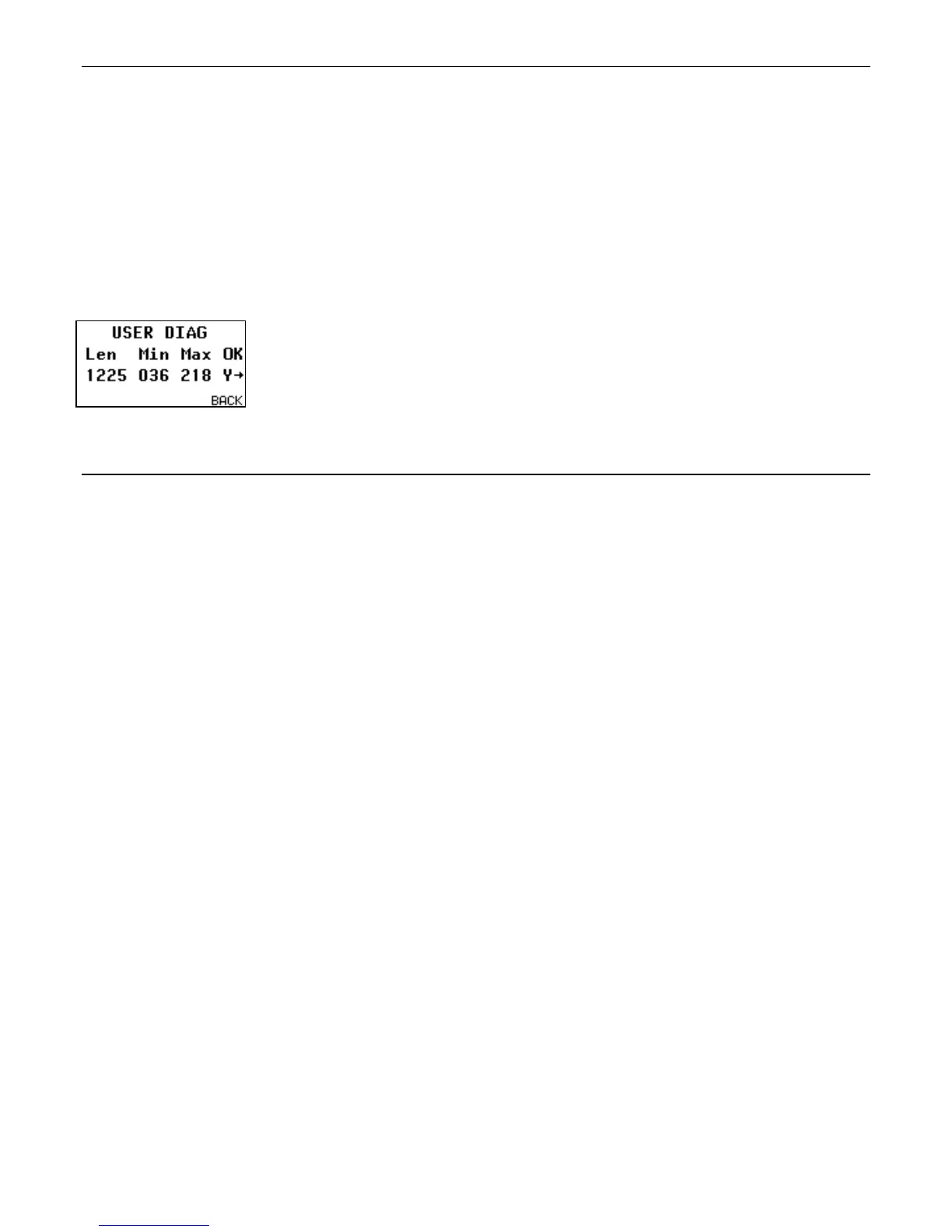
Supply Quality View the supply quality.
The message "No data!" appears if you have not printed any labels.
Press or to display the readings.
Len The length of the loaded supply in dots.
Max Should always be greater than Min listing.
OK Did the sense mark pass the detection test? Y or N
Using a Password
The password feature prevents formats, graphics or fonts from accidentally being deleted
from the printer's memory. It limits access to the Setup and Scripts menus by prompting
for a password.
Select To
No Disable the password. The password is not required to access the Setup
and Scripts menus.
“No” is the default password setting, therefore it is always shown even if
password is enabled.
Yes Enable the password. The password is required to access the Setup and
Scripts menus. Enter the password: press FEED three times then
ENTER.
Note: When password protection is enabled, a password is not required to clear
batches, but it is required to clear formats, graphics, and fonts.










 To Next Page