11-6 System Administrator’s Guide
Adjusting the Printer to Remove Ribbon Wrinkle
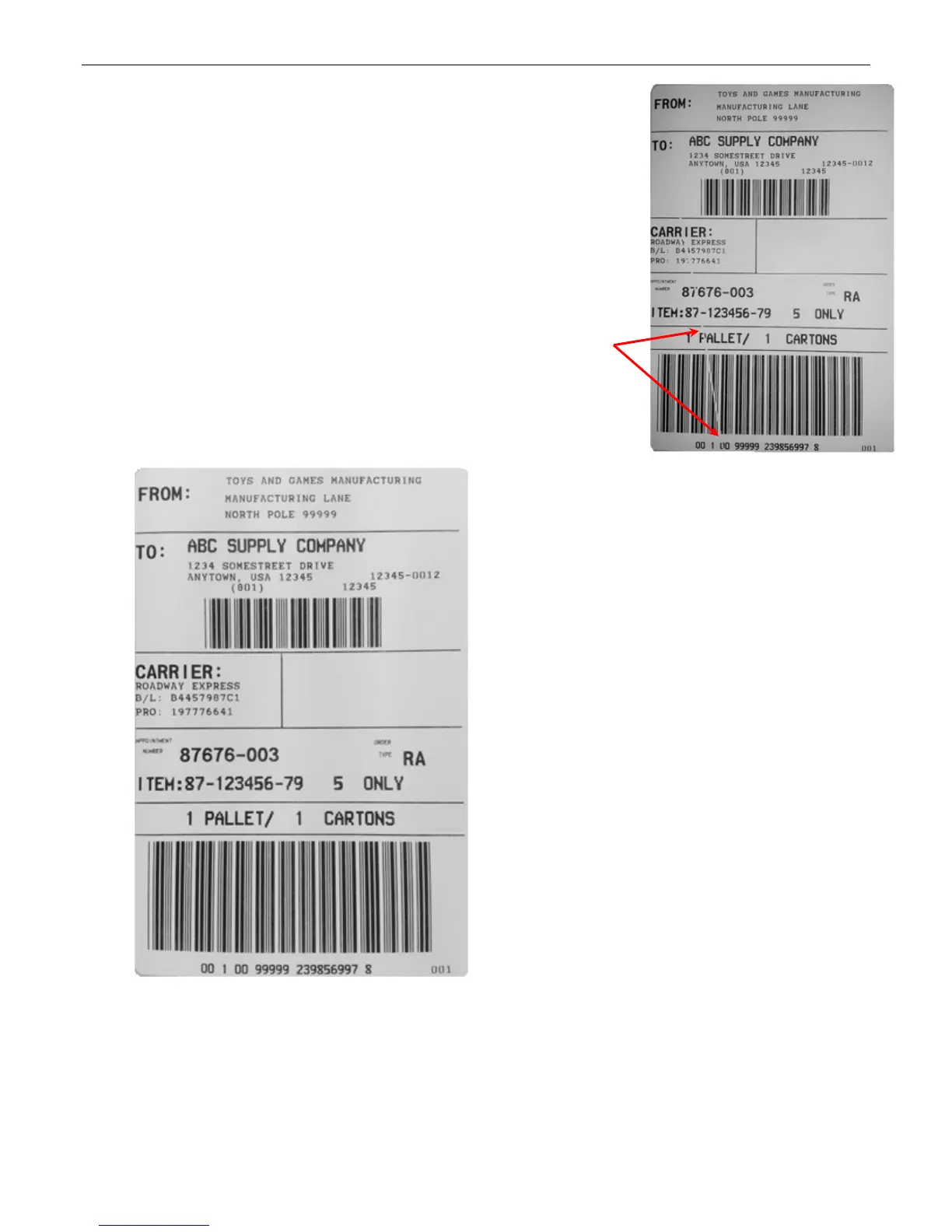
Ribbon wrinkle appears as a void or blank line in the printed
supply caused by a fold or wrinkle in the ribbon during
printing.
Ribbon wrinkle may occur
♦ when the ribbon take-up core is loosely wrapped or
contains folds. Rotate the take-up core until it is tight. If
that does not help, load a new ribbon.
♦ when there is uneven pressure across the width of the
printhead. Make sure the printhead pressure dials are set
correctly.
♦ if the supply roll guides and/or supply
guides are not set correctly. Make sure
the supply is loaded correctly.
♦ during normal printer operation. Adjust the ribbon’s
tension.
After ribbon adjustments,
no ribbon wrinkle










 To Next Page