Getting Started 1-3
Removing the Cover
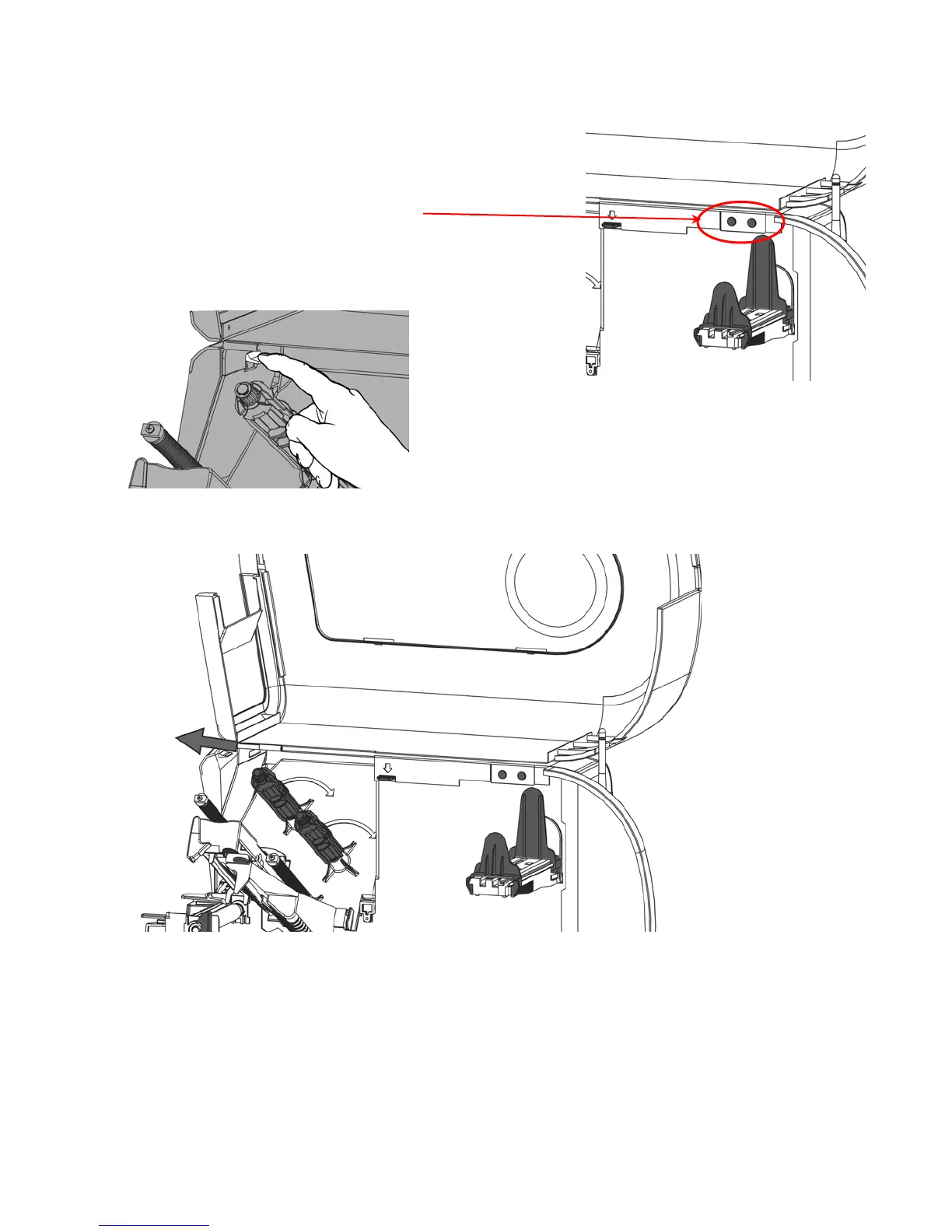
1. Open the cover.
2. Unlock the printhead by turning the retaining latch.
3. Lift the printhead assembly using the printhead tab
until the assembly locks into place.
4. Remove both cover thumbscrews.
5. Gently push down on the control panel release tab
located inside the front cover. The control panel
tilts forward.
6. Using both hands, slide the cover to the left and remove.










 To Next Page