3-4 System Administrator’s Guide
Using USB Communications
Set the mode for the USB port.
The USB settings are in the table below.
Mode Printer/Virtual Serial Printer
Note: The printer reboots whenever the USB mode is changed.
Setting the Mode
Select To
Printer Using the Printer port, Microsoft® Windows® prompts the user for the
printer driver, which is provided by our third party developers like
NiceLabel.
Virtual Serial Using the Virtual Serial port requires the ADTP1.inf file, which installs
the printer as a virtual com port (for example COM4, COM5, etc.).
See “Installing the Virtual Serial Driver
” for more information.
Installing the Printer Driver
Use the ADTP1 printer driver found on our Web site to print from Microsoft Windows
applications.
Note: The screens may appear differently on other Microsoft Windows versions.
1. At the printer, set the USB Mode to Printer.
2. Download the latest drivers from our Web site.
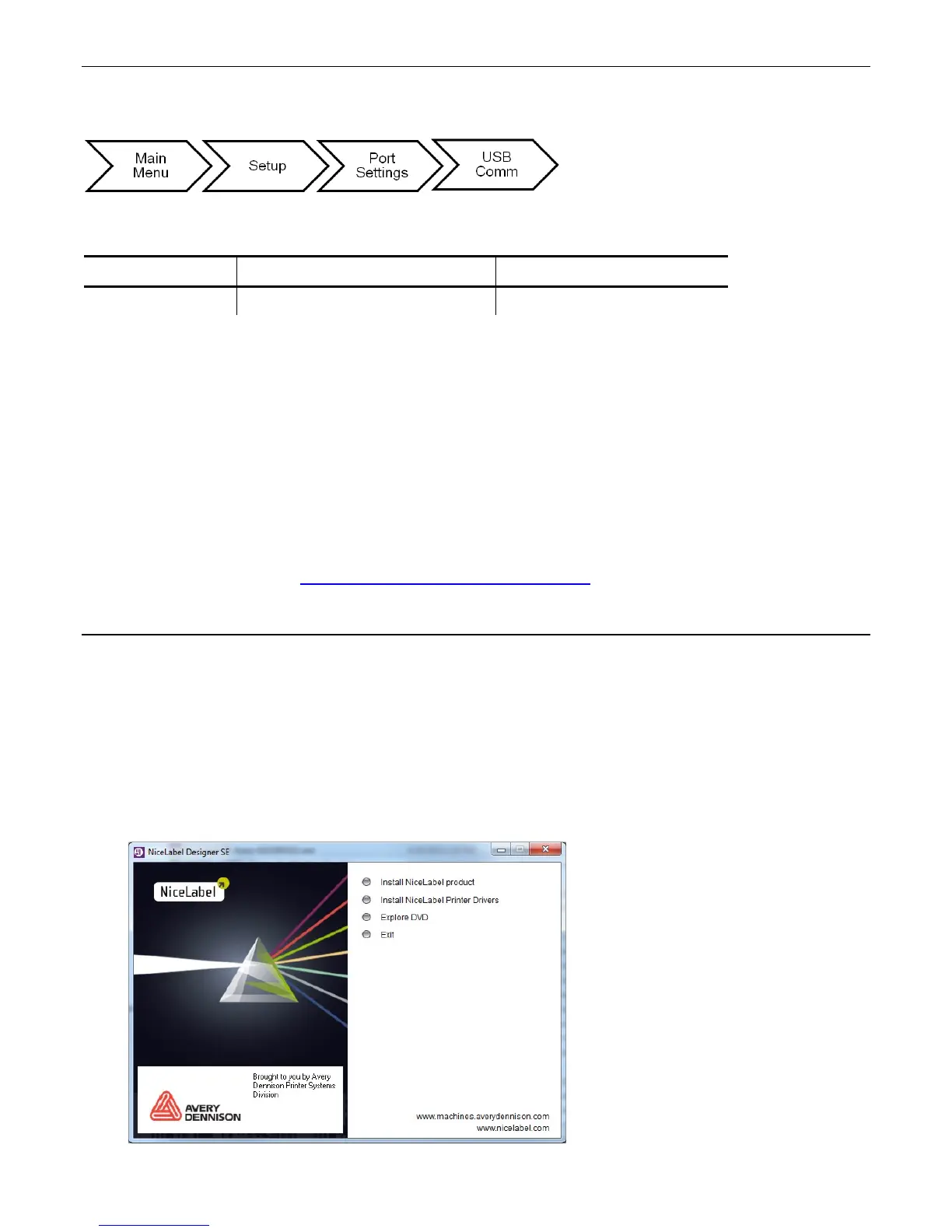
3. Click Run. If prompted to allow this software to run, click Run again. You see










 To Next Page