1-2 System Administrator’s Guide
Selecting a Function
Use or to see the menu options. Press SELECT when you see the menu option you
need. Press CHANGE to change a setting. Press SET to save a setting.
Exiting a Function
There are two ways to exit an option. Pressing BACK once returns to the previous menu
and saves any changes. Pressing CANCEL exits to the previous menu; however,
changes are not saved.
Printing a Test Label
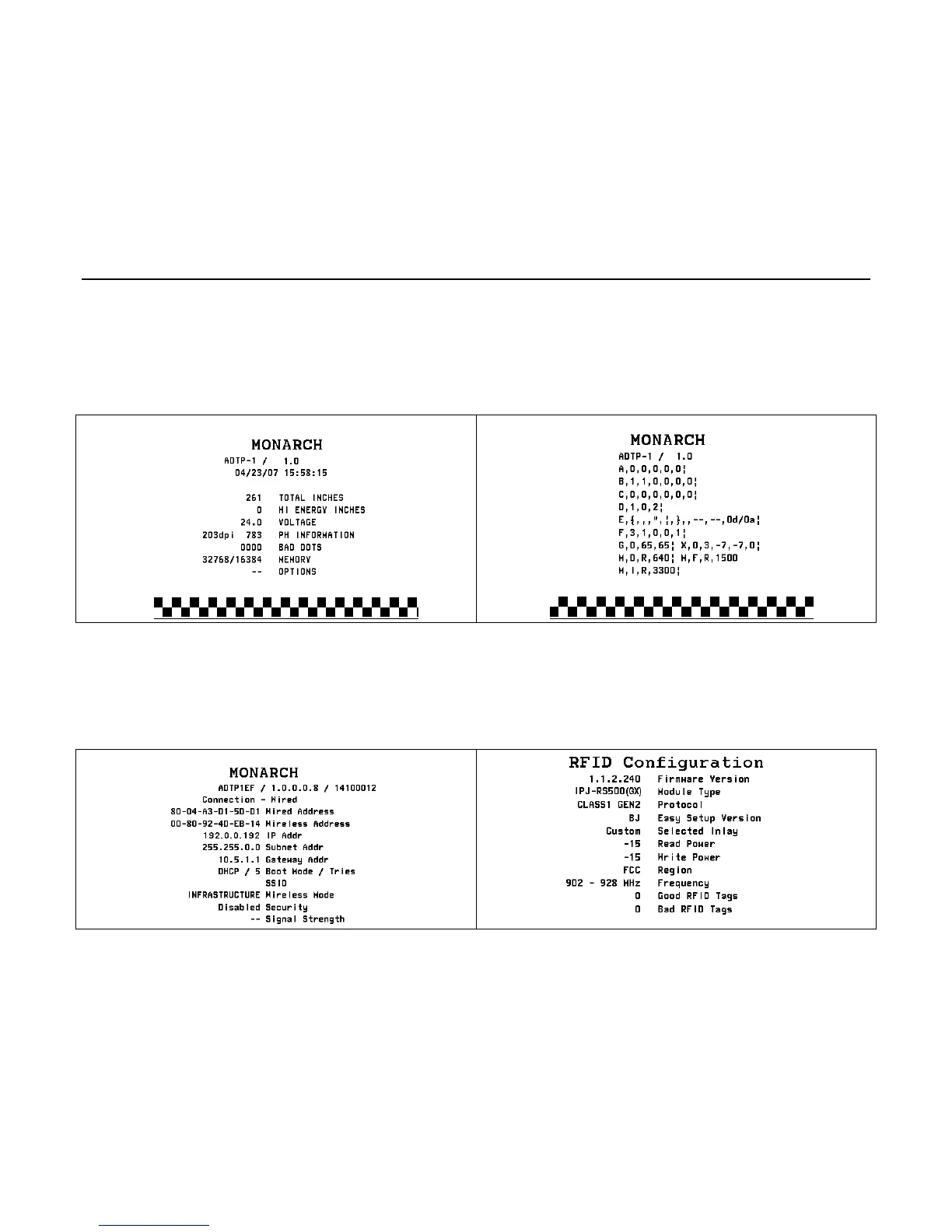
From the Main Menu select TLABEL. Select from the test label options:
Contains generic information, including inch
counts and printhead resolution.
Contains the printer’s MPCL packet
configuration.
Contains the printer’s network/Ethernet
configuration.
Contains the module’s Firmware Version,
Module Type, Easy Setup Version (RFID
Inlay Database), Region, Frequency, etc.
Note: There are two RFID module types: One for FCC (IPJ-RS500GX) and one for
ETSI (IPJ-RS500EU) frequency ranges.










 To Next Page