Setting Communications 3-7
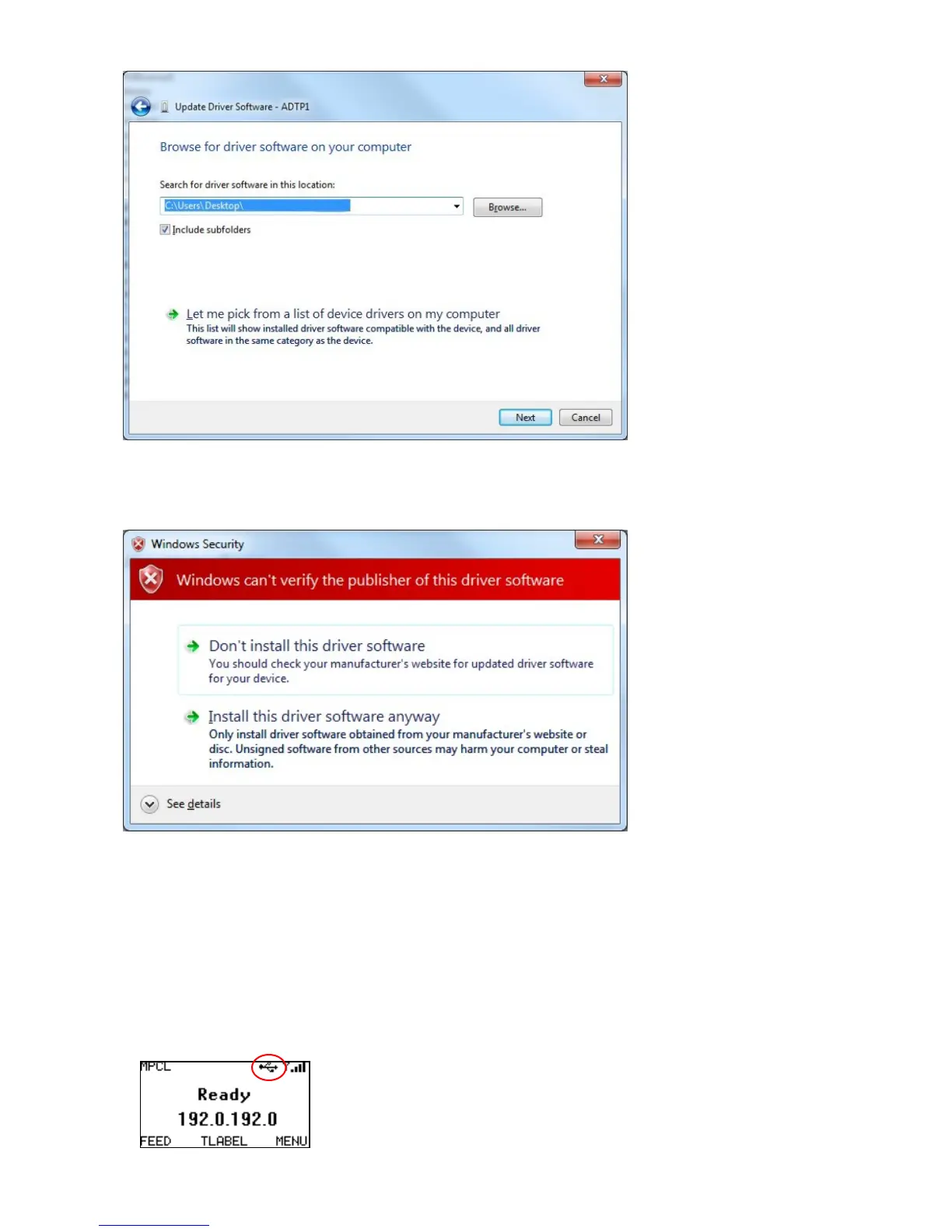
7. Select Browse my computer for driver software.
8. Click Browse and navigate to the folder where you saved ADTP1.inf.
9. Click Next. The computer searches for the software. You may see
10. Select Install this driver software anyway.
A message appears that Windows has successfully updated your driver software.
11. Click Close to continue.
The updated driver appears in the Ports list as USB Communications Port (COM6)
for example.
When connected via USB, the printer’s display includes the USB status icon:










 To Next Page