5-34 Cruise / Enroute
selection carries through for all pages/tabs on the selected IFD
where attitude is displayed in the upper half.
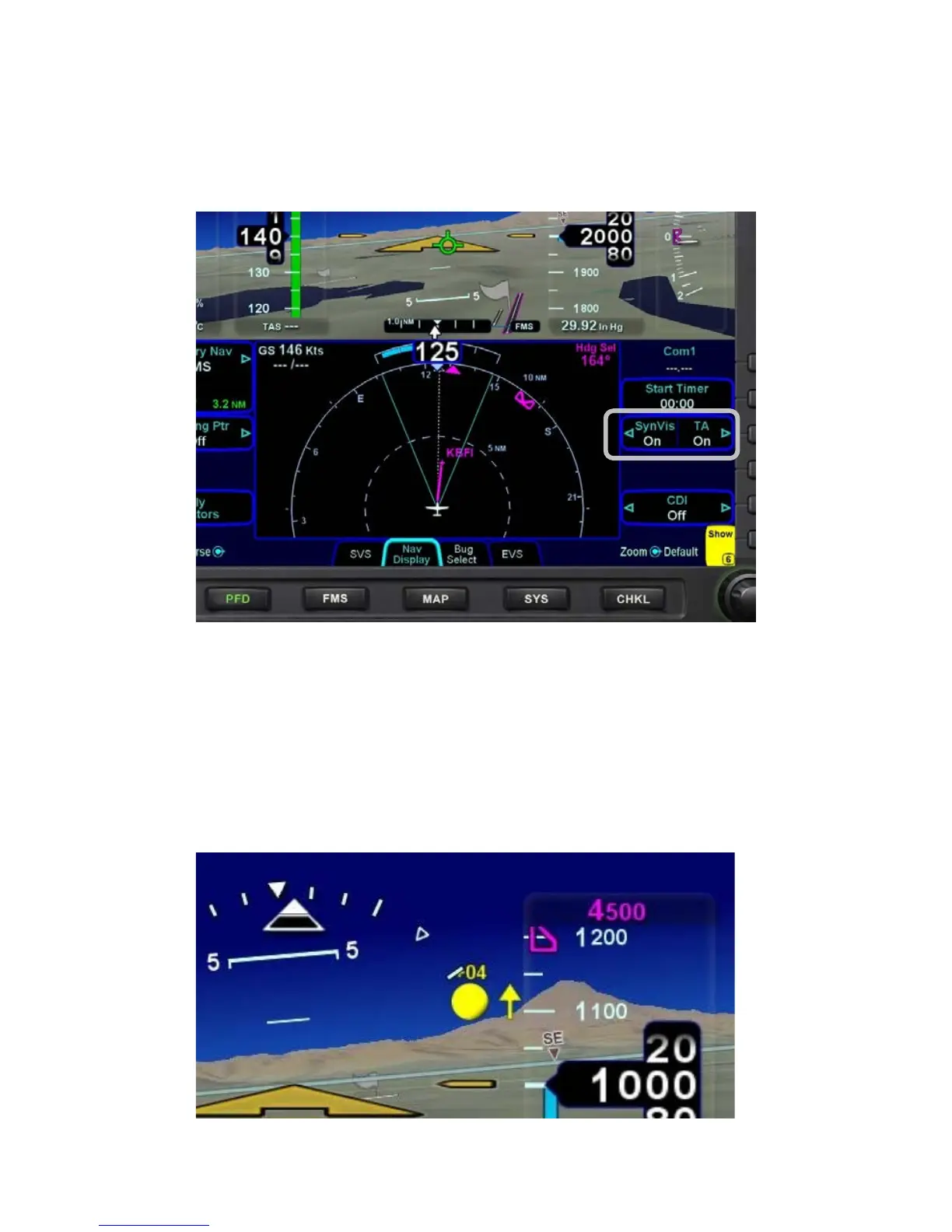
SynVis On/Off Toggle Control on Nav Display Tab
The 3D traffic uses the same symbology as that in the traffic
thumbnails and map overlays but the traffic depictions in the
SynVis scene attempt to indicate relative threat level by size and
symbol and are depicted at the relative altitude and bearing as
received from the traffic sensor, consistent with the SynVis field of
view. As traffic draws nearer to your ownship position, it grows
in size in the SynVis scene.
3D Traffic Symbology in SynVis Scene














 To Next Page