RX680R User’s Manual
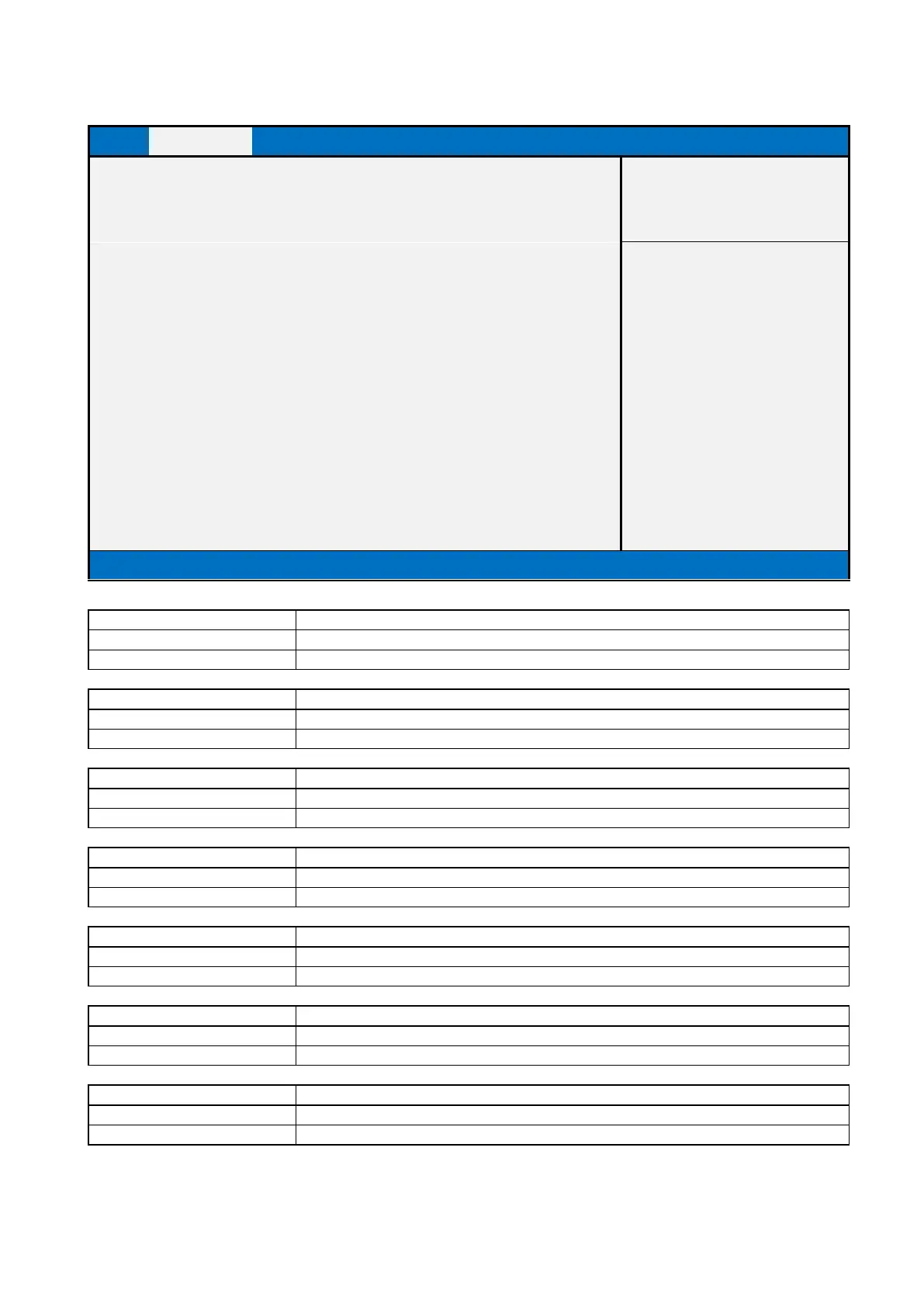
2.2.5 NCT6126D Super IO Configuration
NCT6126D Super IO Configuration
►Serial Port 1 Configuration
►Serial Port 2 Configuration
►Serial Port 3 Configuration
►Serial Port 4 Configuration
►Serial Port 5 Configuration
►Serial Port 6 Configuration
►Parallel Port Configuration
Version 2.21.1278. Copyright (C) 2021 AMI
Serial Port 1 Configuration
Set Parameters of Serial Port 1 (COMA)
Press Enter when selected to go into the associated Sub-Menu.
Serial Port 2 Configuration
Set Parameters of Serial Port 2 (COMB)
Press Enter when selected to go into the associated Sub-Menu.
Serial Port 3 Configuration
Set Parameters of Serial Port 3 (COMC)
Press Enter when selected to go into the associated Sub-Menu.
Serial Port 4 Configuration
Set Parameters of Serial Port 4 (COMD)
Press Enter when selected to go into the associated Sub-Menu.
Serial Port 5 Configuration
Set Parameters of Serial Port 5 (COME)
Press Enter when selected to go into the associated Sub-Menu.
Serial Port 6 Configuration
Set Parameters of Serial Port 6 (COMF)
Press Enter when selected to go into the associated Sub-Menu.
Parallel Port Configuration
Set Parameters of Parallel Port (LPT/LPTE)
Press Enter when selected to go into the associated Sub-Menu.



 To Next Page