EasyManua.ls Logo

BCM RX680R - Secure Boot

BCM RX680R
100 pages
Print Icon
To Next Page IconTo Next Page
To Previous Page IconTo Previous Page
Loading...
RX680R User’s Manual
91
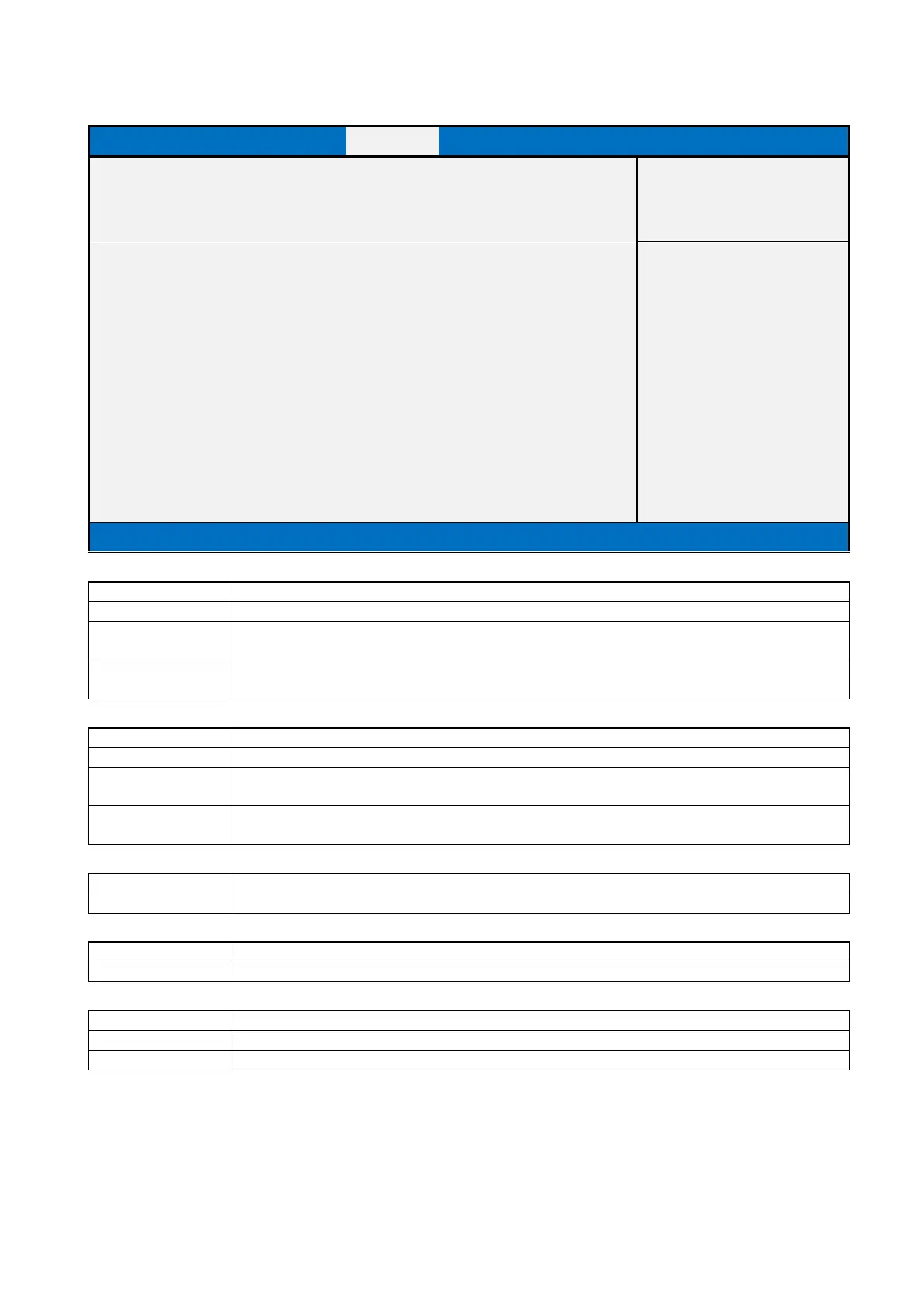
2.4.2 Secure Boot
Main
Advanced
Chipset
Security
Boot
Save & Exit
System Mode
Setup
Item help
Secure Boot
[Disabled]
→←: Select Screen
Not Active
↑↓: Select Item
Enter: Select
Secure Boot Mode
[Custom]
+/- : Change Opt
F1: General Help
► Restore Factory Keys
F2: Previous Values
► Reset To Setup Mode
F3: Optimized Defaults
F4: Save & Reset
►Key Management
ESC: Exit
Version 2.21.1278. Copyright (C) 2021 AMI
Field Name
Secure Boot
Default Value
[Disabled]
Possible Value
Enabled
Disabled
Help
Secure Boot feature is Active if Secure Boot is Enabled,Platform Key(PK) is enrolled and the
System is in User mode.The mode change requires platform reset
Field Name
Secure Boot Mode
Default Value
[Custom]
Possible Value
Standard
Custom
Help
Secure Boot mode options:Standard or Custom.In Custom mode, Secure Boot Policy variables can
be configured by a physically present user without full authentication
Field Name
Restore Factory Keys
Help
Force System to User Mode. Install factory default Secure Boot key databases
Field Name
Reset to Setup Mode
Help
Delete all Secure Boot key databases from NVRAM
Field Name
Key Management
Help
Enables expert users to modify Secure Boot Policy variables without full authentication
Comment
Enables expert users to modify Secure Boot Policy variables without full authentication

Table of Contents

Related product manuals