EasyManua.ls Logo

BCM RX680R - Advanced BIOS Setup Options

BCM RX680R
100 pages
Print Icon
To Next Page IconTo Next Page
To Previous Page IconTo Previous Page
Loading...
RX680R User’s Manual
44
Field Name
Total Memory
Value
Display the installed memory size.
Comment
This field is not selectable. There is no help text associated with it.
Field Name
Memory Data Rate
Value
Display the installed memory frequency.
Comment
This field is not selectable. There is no help text associated with it.
Field Name
ME FW Version
Value
ME Firmware Version.
Comment
This field is not selectable. There is no help text associated with it.
Field Name
System Date
Default Value
[Www mm/dd/yyyy]
Possible Value
Www : Mon/Tue/Wed/Thu/Fri/Sat/Sun
mm : 1-12
dd : 1-31
yyyy : 2005-2099
Help
Set the Date. Use Tab to switch between Date elements.
Field Name
System Time
Default Value
[hh :mm :ss]
Possible Value
hh : 0-23
mm : 0-59
ss : 0-59
Help
Set the Time. Use Tab to switch between Time elements.
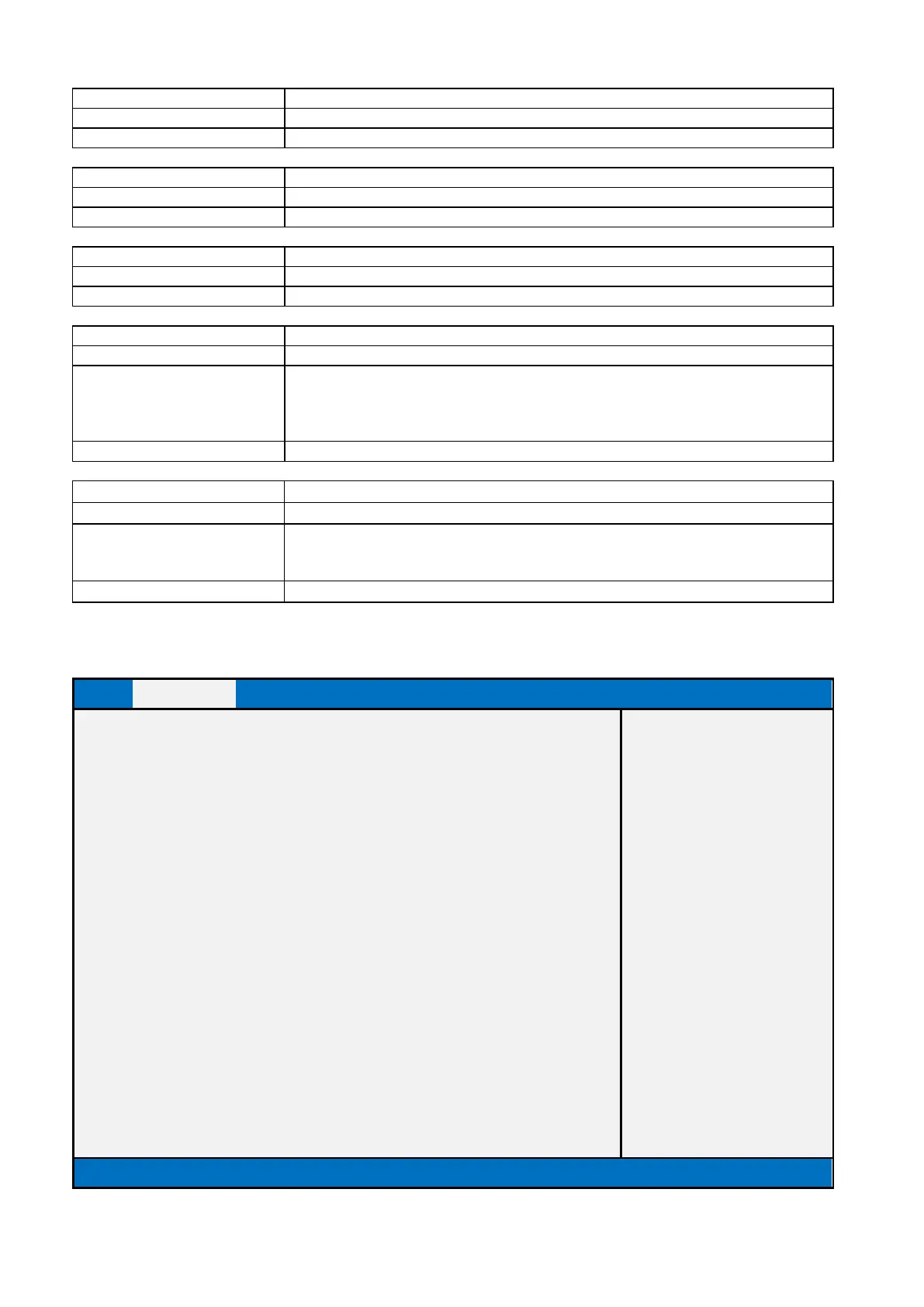
2.2 Advanced BIOS Setup
Main
Advanced
Chipset
Security
Boot
Save & Exit
MEBx
►CPU Configuration
Item help
►PCH-FW Configuration
►Trusted Computing
►ACPI Settings
►NCT6126D Super IO Configuration
►Hardware Monitor
►S5 RTC Wake Settings
►AMI Graphic Output Protocol Policy
↑↓: Select Item
►USB Configuration
Enter: Select
►Network Stack Configuration
+/- : Change Opt
►NVMe Configuration
F1: General Help
F2: Previous Values
F3: Optimized Defaults
F4: Save & Reset
ESC: Exit
Version 2.21.1278. Copyright (C) 2021 AMI

Table of Contents

Related product manuals