EasyManua.ls Logo

BCM RX680R - TPM Configuration

BCM RX680R
100 pages
Print Icon
To Next Page IconTo Next Page
To Previous Page IconTo Previous Page
Loading...
RX680R User’s Manual
50
Field Name
ME Firmware Status 4
Default Value
0x00004000
Comment
This field is not selectable. There is no help text associated with it.
Field Name
ME Firmware Status 5
Default Value
0x00000000
Comment
This field is not selectable. There is no help text associated with it.
Field Name
ME Firmware Status 6
Default Value
0x00400002
Comment
This field is not selectable. There is no help text associated with it.
Field Name
ME State
Default Value
[Enabled]
Possible Value
Disabled
Enabled
Help
When Disabled ME will be put into ME Temporarily Disabled Mode.
Field Name
AMT BIOS Features
Default Value
[Enabled]
Possible Value
Disabled
Enabled
Help
When disabled AMT BIOS Features are no longer supported and user is no longer able
to access MEBx Setup. Note: This option does not disable Manageability Features in
FW.
Field Name
TPM Config
Help
Configure TPM
Comment
Press Enter when selected to go into the associated Sub-Menu.
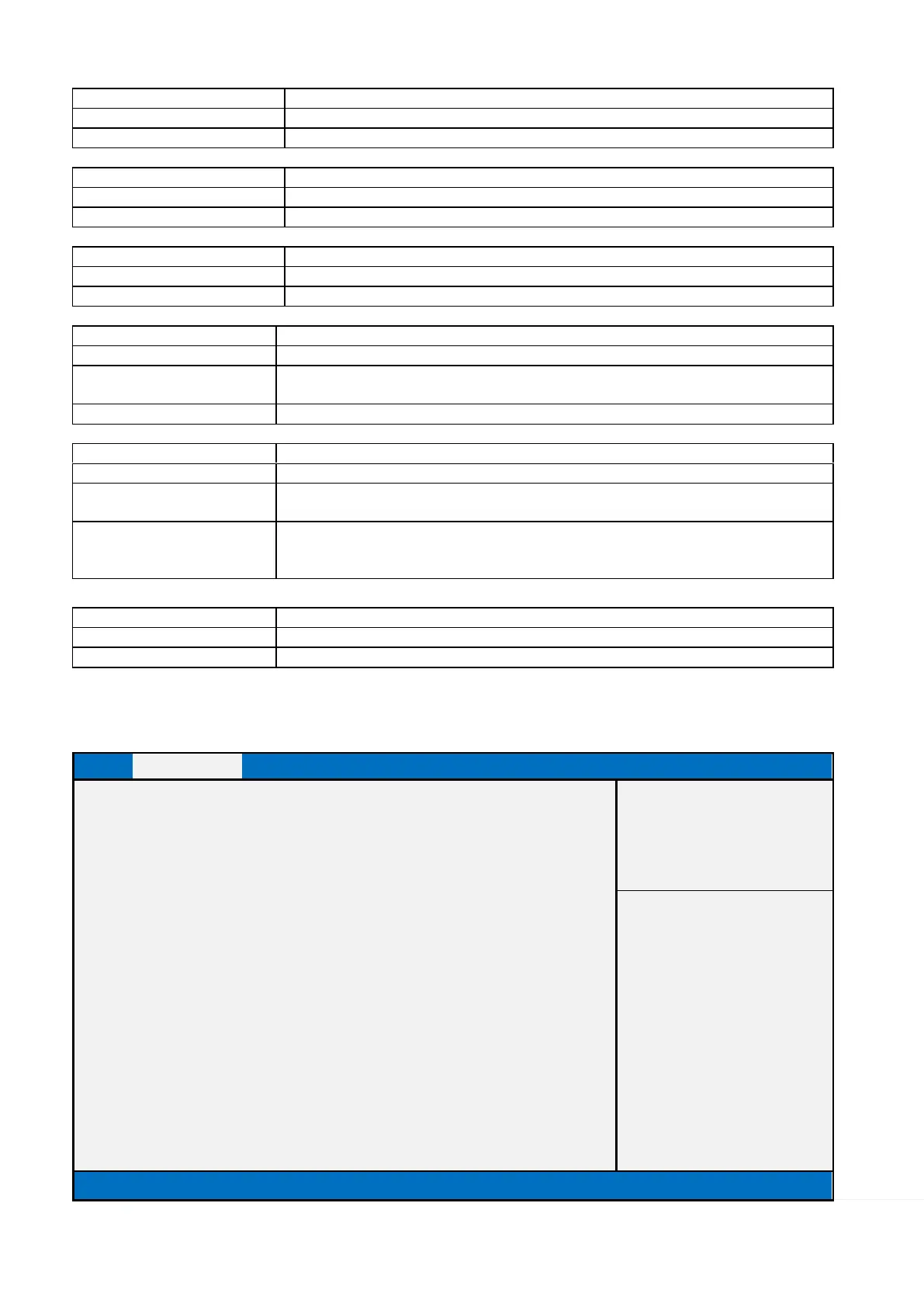
2.2.2.1 TPM Config
Main
Advanced
Chipset
Security
Boot
Save & Exit
MEBx
PTT Capability / State
1 / 0
Item help
TPM Device Selection
[dTPM]
→←: Select Screen
↑↓: Select Item
Enter: Select
+/- : Change Opt
F1: General Help
F2: Previous Values
F3: Optimized Defaults
F4: Save & Reset
ESC: Exit
Version 2.21.1278. Copyright (C) 2021 AMI

Table of Contents

Related product manuals