EasyManua.ls Logo

BCM RX680R - Trusted Computing

BCM RX680R
100 pages
Print Icon
To Next Page IconTo Next Page
To Previous Page IconTo Previous Page
Loading...
RX680R User’s Manual
51
Field Name
TPM Device Selection
Default Value
[dTPM]
Possible Value
dTPM
PTT
Help
Selects TPM device: PTT or dTPM. PTT – Enables PTT in SkuMgr
dTPM 1.2 – Disables PTT in SkuMgr Warning ! PTT/dTPM will be disabled and all data
saved on it will be lost
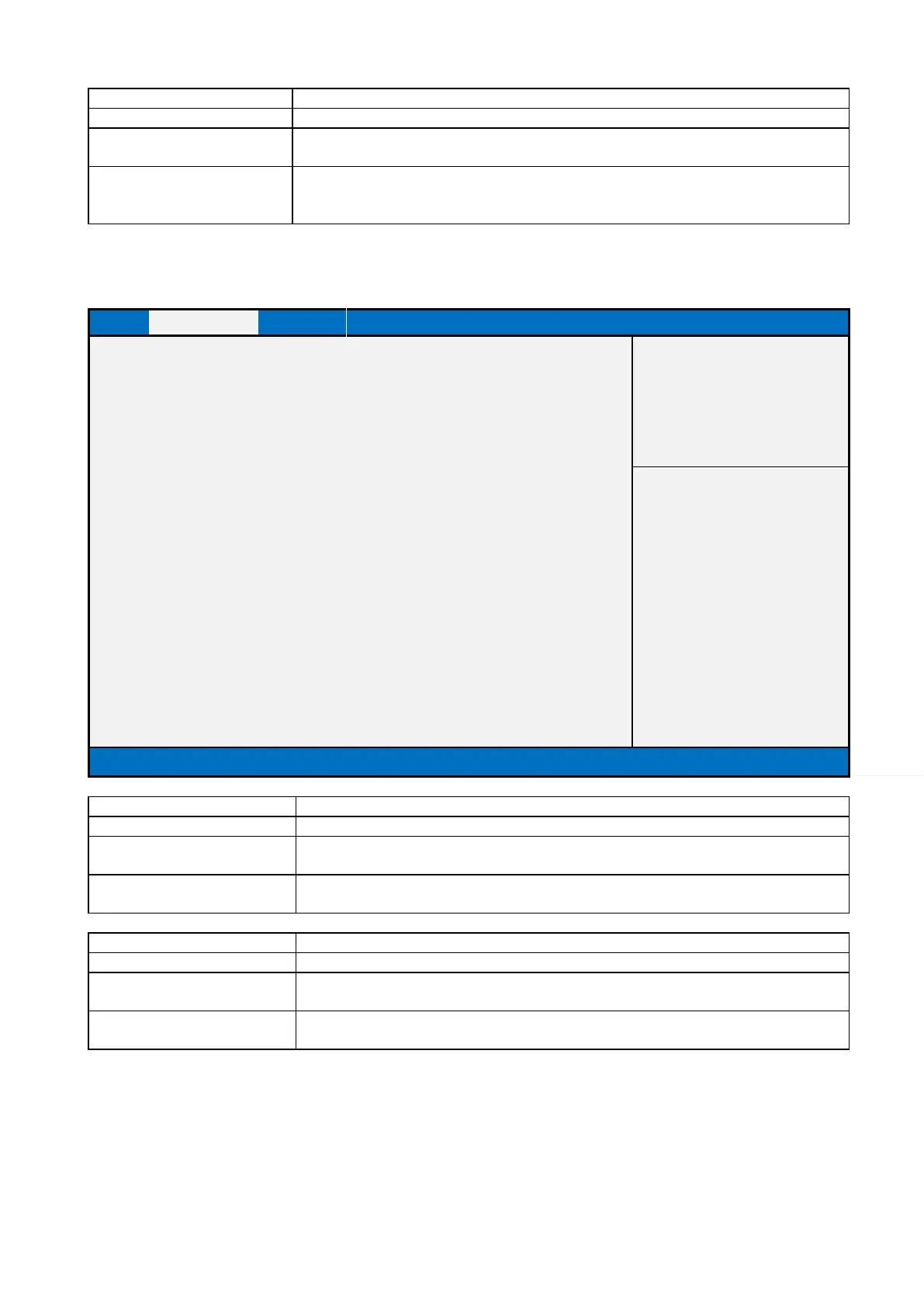
2.2.3 Trusted Computing
Main
Advanced
Chipset
Security
Boot
Save & Exit
MEBx
TPM 2.0 Device Found
Item help
Firmware Version:
7.85
Vender:
IFX
Security Device Support
[Enable]
Pending operation
[None]
→←: Select Screen
↑↓: Select Item
Enter: Select
+/- : Change Opt
F1: General Help
F2: Previous Values
F3: Optimized Defaults
F4: Save & Reset
ESC: Exit
Version 2.21.1278. Copyright (C) 2021 AMI
Field Name
Security Device Support
Default Value
[Enable]
Possible Value
Disable
Enable
Help
Enables or Disables BIOS support for security device. O.S. will not show Security
Device. TCG EFI protocol and INT1A interface will not be available.
Field Name
Pending operation
Default Value
[None]
Possible Value
None
TPM Clear
Help
Schedule an Operation for the Security Device. NOTE: Your Computer will reboot
during restart in order to change State of Security Device.

Table of Contents

Related product manuals