EasyManua.ls Logo

BCM RX680R - Graphic Configuration

BCM RX680R
100 pages
Print Icon
To Next Page IconTo Next Page
To Previous Page IconTo Previous Page
Loading...
RX680R User’s Manual
75
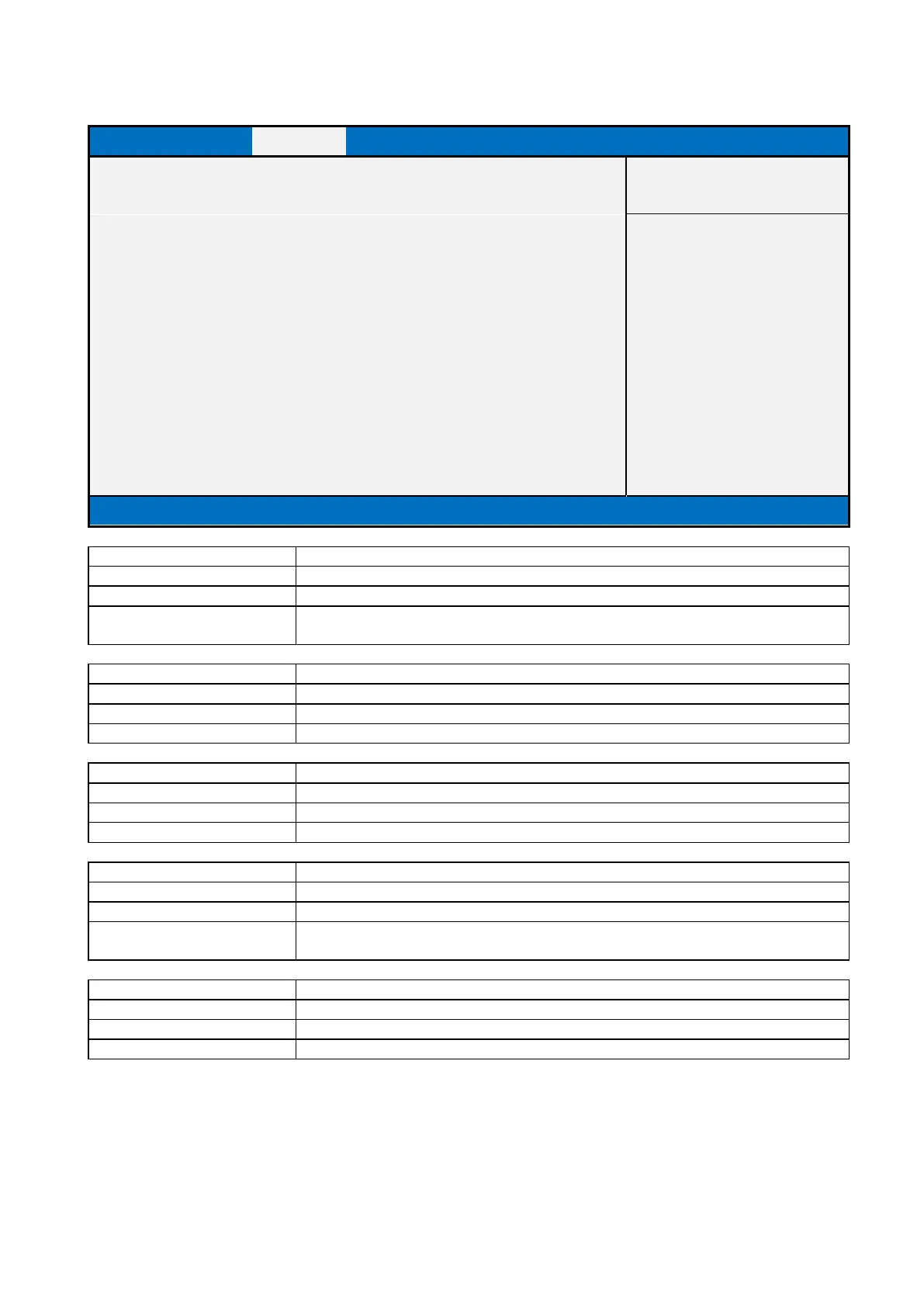
2.3.1.2 Graphics Configuration
Main
Advanced
Chipset
Security
Boot
Save & Exit
Primary Display
[Auto]
Item help
Internal Graphics
[Auto]
PSMI SUPPORT
[Disabled]
→←: Select Screen
DVMT Pre-Allocated
[64M]
↑↓: Select Item
Enter: Select
+/- : Change Opt
DVMT Total Gfx Mem
[256M]
F1: General Help
F2: Previous Values
F3: Optimized Defaults
F4: Save & Reset
ESC: Exit
Version 2.20.1271. Copyright (C) 2018 American Megatrends, Inc.
Field Name
Primary Display
Default Value
[Auto]
Possible Value
Auto / IGFX / PEG Slot / PCH PCI / HG
Help
Select which of IGFX/PEG/PCI Graphics device should be Primary Display Or select
HG for Hybrid Gfx.
Field Name
Internal Graphics
Default Value
[Auto]
Possible Value
Auto / Disabled / Enabled
Help
Keep IGFX enabled based on the setup options.
Field Name
PSMI SUPPORT
Default Value
[Disabled]
Possible Value
Disabled / Enabled
Help
PSMI Enable/Disable
Field Name
DVMT Pre-Allocated
Default Value
[64M]
Possible Value
64M / (32M/F7)/ 36M/ 40M/ 44M/ 48M/ 52M/ 56M/ 60M
Help
Select DVMT 5.0 Pre-Allocated (Fixed) Graphics Memory size used by the Internal
Graphics Device.
Field Name
DVMT Total Gfx Mem
Default Value
[256M]
Possible Value
128MB / 256MB / MAX
Help
Select DVMT5.0 Total Graphic Memory size used by the Internal Graphics Device.

Table of Contents

Related product manuals