EasyManua.ls Logo

BCM RX680R - Security Settings

BCM RX680R
100 pages
Print Icon
To Next Page IconTo Next Page
To Previous Page IconTo Previous Page
Loading...
RX680R User’s Manual
89
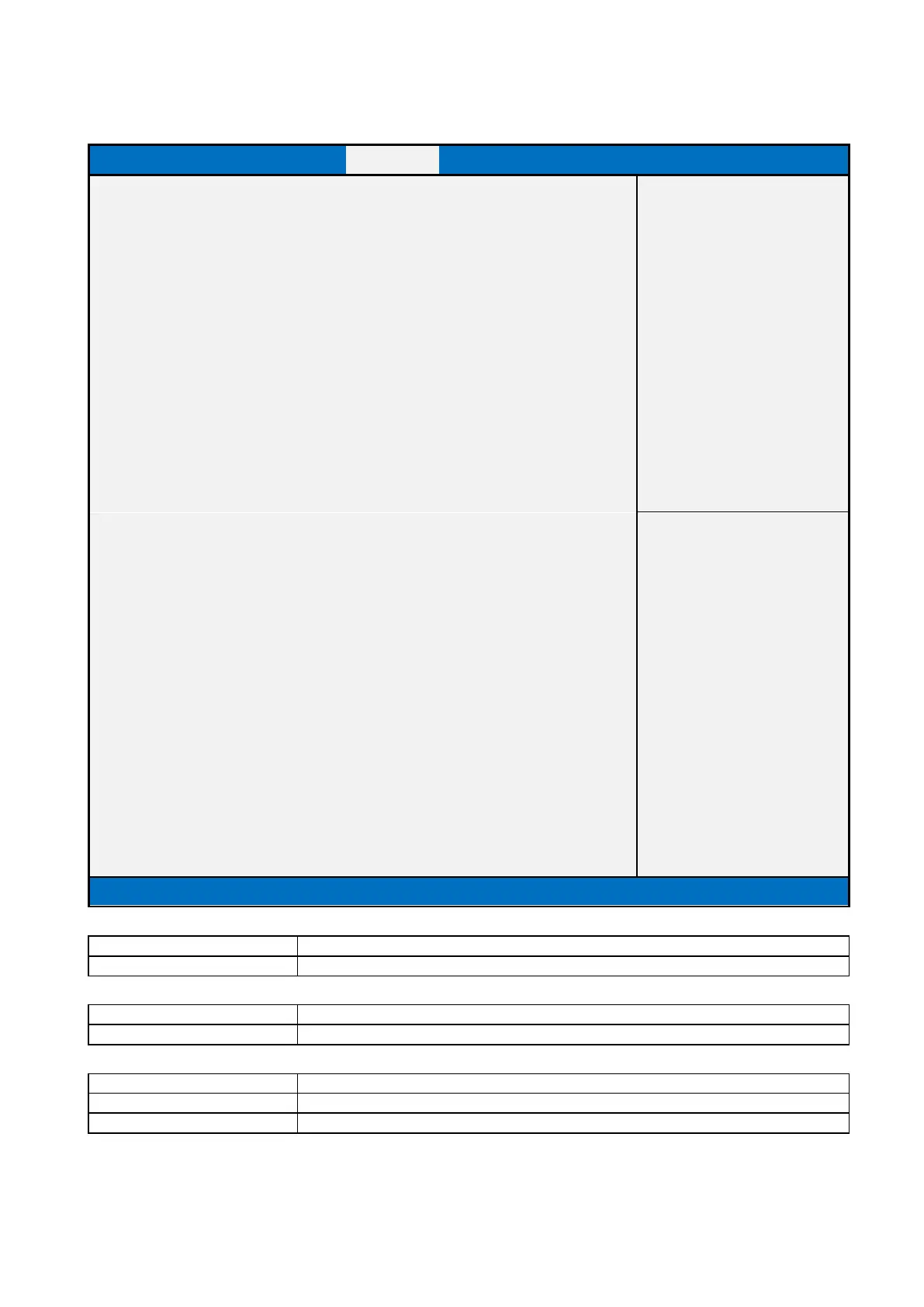
2.4 Security Page
Main
Advanced
Chipset
Security
Boot
Save & Exit
MEBx
Password Description
Item help
If Only the Administrator's password is set,
then this only limits access to Setup and is
only asked for when entering Setup.
If ONLY the User’s password is set, then this
is a power on password and must be entered to
boot or enter Setup. In Setup the User will
have Administrator rights..
The password length must be
in the following range:
Minimum length
3
Maximum length
20
→←: Select Screen
↑↓: Select Item
Administrator Password
Enter: Select
User Password
+/- : Change Opt
F1: General Help
HDD Security Configuration:
F2: Previous Values
HDD Security drive
F3: Optimized Defaults
F4: Save & Reset
ESC: Exit
►Secure Boot
HDD Security Configuration:
SSD Security drive
Version 2.21.1278. Copyright (C) 2021 AMI
Field Name
Administrator Password
Help
Set Administrator Password
Field Name
User Password
Help
Set User Password.
Field Name
HDD Security drive
Help
HDD Security Configuration for selected drive
Comment
Press Enter when selected to go into the associated Sub-Menu.

Table of Contents

Related product manuals