EasyManua.ls Logo

BCM RX680R - PCH-FW Configuration

BCM RX680R
100 pages
Print Icon
To Next Page IconTo Next Page
To Previous Page IconTo Previous Page
Loading...
RX680R User’s Manual
49
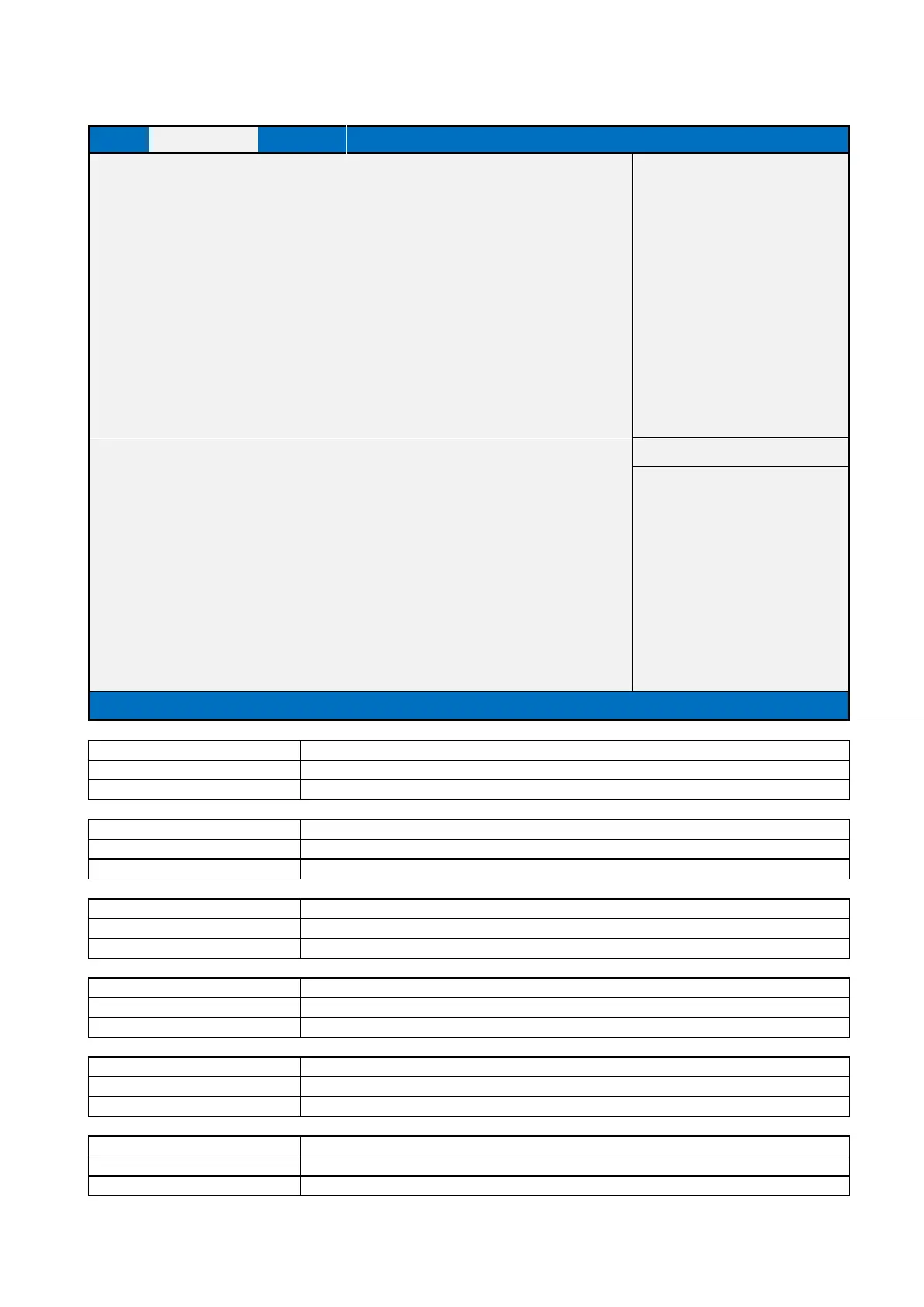
2.2.2 PCH-FW Configuration
Main
Advanced
Chipset
Security
Boot
Save & Exit
MEBx
ME Firmware Version
16.0.15.1620
Item help
ME Firmware Mode
Normal Mode
ME Firmware SKU
Corporate SKU
ME Firmware Status 1
0x90000255
ME Firmware Status 2
0x30858106
ME Firmware Status 3
0x00000030
ME Firmware Status 4
0x00004000
ME Firmware Status 5
0x00000000
ME Firmware Status 6
0x00400002
ME State
[Enabled]
AMT BIOS Feature
[Enabled]
↑↓: Select Item
►TPM Config
+/- : Change Opt
F1: General Help
F2: Previous Values
F3: Optimized Defaults
F4: Save & Reset
ESC: Exit
Version 2.21.1278. Copyright (C) 2021 AMI
Field Name
ME Firmware Version
Default Value
ME version value by BIOS release
Comment
This field is not selectable. There is no help text associated with it.
Field Name
ME Firmware Mode
Default Value
ME Mode
Comment
This field is not selectable. There is no help text associated with it.
Field Name
ME Firmware SKU
Default Value
ME SKU by BIOS release
Comment
This field is not selectable. There is no help text associated with it.
Field Name
ME Firmware Status 1
Default Value
0x90000255
Comment
This field is not selectable. There is no help text associated with it.
Field Name
ME Firmware Status 2
Default Value
0x30858106
Comment
This field is not selectable. There is no help text associated with it.
Field Name
ME Firmware Status 3
Default Value
0x00000030
Comment
This field is not selectable. There is no help text associated with it.

Table of Contents

Related product manuals