EasyManua.ls Logo

BCM RX680R - Key Management

BCM RX680R
100 pages
Print Icon
To Next Page IconTo Next Page
To Previous Page IconTo Previous Page
Loading...
RX680R User’s Manual
92
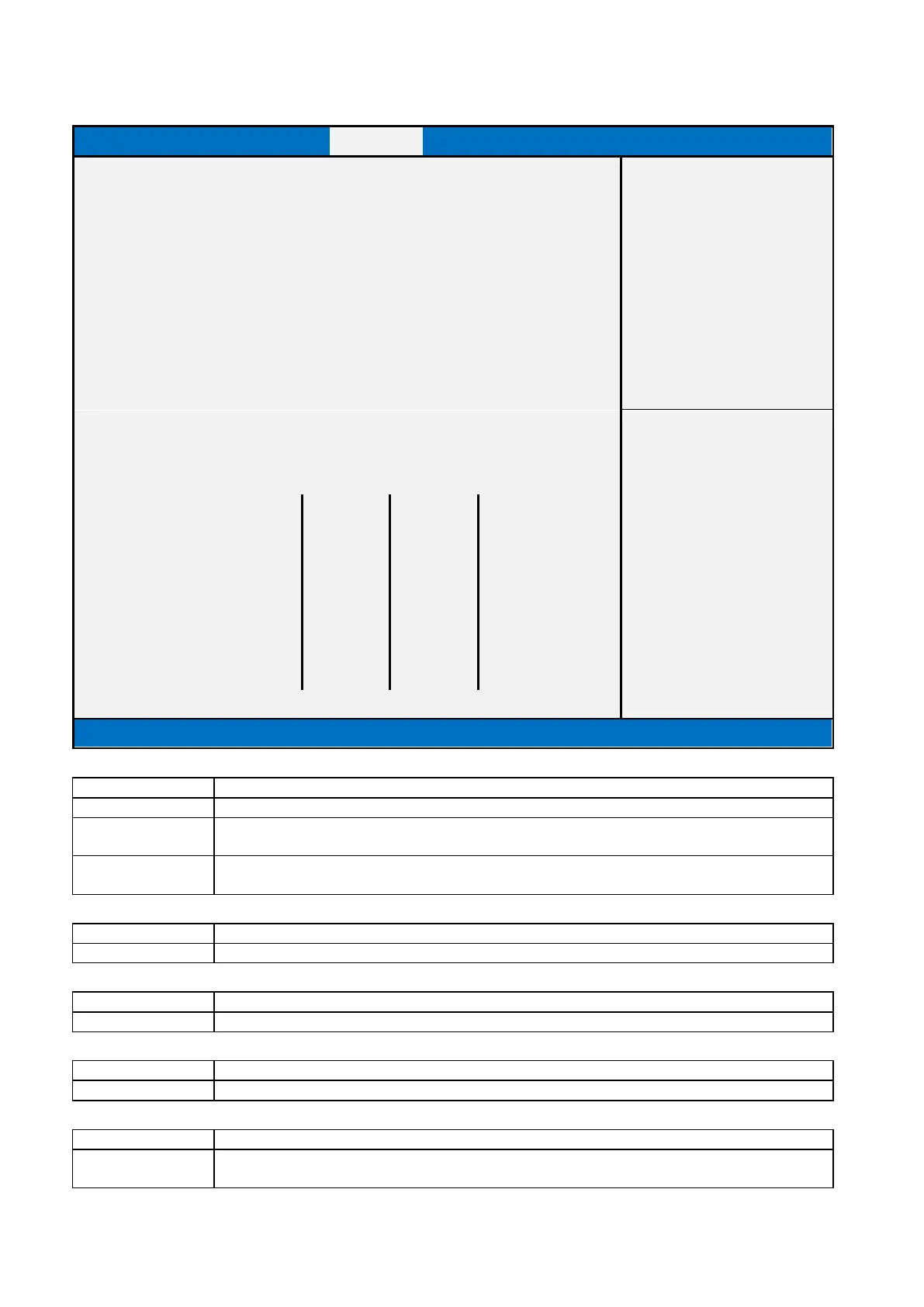
2.4.2.1 Key Management
Main
Advanced
Chipset
Security
Boot
Save & Exit
MEBx
Vender Key
Valid
Item help
Factory Key Provision
[Disabled]
► Restore Factory Keys
► Reset To Setup Mode
► Export Secure Boot variables
► Enroll Efi Image
Device Guard ready
► Remove ‘UEFI CA’ from DB
→←: Select Screen
► Restore DB defaults
↑↓: Select Item
Enter: Select
Secure Boot variable
Size
Keys
Key Source
+/- : Change Opt.
► Platform Key(PK)
0
0
No Keys
F1: General Help
► Key Exchange Keys
0
0
No Keys
F2: Previous Values
► Authorized Signatures
0
0
No Keys
F3: Optimized Defaults
► Forbidden Signatures
0
0
No Keys
F4: Save & Reset
► Authorized TimeStamps
0
0
No Keys
ESC: Exit
► OsRecovery Signatures
0
0
No Keys
Version 2.21.1278. Copyright (C) 2021 AMI
Field Name
Factory Key Provision
Default Value
[Disabled]
Possible Value
Enabled
Disabled
Help
Install factory default Secure Boot keys after the platform reset and while the System
is in Setup mode
Field Name
Restore Factory Keys
Help
Force System to User Mode. Install factory default Secure Boot key databases
Field Name
Reset to Setup Mode
Help
Delete all Secure Boot key databases from NVRAM
Field Name
Export Secure Boot variables
Help
Copy NVRAM content of Secure Boot variables to files in a root folder on a file system device
Field Name
Enroll Efi Image
Help
Allow the image to run in Secure Boot mode. Enroll SHA256 Hash certificate of a PE image into
Authorized Signature Database (db)

Table of Contents

Related product manuals