EasyManua.ls Logo

BCM RX680R - Hardware Monitor

BCM RX680R
100 pages
Print Icon
To Next Page IconTo Next Page
To Previous Page IconTo Previous Page
Loading...
RX680R User’s Manual
61
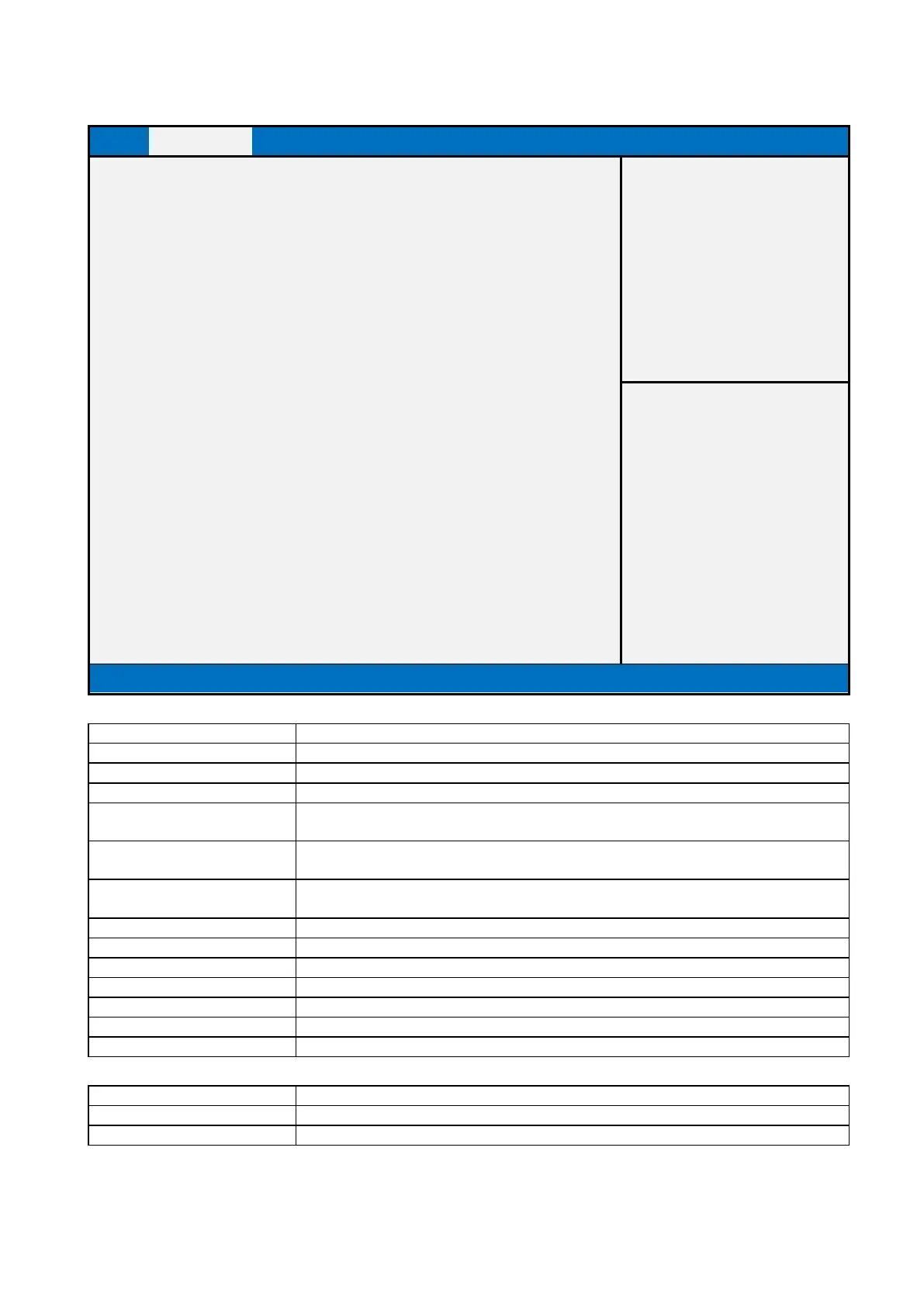
2.2.6 Hardware Monitor
Main
Advanced
Chipset
Security
Boot
Save & Exit
MEBx
PC Health Status
Item help
CPU Temperature
: xx °C
CPU VR Temperature
: xx °C
DIMM Temperature
: xx °C
Front Fan Speed
: xxxx RPM
CPU Speed
: xxxx RPM
Rear Fan Speed
: xxxx RPM
VIN0
: x.xxx V
→←: Select Screen
VIN2
: x.xxx V
↑↓: Select Item
VCORE
: x.xxx V
Enter: Select
VCC3V
: x.xxx V
+/- : Change Opt
VSB3V
: x.xxx V
F1: General Help
VBAT
AVSB
: x.xxx V
: x.xxx V
F2: Previous Values
F3: Optimized Values
►Smart Fan Function
F4: Save & Reset
ESC: Exit
Version 2.21.1278. Copyright (C) 2021 AMI
Type
Range
CPU Temperature
-20 ~ 120 °C
CPU VR Temperature
-20 ~ 120 °C
DIMM Temperature
-20 ~ 120 °C
Front Fan Speed
There are many kinds of the fan could be installed into the system, so we could only set
0 RPM for the failed fan speed, and there is also no high RPM limitation.
CPU Fan Speed
There are many kinds of the fan could be installed into the system, so we could only set
0 RPM for the failed fan speed, and there is also no high RPM limitation.
Rear Fan Speed
There are many kinds of the fan could be installed into the system, so we could only set
0 RPM for the failed fan speed, and there is also no high RPM limitation.
VIN0
0.945V~1.155V (Pin 100 VIN0 => Vref = 1V) [R0A Vref = 1.05V]
VIN2
0.945V~1.155V (Pin 98 VIN2 => Vref = 1V)
VCORE
0V~2V (Pin 101 CPUCORE)
VCC3V
0V~3.3V (Pin 12 3VCC)
VSB3V
0V~3.3V (Pin 48 3VSB)
VBAT
2V~3.465V (Pin 74 VBAT)
AVSB
3.135V~3.465V (Pin 97 AVSB)
Field Name
Smart Fan Function
Help
Smart Fan function setting
Comment
Press Enter when selected to go into the associated Sub-Menu.

Table of Contents

Related product manuals