RX680R User’s Manual
86
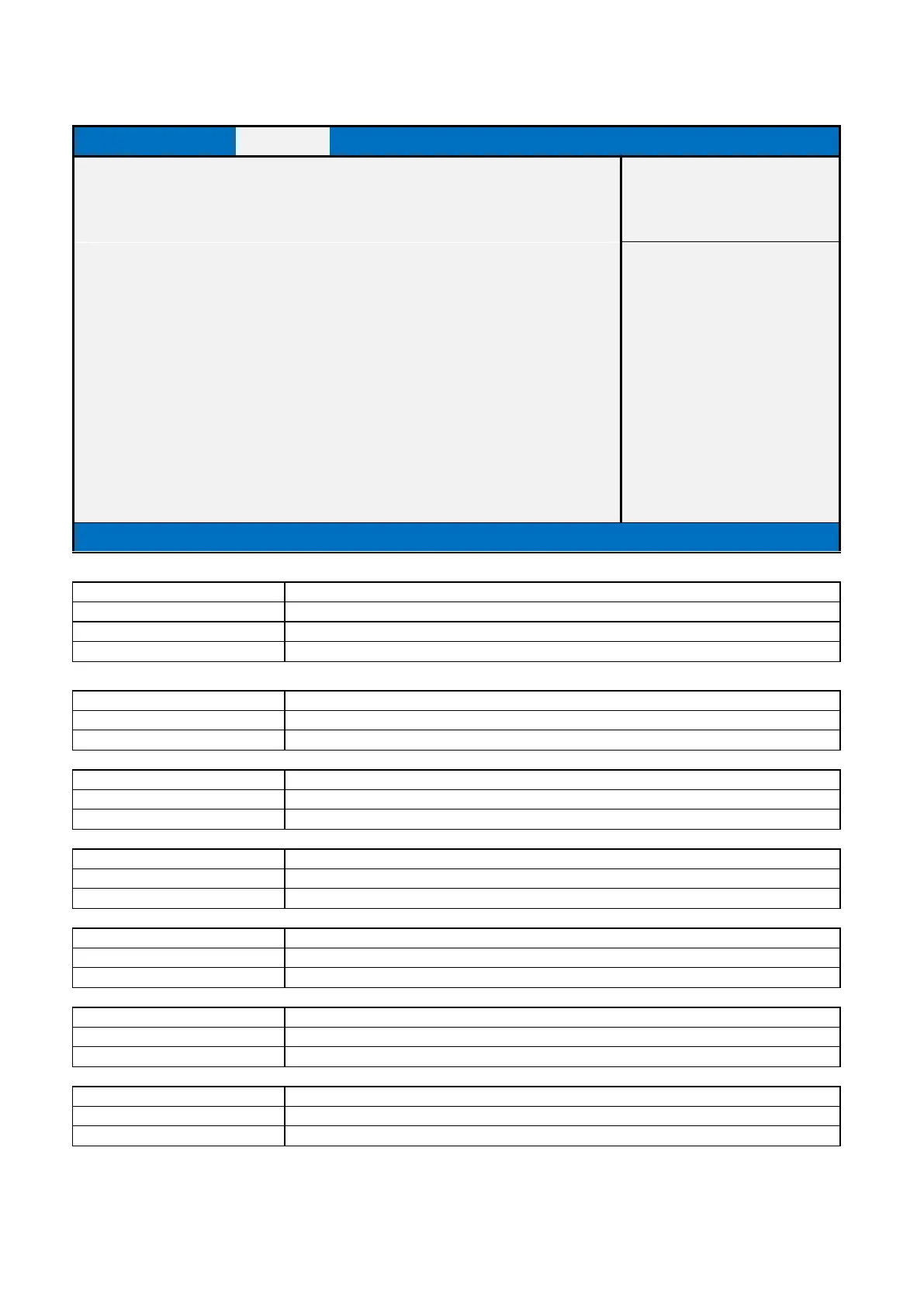
2.3.2.2 SATA Configuration
Version 2.20.1271. Copyright (C) 2018 American Megatrends, Inc.
AHCI / Intel RST Premium With Intel Optane System Acceleration
Determines how SATA controller(s) operate.
Display the installed SATA port device.
This field is not selectable. There is no help text associated with it.
Display the installed SATA port device.
This field is not selectable. There is no help text associated with it.
Display the installed SATA port device.
This field is not selectable. There is no help text associated with it.
Display the installed SATA port device.
This field is not selectable. There is no help text associated with it.
Display the installed SATA port device.
This field is not selectable. There is no help text associated with it.
Display the installed SATA port device.
This field is not selectable. There is no help text associated with it.



 To Next Page