102 BD406/PBD406 DV16401.03 Issue 04 May 2021
Description - NavPoint Menu View
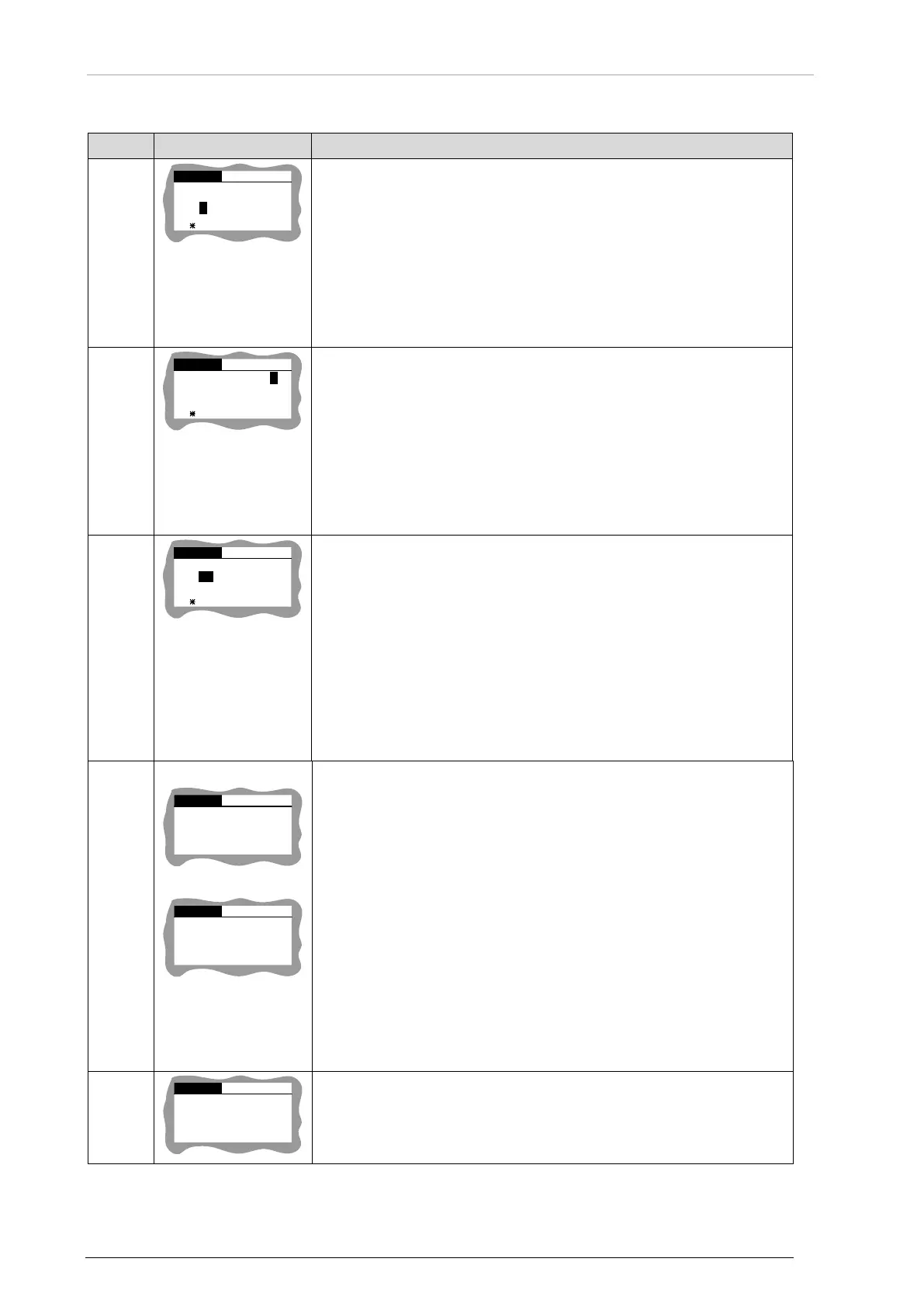
STO - CONFIRM
NAME:
4
B2 _ _ _ _ _ _
N 03/15
1/5
Sets name of NavPoint:
NAME: field for name.
• All undefined fields for alphanumeric sign are shown as
underscore _.
• Sign is shown only if name is modified but not stored in memory.
o Up to 10 characters.
o Field can be left blank.
o These ASCII characters are possible: space, -, ., /, 0…9,
STO - CONFIRM
INFO:
4
_ _ _ _ _ _ _ _ _ _ _ _
N 03/15
2/5
AIRPORT _
Sets info field of NavPoint:
INFO: field for info.
• All undefined fields for alphanumeric sign are shown as
underscore _.
• Sign is shown only if name is modified but not stored in memory.
o Up to 20 characters.
o Field can be left blank.
o These ASCII characters are possible: space, -, ., /, 0…9,
STO - CONFIRM
N 43
o
25
` ``
16
E 112
o
56
` ``
09
N 03/15
3/5
Set NavPoint position:
• Turn rotary knob left/right to change value.
• Short push accepts character, next field is selected.
• Sign is shown only if name is modified but not stored in memory.
o Possible values:
Direction: N/S or E/W
DD: 00…89 degree
DDD: 00…179 degree
MM: 00…59 minutes
SS: 00…59 seconds
N 03/15
CREATE
STO - CONFIRM
4/
5
NAVPOINT N 01
b)
N 03/15
CREATE NAV.
4
/5
MEM IS FULL
Set a new NavPoint:
Nonvolatile memory for NavPoints is not full see screen a).
N: number of the first free record in the memory.
• Short push to STO key to accept setting. Device changes to
NavPoint info, see row ID4.
• When nonvolatile memory is full (49 NavPoints stored) screen b)
is shown.
• STO key is disabled.
For new NavPoints:
• If GPS supplies valid data: equal to the current device position.
• If device position is invalid: equal to N 00O00’00’’ E 00O00’00’’.
• Field name field is empty.
• Field info is equal to device time + UTC offset and device date +
N 03
/15
DELETE THIS
NAVPOINT
LONG STO - CONFIRM
5
/5
Delete current NavPoint:
Long push to STO key deletes NavPoint from memory. Device
changes to beacon details view.
Screen is only shown if nonvolatile memory is not empty.
Table 10: Mission Mode - Description NavPoints Menu View



 To Next Page