Installation Setup
70 BD406/PBD406 DV16401.03 Issue 04 May 2021
Control Head Interface
"CH CTRL CONFIG":
• Select function(s) required for the installation.
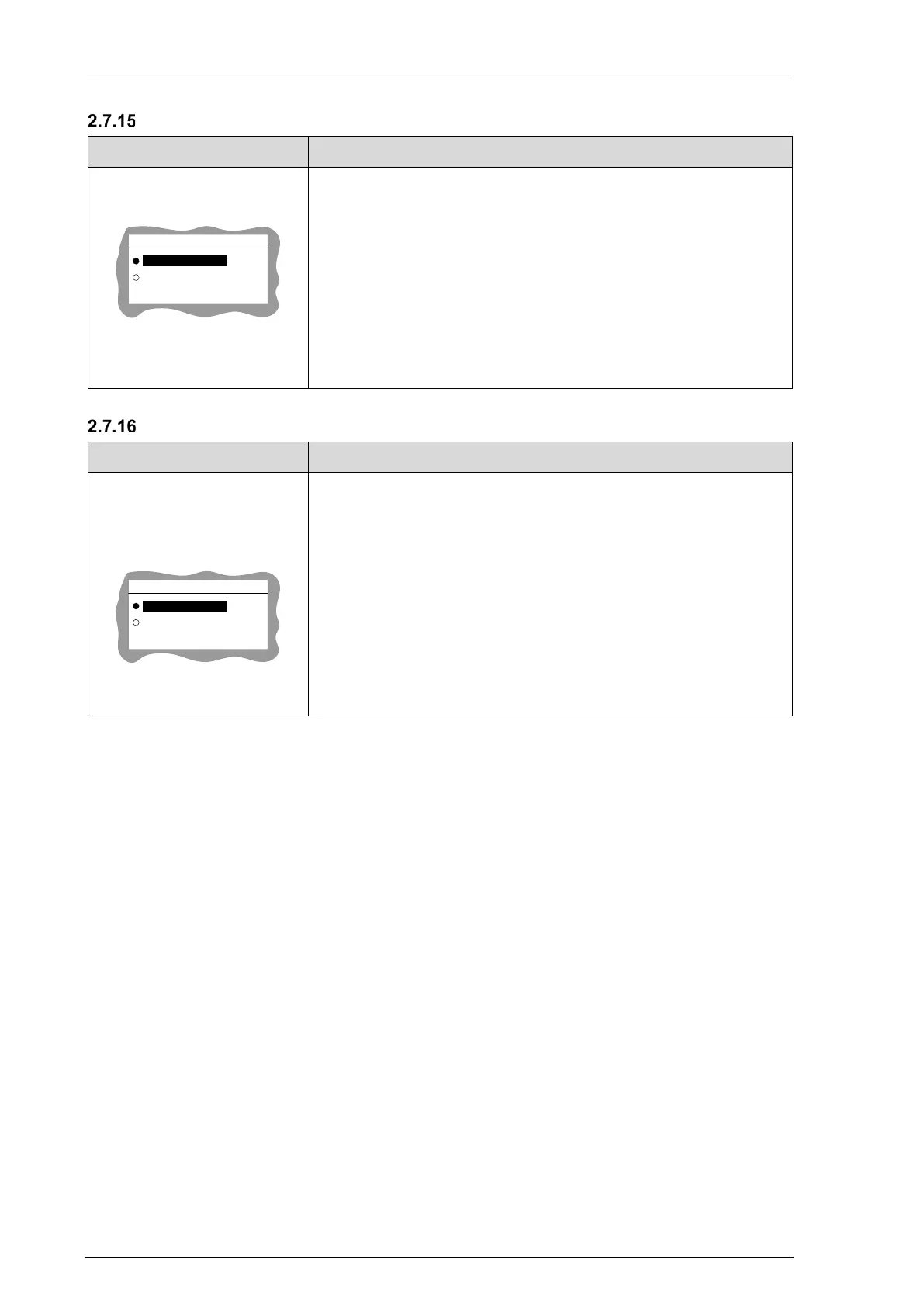
CH CTRL CONFIG
LISTENER
FULL
• Use the rotary knob for selection.
• Push the "STO" key to confirm.
FULL:
• Default setting: Control head is in nominal transmission mode
transmits and receives data/configuration to chassis module.
LISTENER:
• Reserved for future use. Do not select.
Second Control Interface
"SECOND CTRL IF1":
• Enables/disables the use of a second control head or service
panel connected to IF1 interface.
• Select function(s) required for the installation.
SECOND CTRL IF1
ENABLED
DISABLED
• Use the rotary knob for selection.
• Push the "STO" key to confirm.
DISABLED:
• Default setting.
ENABLED:
• Reserved for future use. Do not select.



 To Next Page