Installation and Operation
Installation Setup
DV16401.03 Issue 04 May 2021 BD406/PBD406 65
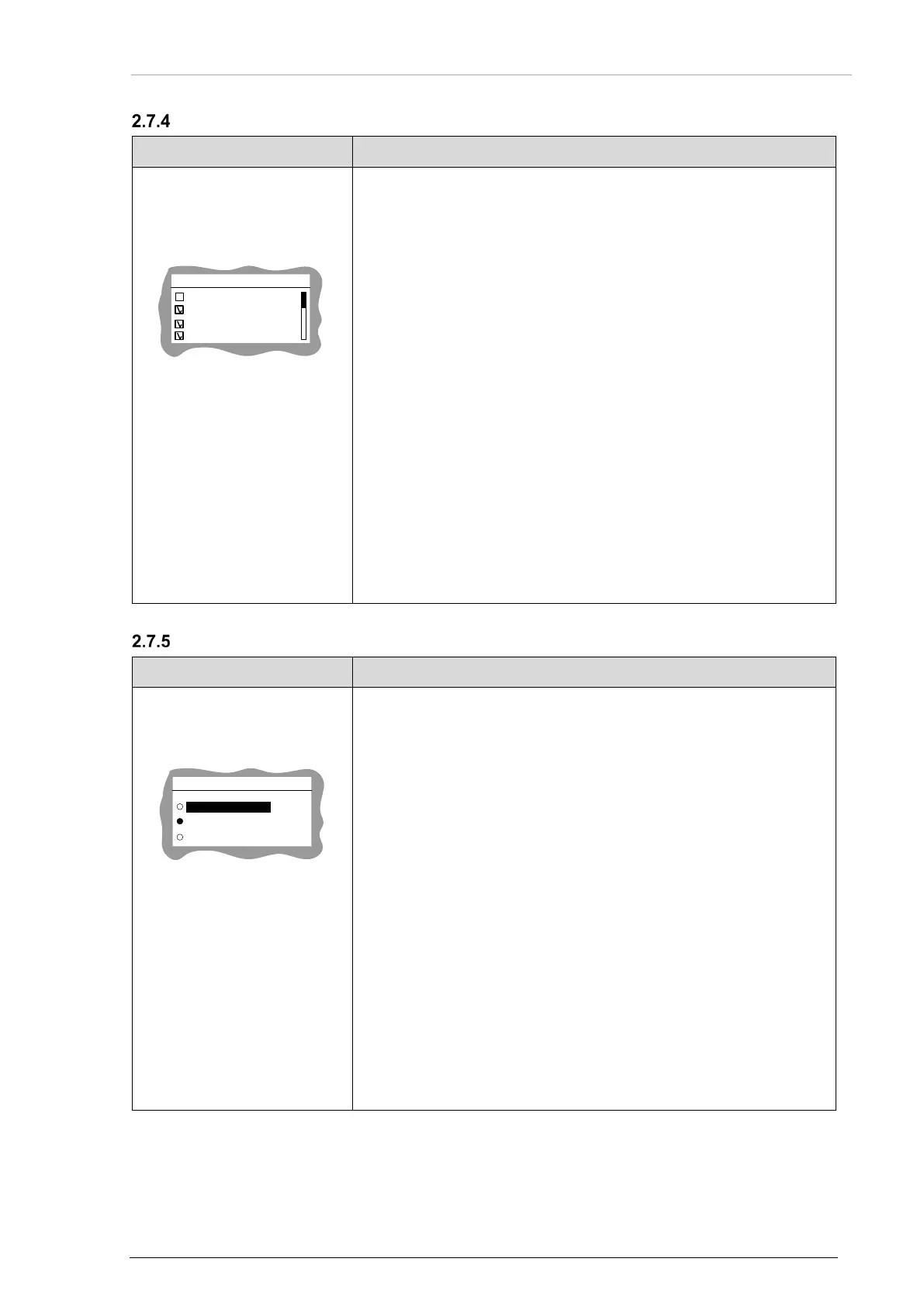
Audio Warnings
"AUDIO WARN":
• When selected voice notifications are audible on
headphones/speaker.
• Select function(s) required for the installation.
• Use the rotary knob for selection.
• Push the "STO" key to confirm.
PBIT Error:
• When PBIT error appears voice notification is audible: Beacon
Decoder Failure.
Beacon:
•
When COSPAS/SARSAT message is received voice notification is
audible: Beacon.
New Beacon:
• When not registered in internal database COSPAS/SARSAT
message is received voice notification appears: New Beacon.
Homing:
• When rotary knob is pushed or /GPI_0 is activated voice
notification appears:
True Bearing XXX degrees,
Distance YYY.Y kilometers/miles where XXX/YYY.Y are digits.
Dimming Input
• Select function(s) required for the installation.
• One of the three must be selected.
NONE
0-14V
0-28V
DIMMING INPUT
• Use the rotary knob for selection.
• Push the "STO" key to confirm.
NONE:
• The illumination for LCD and keys will be controlled through the
rotary knob (only in installation mode, see next screen). This
function shall be selected in aircrafts where a dimming bus is not
available.
0-14V:
• The illumination for LCD and keys will be controlled
(pin P1-9/P1-8) by the dimming bus of the aircraft.
• The dimming voltage is in range 0...14 VDC.
0-28V:
• The illumination for LCD and keys will be controlled (pin
P1-9/P1-8) by the dimming bus of the aircraft.
• The dimming voltage is in range 0...28 VDC
Notice: For PBD406 set DIMMING INPUT to 0-14V.
AUDIO WARN
PBIT ERROR
BEACON
NEW BEACON
HOMING



 To Next Page