EasyManua.ls Logo

Becker BD406 - Load Default

Becker BD406
112 pages
Print Icon
To Next Page IconTo Next Page
To Previous Page IconTo Previous Page
Loading...
Becker Avionics
Installation and Operation
Installation Setup
DV16401.03 Issue 04 May 2021 BD406/PBD406 67
Load Default
Display Contents
Description
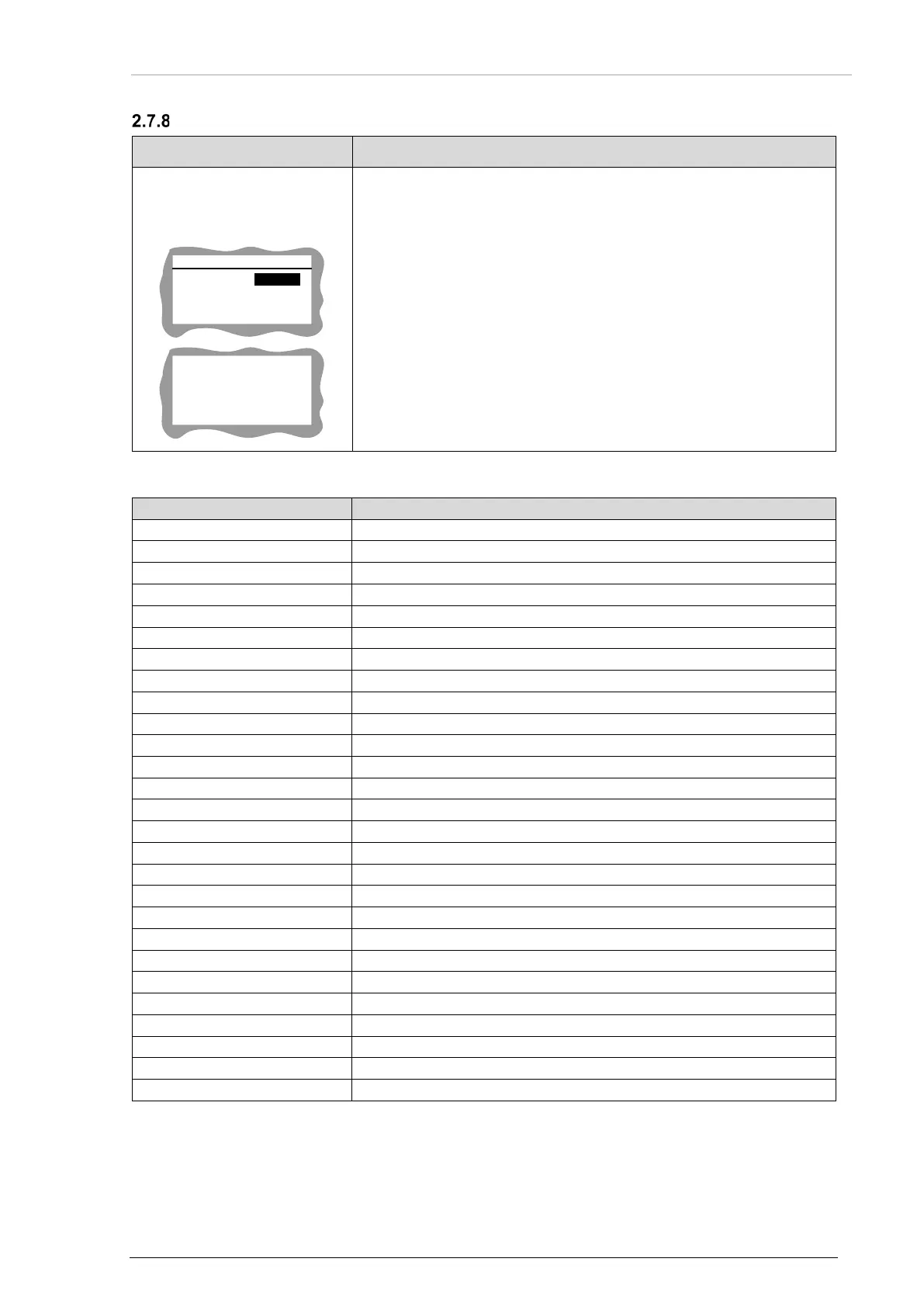
"LOAD DEFAULT":
Recall default settings.
SETTINGS
NO
LOAD DEFAULT
YES
To restore the factory default settings:
Select "YES" with the rotary knob.
Push the "STO" key to confirm.
o The screen shows "DONE" for 1 s. The receiver ignores any
other user operation.
Notice: Stored data will be overwritten.
Default Settings
Adjustment name
Value
/MSG Output Enable:
Active
ARINC Baud Rate:
12.5 kbit/s
ARINC Enable:
Inactive
Targets Status:
Baud Rate:
9600
Data Bits:
8
Parity:
NONE
Stop Bits:
1
EXT GPS CONFIG:
Baud Rate:
4800
Data Bits:
7
Parity:
NONE
Stop Bits:
1
/GPO_0 Function:
NONE
/GPI_0 Function:
NONE
GPS Source:
INTERNAL
HDPH Enable:
Active
PWR_INT
Warnings Enable:
Active
SPKR Enable:
Active
Targets Status Enable:
Active
Second Controller on IF1:
Inactive
Audio Messages:
Beacon Enable:
Inactive
Homing Enable:
Inactive
New Beacon Enable:
Inactive
PBIT Error Enable:
Inactive
DONE

Table of Contents

Related product manuals