DV16401.03 Issue 04 May 2021 BD406/PBD406 83
Symbols on the BD406 Display
Examples:
B
03/
15
E
3/
5
PT: STD-LOC
CNTR: TAC
: 0702
BT:
EPIRB
SN
:
14000
N02/16
E
3/5
MED2
118.025
ALABAMA
NAME:
INFO:
Figure 35: LCD - View during Mission
Possible display views during mission.
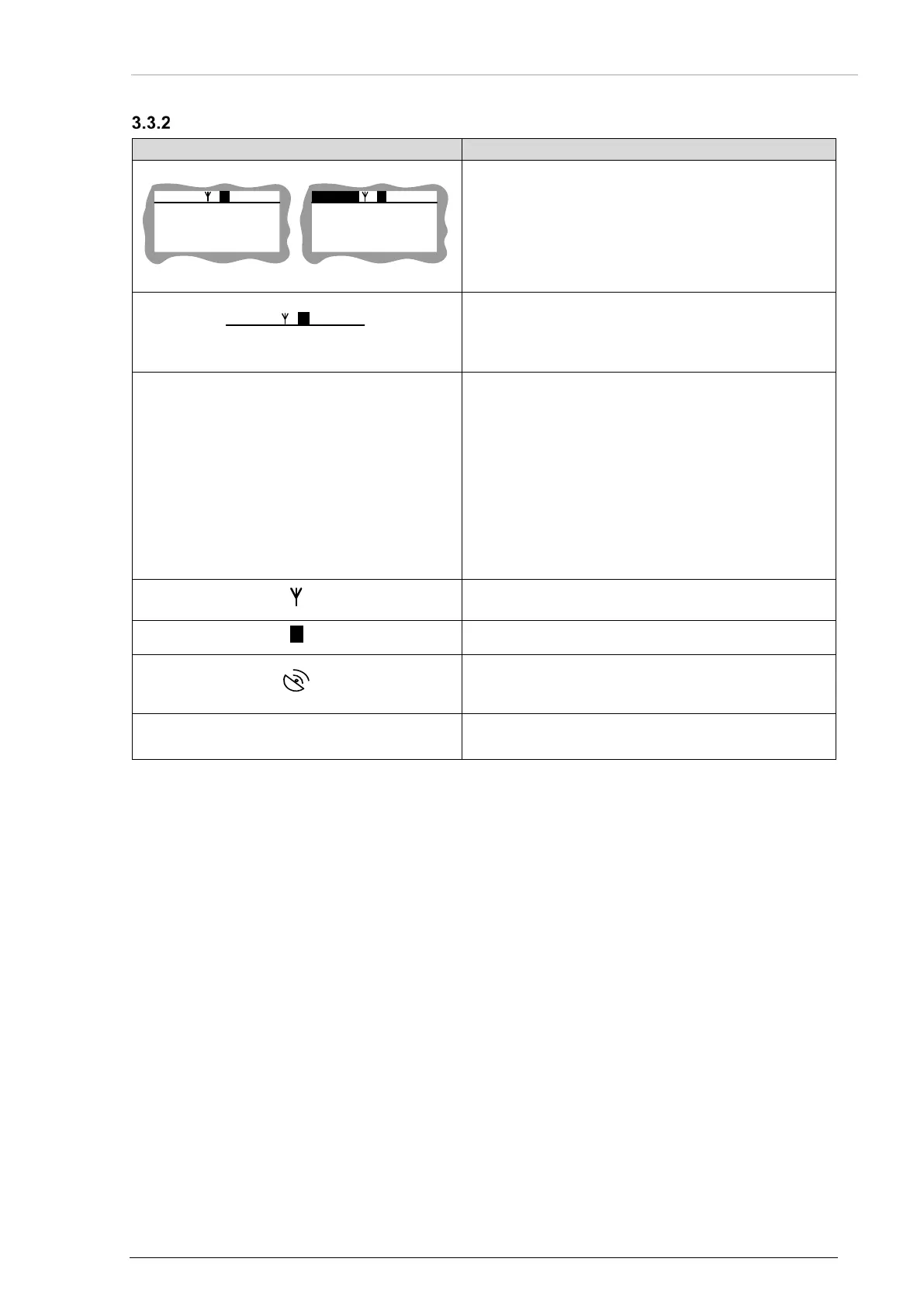
Figure 36: LCD - Status Bar
Status bar:
The status bar is context dependent. It is always
shown.
BXX/YY ANT(or GPSFIX) E O VV/ZZ
BXX/YY
or
NXX/YY
N: NavPoint
XX current element index in beacons DB /
NavPoints DB, or
-- double dash if related beacons DB / NavPoints
DB is empty.
YY total number of stored items in beacons DB /
NavPoints DB,
-- double dash if related beacons DB / NavPoints
DB is empty.
Antenna icon, conditionally shown when valid
COSPAS/SARSAT message is received.
Error icon, conditionally shown when error occurs.
GPS fix icon, conditionally shown if antenna not
available. Icon in view when GPS receiver supplies
a valid position data.
VV/ZZ
VV: current index page in view.
ZZ: total number pages in view.
Notice:
BXX/YY is not inverted (black letters, transparent background) if beacon details view is active.
NXX/YY is inverted (transparent letters, black background) if NavPoint details view is active.



 To Next Page