Installation and Operation
Installation Requirements
DV16401.03 Issue 04 May 2021 BD406/PBD406 39
Installation - PBD406
PBD406 is a portable device with case and mounting bracket.
• There is no special requirement for installation.
• The device can be installed in a vehicle. The related bracket is already installed.
Installation in a Vehicle
• Please use the installed bracket (bottom) for installation.
• Remove handle.
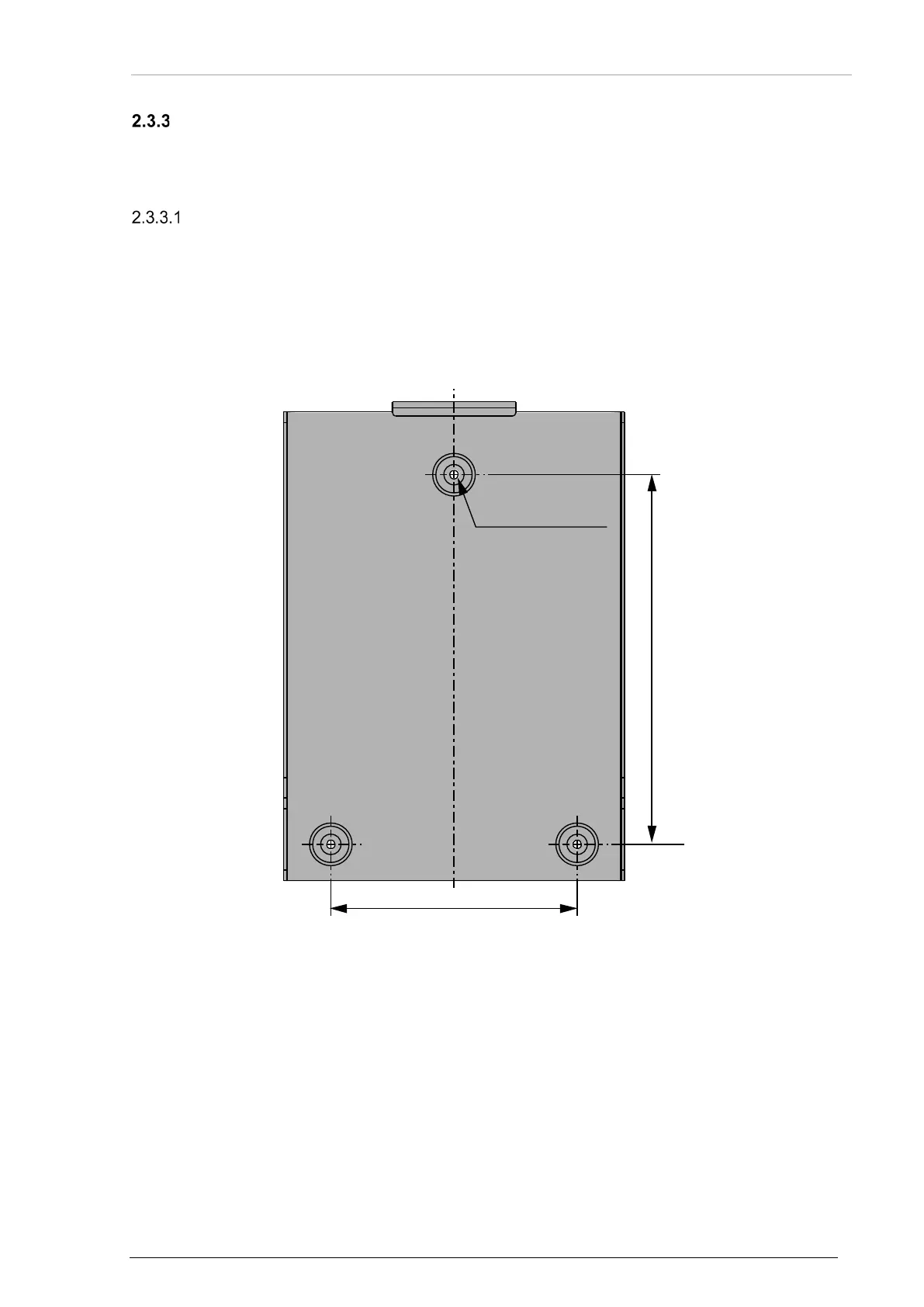
• Make sure to find a suitable spot to place the three bolts.
Details see: Dimensions, "Bracket for Vehicle Installation" page 44.
• Please check easy access to the user interface.
• Connect all required cables to the related sockets at front panel and to the socket at rear
plate, details see "Connector Pin Assignments - PBD406" page 51.
Dimensions mm (inch)
(no scale drawing)
Figure 12: Drilling Template -Vehicle Installation
120 (4.7)
3x Ø 4.3 (0.17)
180 (7.1)



 To Next Page