Installation Setup
64 BD406/PBD406 DV16401.03 Issue 04 May 2021
General Configuration
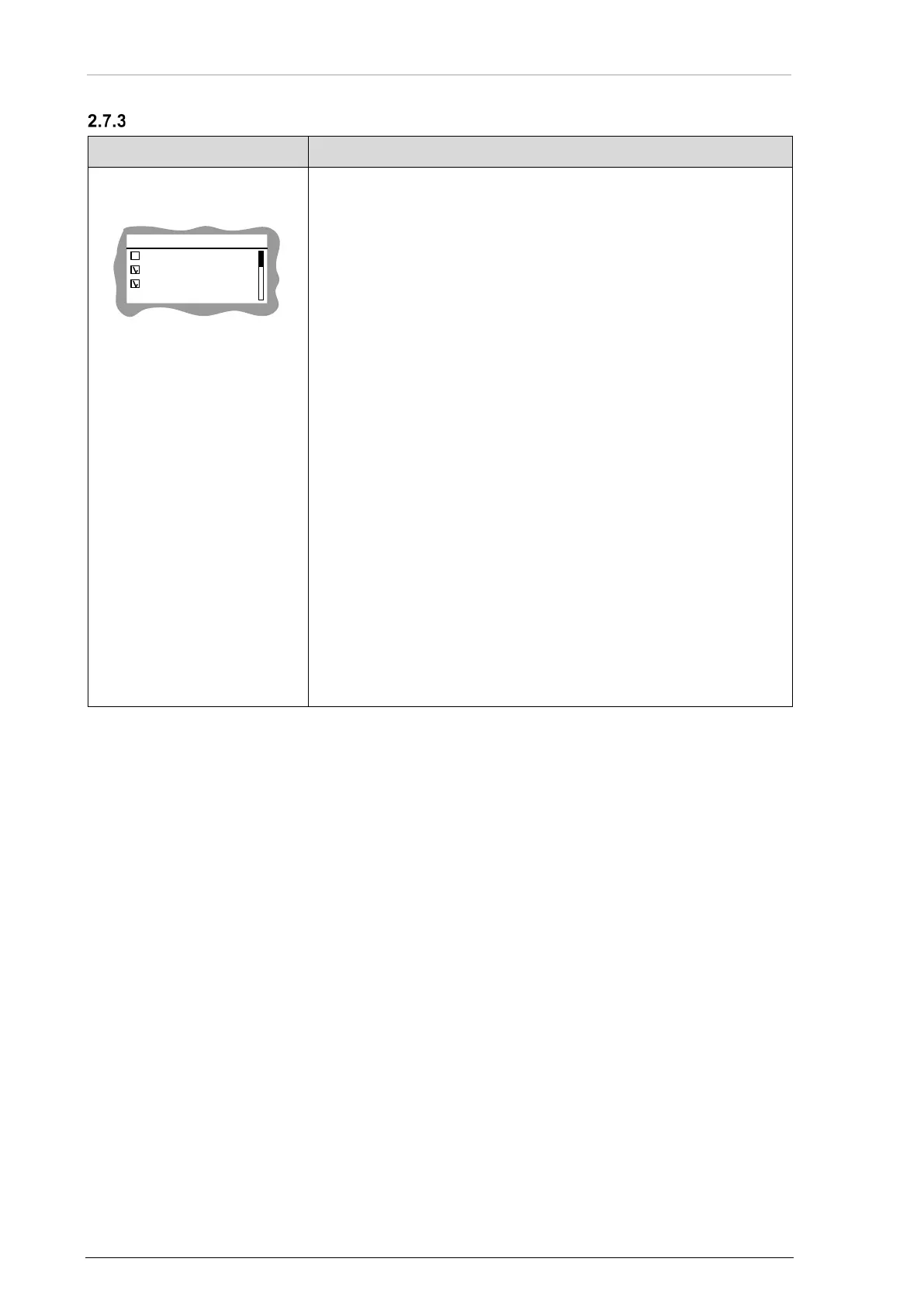
"CONFIG":
• Select function(s) required for the installation.
CONFIG
SPKR ENABLE
HDPH ENABLE
PWR INT WARN
□ ARINC ENABLE
□ HDPHONE ENABLE
□ /MSG OUT ENABLE
□ PWR INT WARNING
□ SPKR ENABLE
□ TARGET STATUS ENA
• Use the rotary knob for selection.
• Push the "STO" key to confirm.
ARINC ENABLE:
• If enabled - interface IF0 is active. Details "IF0 - ARINC Output"
page 55.
HDPHONE ENABLE:
• If selected - audio notifications are audible at headphones. Details
"Headphone Connection" page 53.
/MSG OUT ENABLE:
• If selected - /MSG output is active when COSPAS/SARSAT is
received by the device. Details "/MSG" page 53.
PWR INT WARNING:
• If selected - warning power interrupt notification is shown on
screen when power malfunction occurs. Details "Power Interrupt
Indication" page 88.
SPEAKER ENABLE:
• If selected - audio notifications are audible at speaker output.
Details "Speaker Connection" page 52.
TARGETS STATUS ENABLE:
• If selected – interface IF3 (transmitter) is active. Details "IF3 –
Transmitter of Targets Status Protocol" page 56.
Notice: It is recommended to deactivate related checkbox
option, if dedicated output is not used in aircraft installation.



 To Next Page