Installation and Operation
Installation Setup
DV16401.03 Issue 04 May 2021 BD406/PBD406 63
Navigate between Pages
• Push right change key (>)
• Push left change key (<)
Store Setup Data
• The change of any parameter is stored immediately.
Cancel the Installation Setup
• Turn "OFF" the device to stop the setup.
o All changes made up to this time are stored automatically.
Device Info
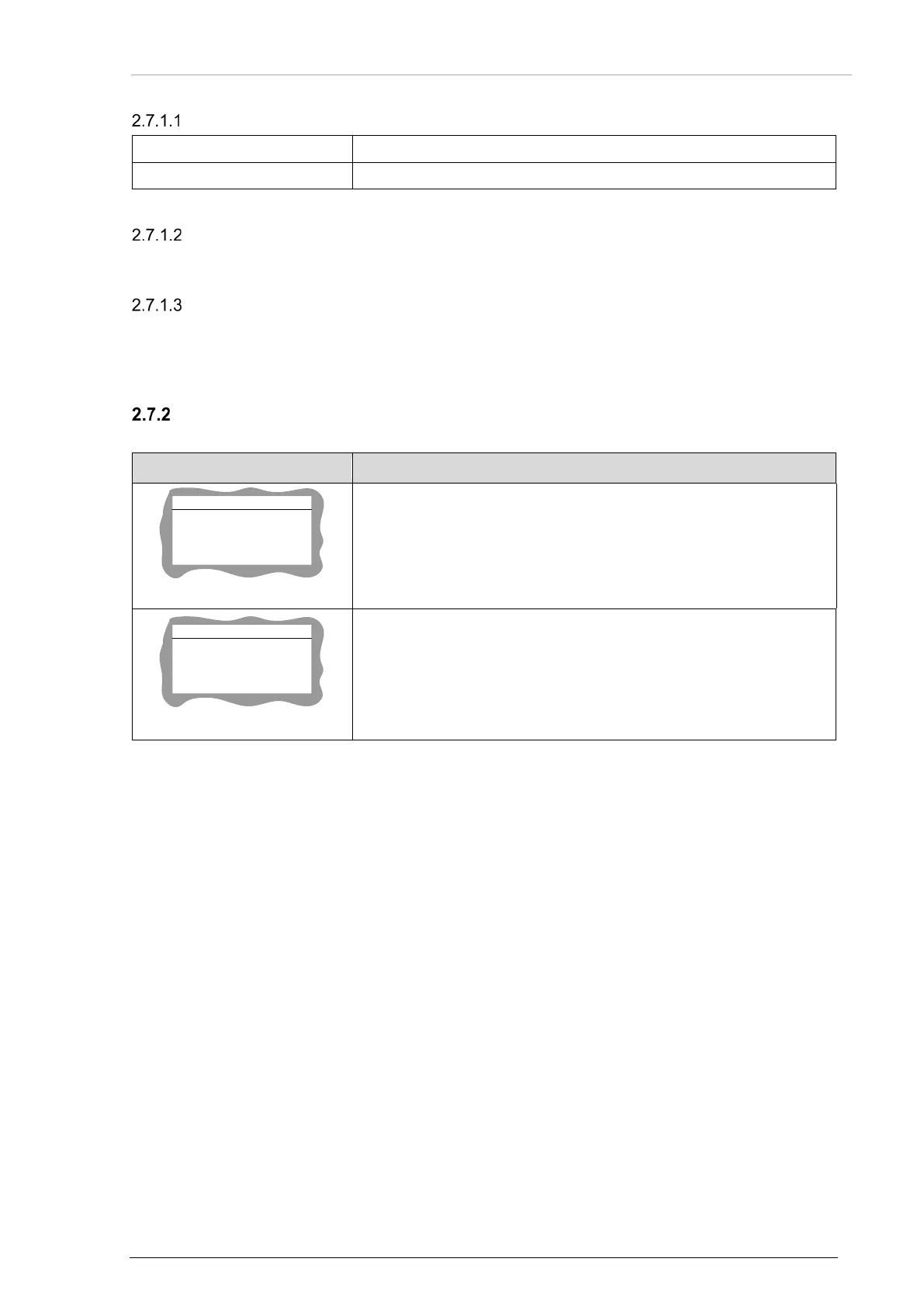
The first page of configuration setup shows the device info screens.
CH INFO
CH SW_VER 0.11
CH CRC 0xF240
CH COMP 690
CH ATTR 0x00
Figure 30: "CH INFO"
"CH INFO":
• The display shoes the control head (CH) software version. It is a
read only information.
CM INFO
CM SW_VER 0.11
CM CRC 0xF240
CM COMP 559
CM ATTR 0x00
Figure 31: "CM INFO"
"CM INFO":
• The display shoes the chassis module (CM) software version. It is
a read only information.



 To Next Page