Installation Setup
68 BD406/PBD406 DV16401.03 Issue 04 May 2021
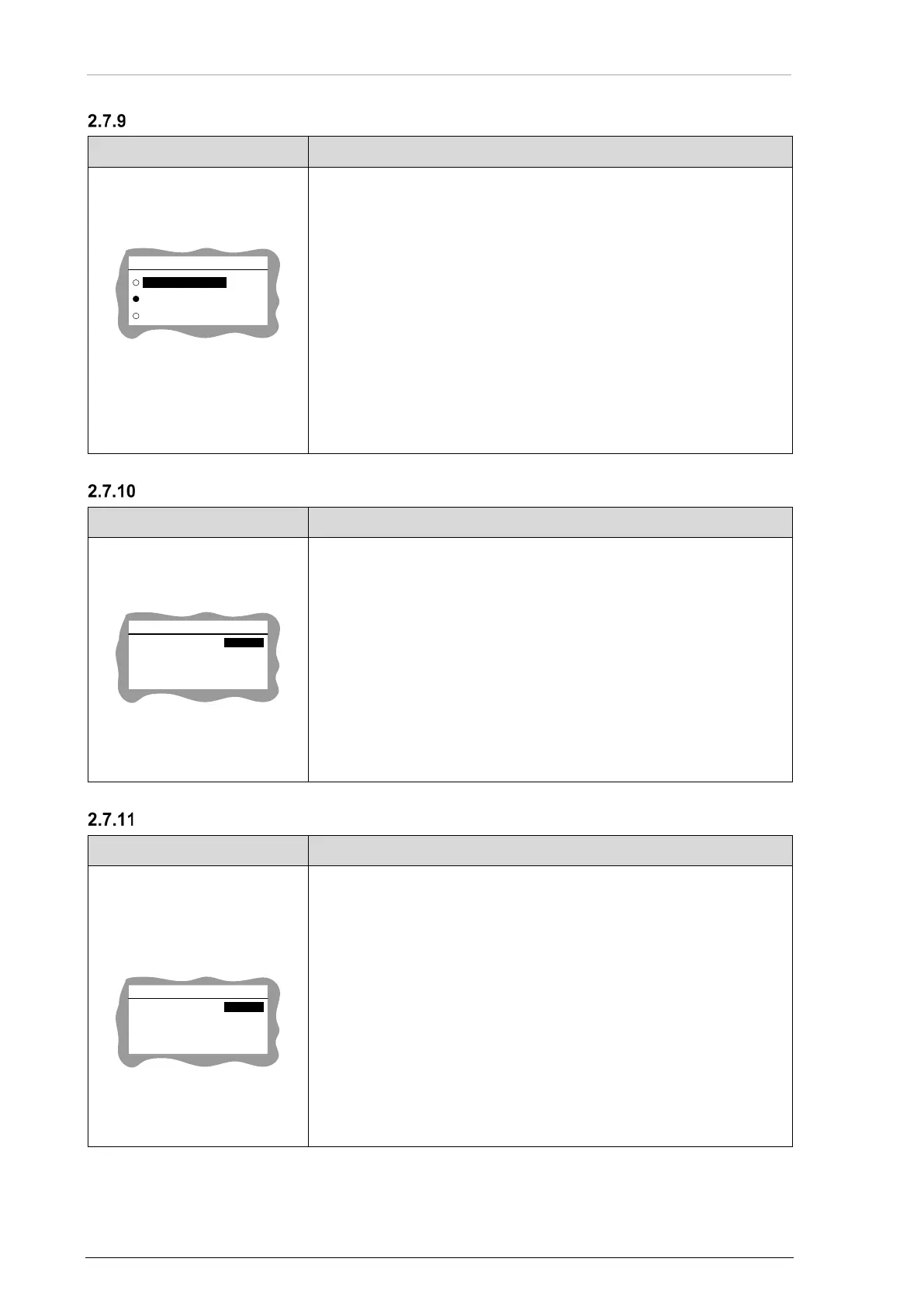
GPS Source Selection
"GPS SELECT":
• Select function(s) required for the installation.
• One of the three must be selected.
GPS SELECT
EXTERNAL
INTERNAL
NONE
• Use the rotary knob for selection.
• Push the "STO" key to confirm.
INTERNAL:
• Internal GPS receiver is enabled.
EXTERNAL:
• GPS receiver connected to IF2 interface is enabled. Details "IF2 -
GPS Interface (external/internal)" page 55.
NONE:
• GPS receiver is disabled.
External GPS Receiver Configuration
"EXT GPS CONFIG":
Notice: The screen is visible only if GPS source is set to EXTERNAL.
• Select function(s) required for the installation.
EXT GPS CONFIG
9600
BAUD RATE
8
DATA BITS
1
STOP BITS
NONE
PARITY
• Use the rotary knob to select parameter.
• Use the "STO" key to change values.
Available values:
Baud Rate: 1200, 2400, 4800, 9600, 19 200
Data Bits: 7, 8
Stop Bits: 1, 2
GPS Parity: NONE, EVEN, ODD
Target Status Protocol
"TARGET STATUS":
Notice: This screen is visible only if targets status is ENABLED. Details "Targets
Status Protocol - IF3 Interface" page 73.
• Use for targets status protocol transmission.
• Select function(s) required for the installation.
TARGET STATUS
9600
BAUD RATE
8
DATA BITS
1
STOP BITS
NONE
PARITY
• Use the rotary knob to select parameter.
• Use the "STO" key to change values.
Available values:
Baud Rate: 1200, 2400, 4800, 9600, 19 200
Data Bits: 8
Stop Bits: 1, 2
GPS Parity: NONE, EVEN, ODD



 To Next Page