AeroNav 900/880 Series Pilot’s Guide
89000039-010
Rev 1 May 2019 FMS Subsystem 3-7
legs as the system determines the optimum map range for
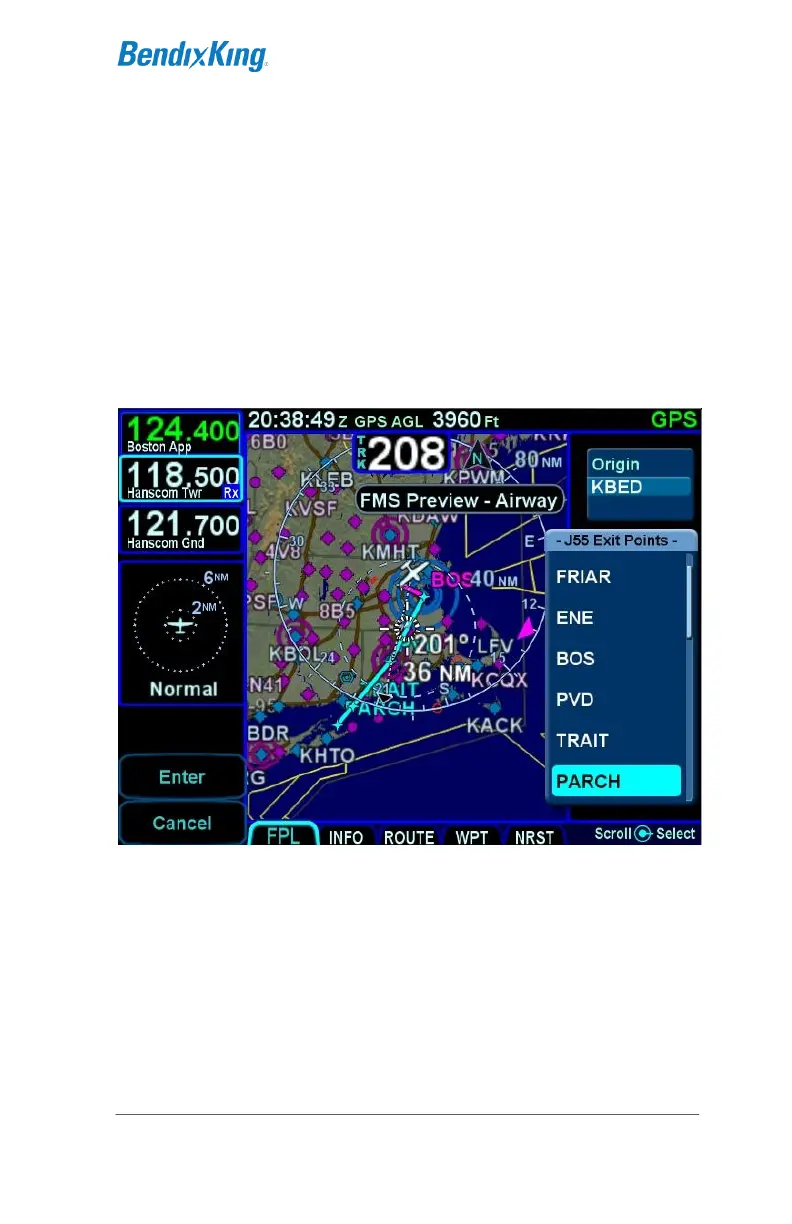
display. This feature provides a graphical preview of the edited
route before it is officially part of the flight plan to aid in situational
awareness. The preview feature is available whether
modifications are being made on the ground or airborne. While a
preview is being displayed, an temporary annunciation will be
shown on the map describing the modification in progress.
Examples of those annunciations are "FMS Preview - Waypoint”,
“FMS Preview - Airway”, or “FMS Preview – Approach.
Previewing a Flight Plan While Building It



 To Next Page