AeroNav 900/880 Series Pilot’s Guide
89000039-010
5-56 Aux Subsystem Rev 1 May 2019
When this “Fuel Mgmt” LSK selection is available, the FMS will
also populate its data fields with projected fuel states at all
downpath flight plan legs, as appropriate.
SYSTEM STATUS
The “Status” LSK is a multiple state LSK that provides access to
software status page, weather datalink status page (if datalink is
installed and properly configured), GPS status page, and the
AeroNav databases status page. Pushing the adjacent bezel key
or touching the label soft key will cycle through the various status
pages.
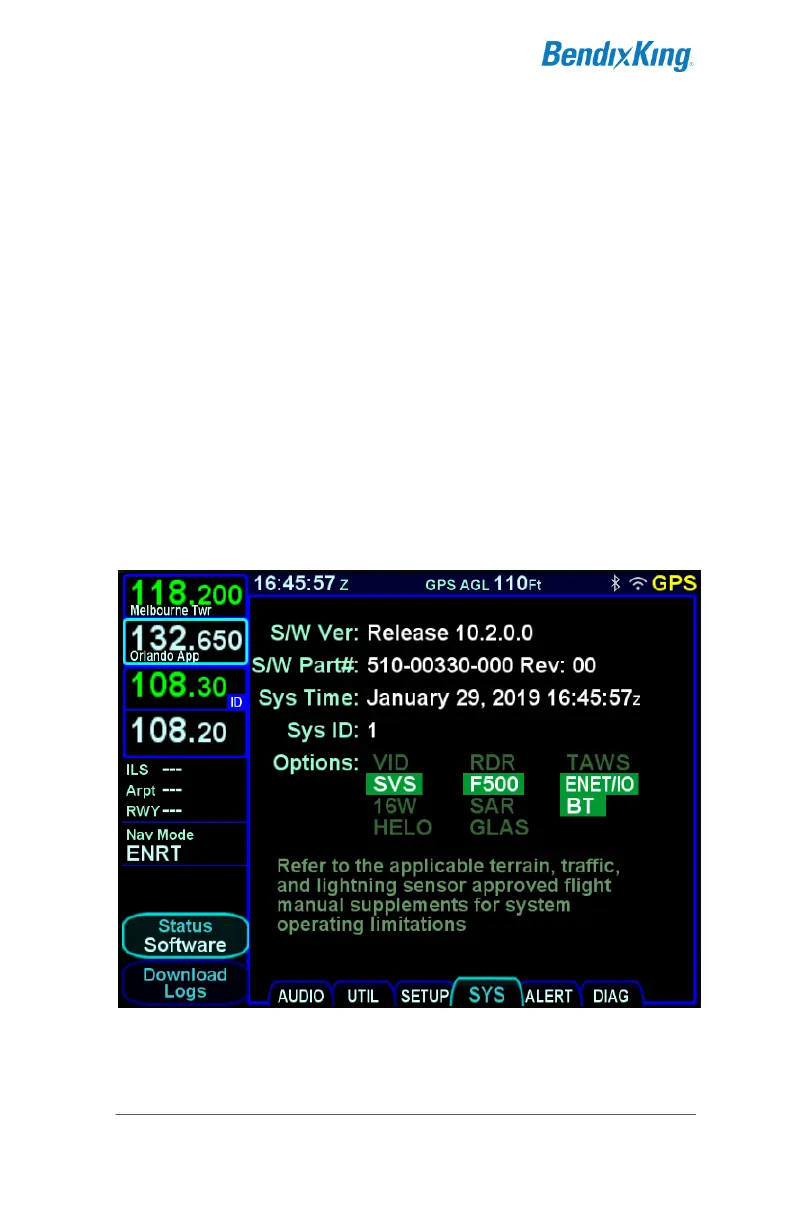
Software Status Page
The “Software” selection will present the top level software part
number information and some system-level parameters which
can be useful during service calls and AeroNav feature
descriptions.
Software Status Page
When the “Software” selection is made on the “Status” LSK of the
SYS tab, a “Download Logs” LSK is also displayed. Pressing



 To Next Page