AeroNav 900/880 Series Pilot’s Guide
89000039-010
1-16 System Overview Rev 1 May 2019
POWER CONTROL
The AeroNav is regulated by a pair of circuit breakers. There is
also a power control on the top left corner of the unit but the
AeroNav will automatically start when the aircraft bus power is
applied. Upon power application, the AeroNav display will show
an BendixKing logo. It will take several seconds for the AeroNav
to complete the power-up process.
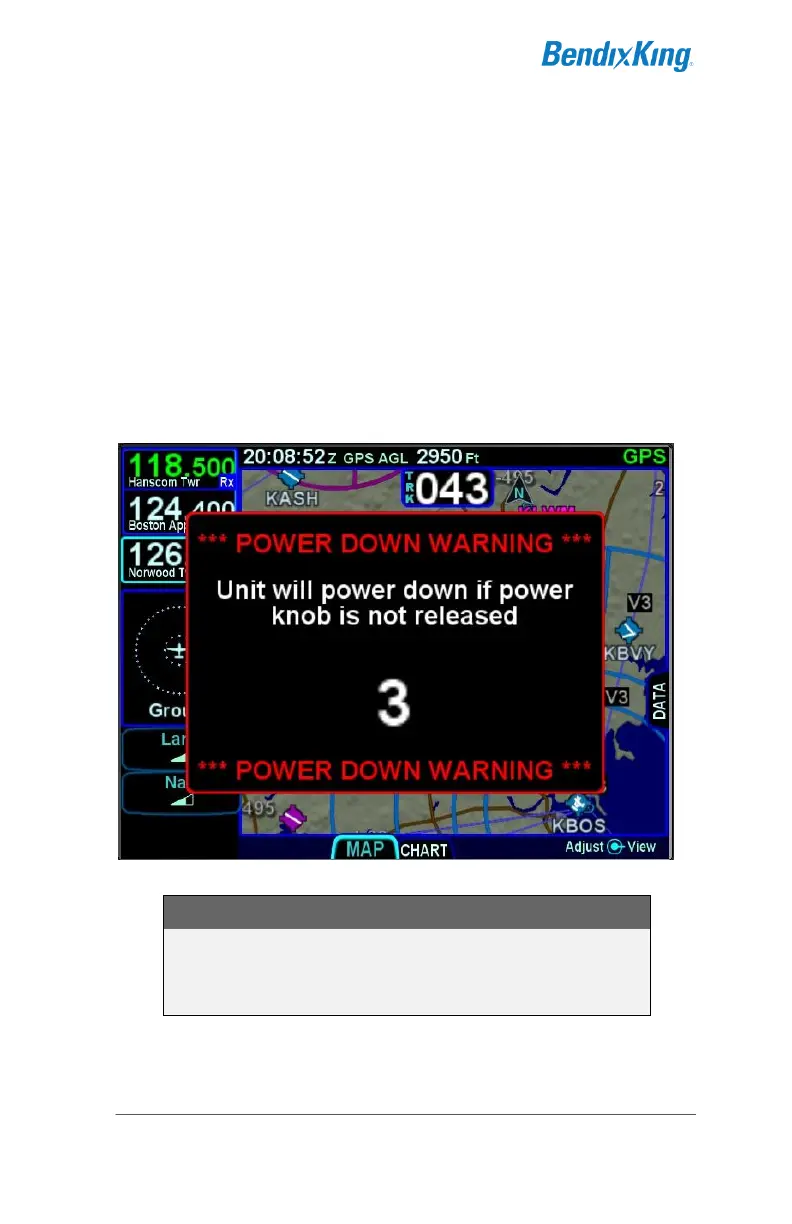
The power button can be used to turn the unit off and to turn the
unit back on again. To turn the unit off, press and hold the
button. A five second countdown will be displayed. At the end of
the countdown, the unit will be powered off.
Manual Power Down
COOL FEATURE
Briefly pressing and then releasing the power button
is a convenient way to immediately disable
Bluetooth and networking capabilities.



 To Next Page