AeroNav 900/880 Series Pilot’s Guide
89000039-010
5-38 Aux Subsystem Rev 1 May 2019
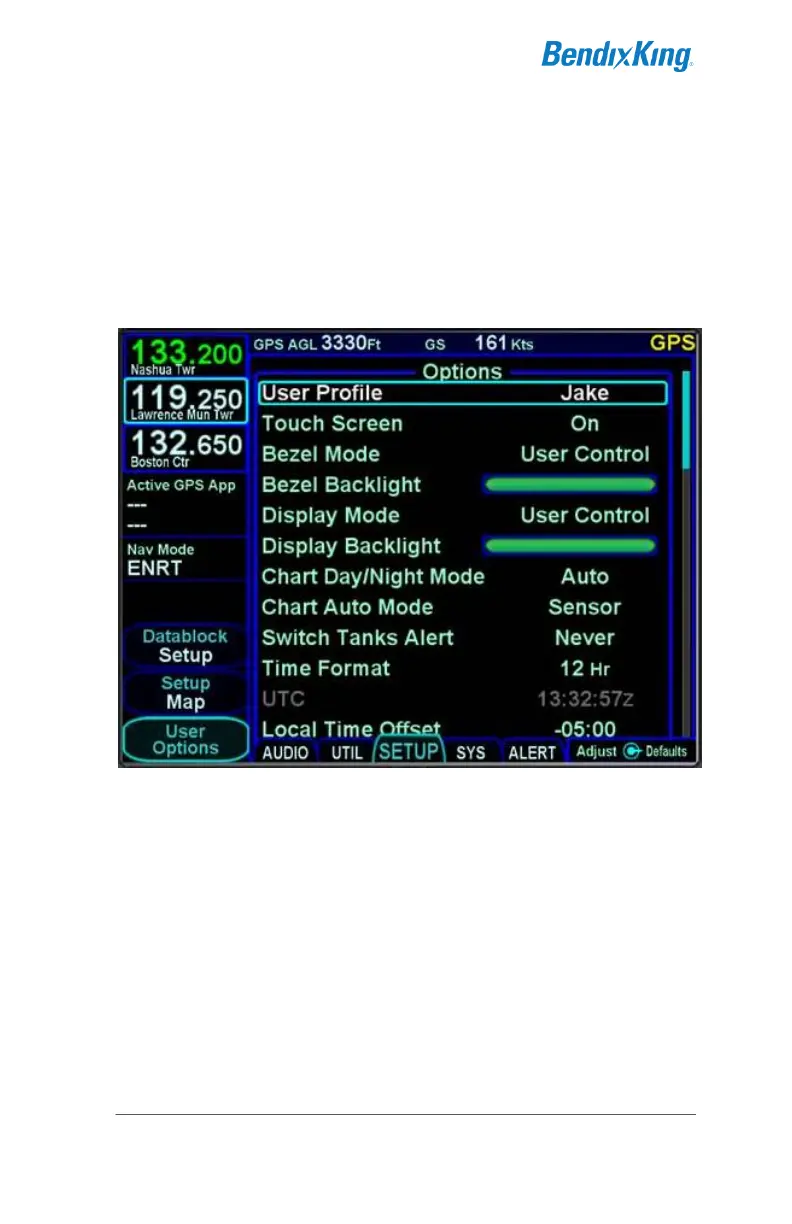
USER OPTIONS
A number of user options are available for setup on the “User
Options” LSK of the SETUP tab on the AUX page.
The outer ring of the bottom right AeroNav knob is used to select
a given row and twisting the inner ring of that knob will cycle
through the options.
User Options
Restoring factory defaults is accomplished by pressing the bottom
right AeroNav knob and then accepting the Confirm dialog box.
This will reset all the options (except the name) for that user
profile only to factory defaults.
The user options are (default selection indicated by * asterisk):



 To Next Page