AeroNav 900/880 Series Pilot’s Guide
89000039-010
5-20 Aux Subsystem Rev 1 May 2019
SETUP TAB
DATABLOCK SETUP
Setting up datablocks can be done by either selecting some
preset configurations, individually customizing the slots (except
for the two dedicated COM slots in the top left corner) or a
combination of both.
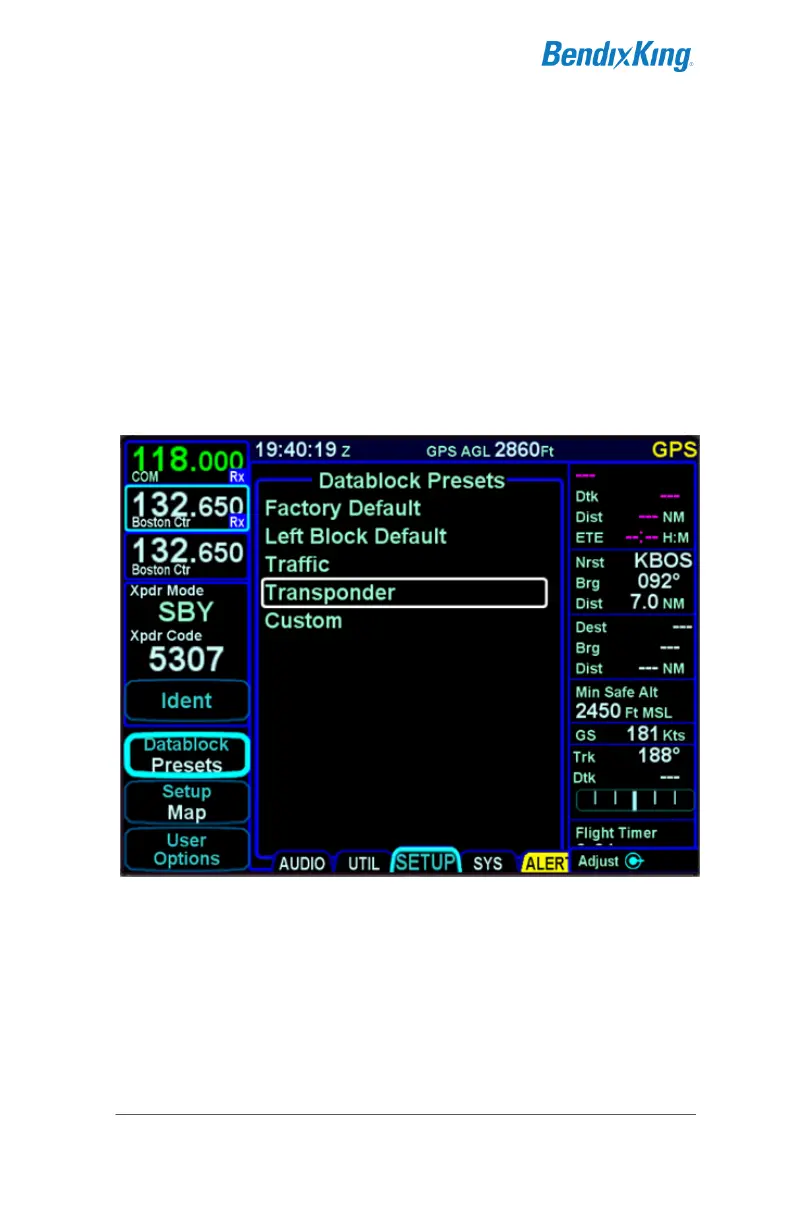
Selecting preset datablock configurations is accomplished using
the “Datablock” LSK on the SETUP tab of the AUX page and
selecting “Presets” as the option. This produces a page with a
choice of several presets.
Datablock Presets
Use either the outer or the inner ring (both work) of the bottom
right AeroNav knob to select the desired choice from the options
list.



 To Next Page