AeroNav 900/880 Series Pilot’s Guide
89000039-010
Rev 1 May 2019 System Overview 1-17
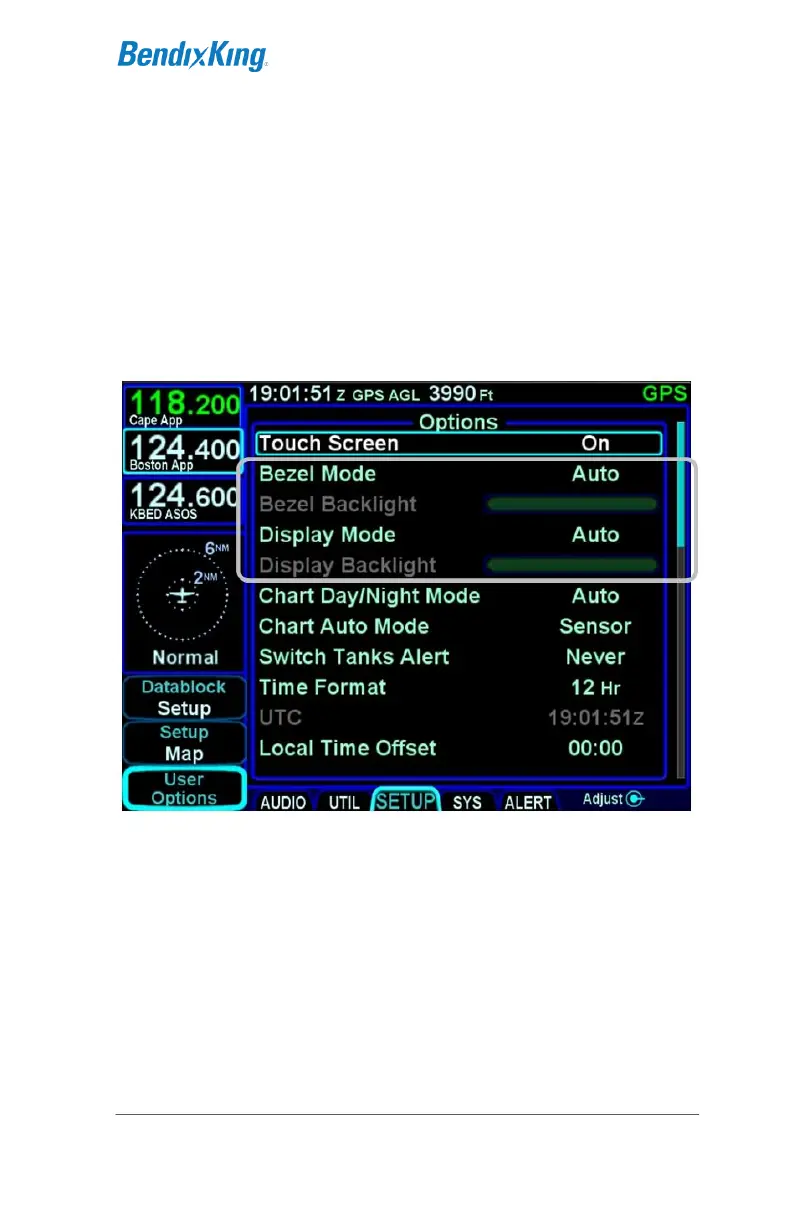
BRIGHTNESS CONTROLS
Each AeroNav has brightness controls to control both the bezel
and the display brightness. The user can access individual
controls to allow for either manual control of brightness, automatic
control of brightness in response to the cockpit dimming
controls/rheostats or automatic control of brightness in response
to the ambient light sensor that is embedded in the bezel. The
user accessible controls for all are on the AUX page using the
User Options LSK of the Setup tab.
Brightness Controls
Depending on how the installer configured the brightness controls
at time of installation, the “Auto” setting will typically revert to the
dimming bus setting in low ambient light conditions.
If the AeroNav appears to be inoperative or non-responsive from
a lighting perspective, check the aircraft instrument lighting
rheostat to ensure it is not set to a night position.



 To Next Page