AeroNav 900/880 Series Pilot’s Guide
89000039-010
Rev 1 May 2019 FMS Subsystem 3-49
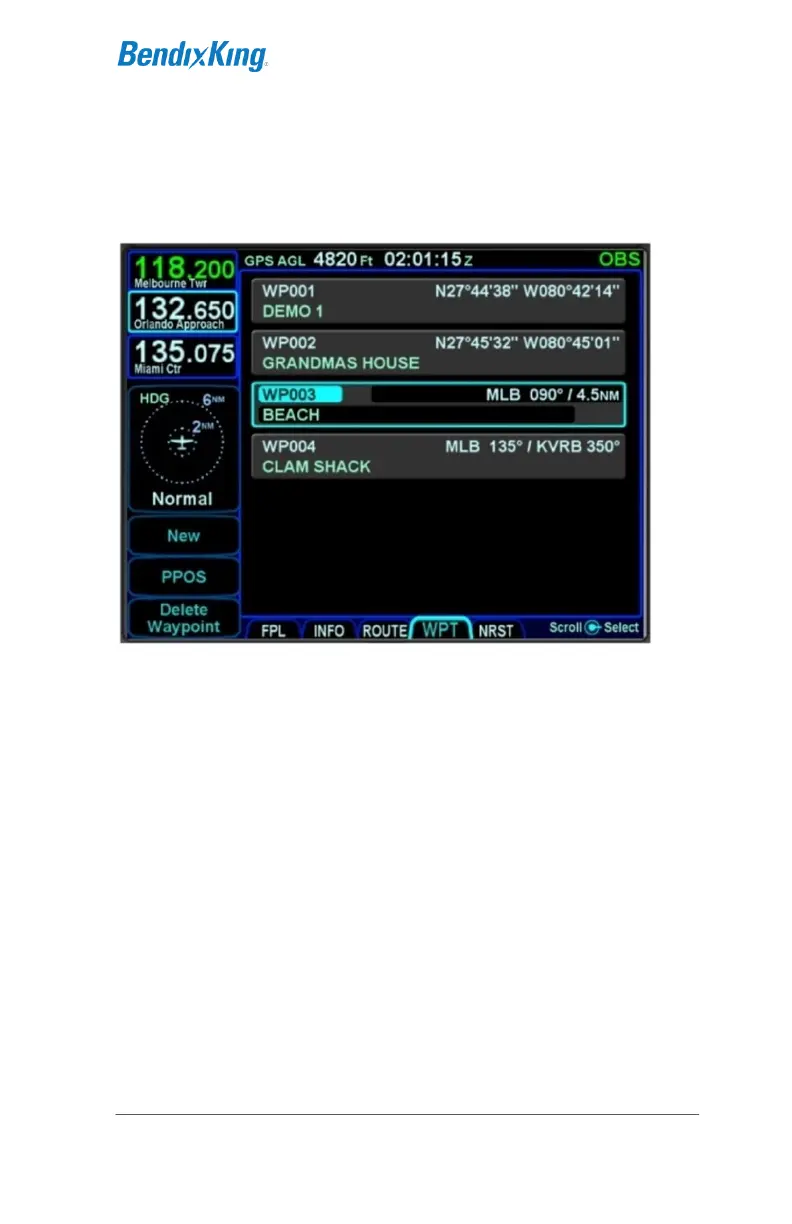
WPT (USER WAYPOINTS) TAB
The WPT tab will list all user waypoints in the AeroNav. Up to
500 user waypoints can be stored and accessed on this page.
User Waypoints Tab
CREATING A USER WAYPOINT
There are 4 methods of creating a user waypoint from the “WPT”
tab of the FMS page:
Present Position – Press the “PPOS” LSK to create a
waypoint with your current position. No further action is
required.
Enter Lat/Lon – Press the “New” LSK then press the
“Format” LSK until the “Lat/Lon” option appears and enter
in your desired coordinates either by touching the
coordinate field and then using the virtual keyboard or by
using a combination of twists and pushes of the bottom
right AeroNav knob to enter the coordinates. Press the
“Enter” LSK to save that new waypoint.
Enter Radial/Radial (an intersection of two radials) –
Press the “New” LSK then press the “Format” LSK as
required to select the “Rad/Rad” option and enter in your



 To Next Page