AeroNav 900/880 Series Pilot’s Guide
89000039-010
1-38 System Overview Rev 1 May 2019
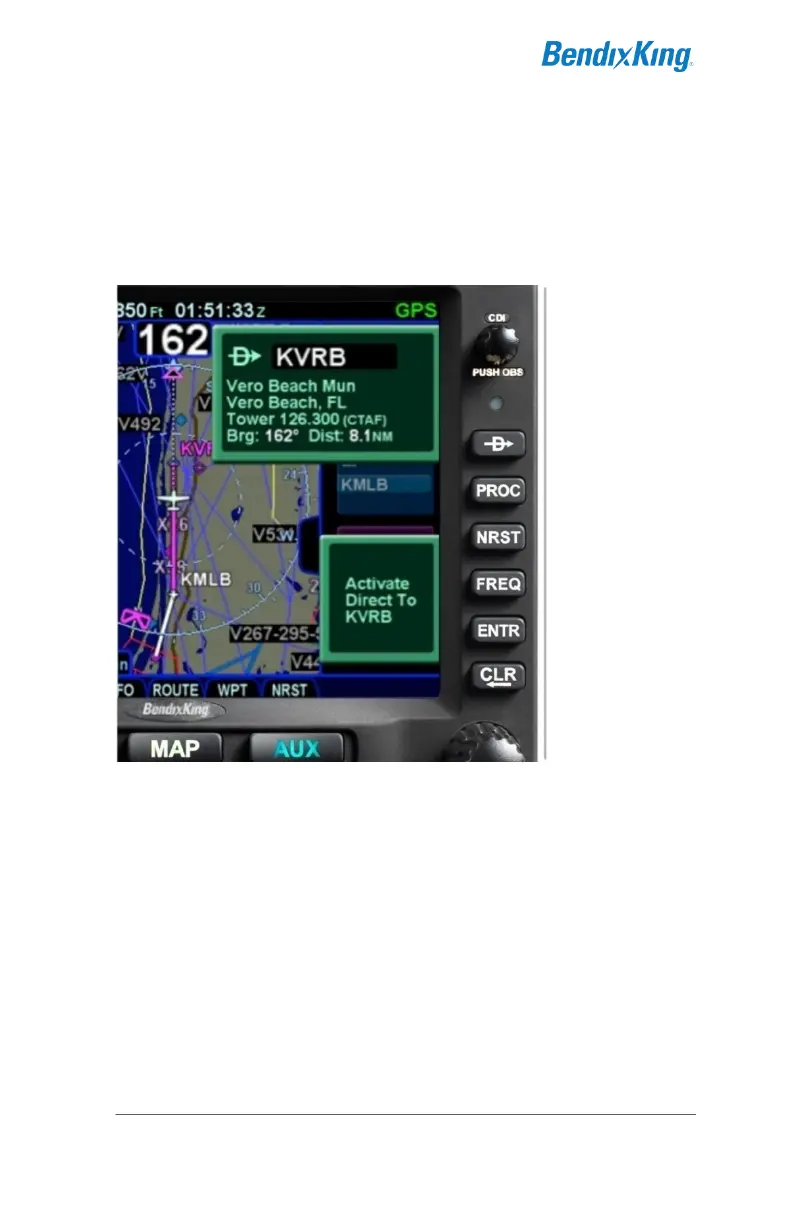
DIRECT-TO OPERATIONS
A dedicated Direct-To function key is located along the right edge
of the AeroNav bezel. Pressing that button from any page will
display a green Direct-To dialog box that will be pre-populated
with a logical waypoint.
Direct-To Dialog and Confirmation Dialog Boxes
If that pre-populated waypoint is the desired waypoint, press the
“ENTR” function key along the right edge of the bezel twice
(Direct-To, Enter, Enter) or touch the Activate dialog box that
pops up on the display to accept.
If a different waypoint is desired, there are a number of ways in
which the proper waypoint can be entered in that Direct-To dialog
box:
Twist the outer ring of the bottom right AeroNav knob to
scroll up/down through a flight plan list that re-populates
the waypoint in the dialog box from the active FMS flight
plan (Note that the Missed Approach must be activated to
use this technique for points in the published missed



 To Next Page