AeroNav 900/880 Series Pilot’s Guide
89000039-010
Rev 1 May 2019 Aux Subsystem 5-15
ELECTRONIC CHECKLIST
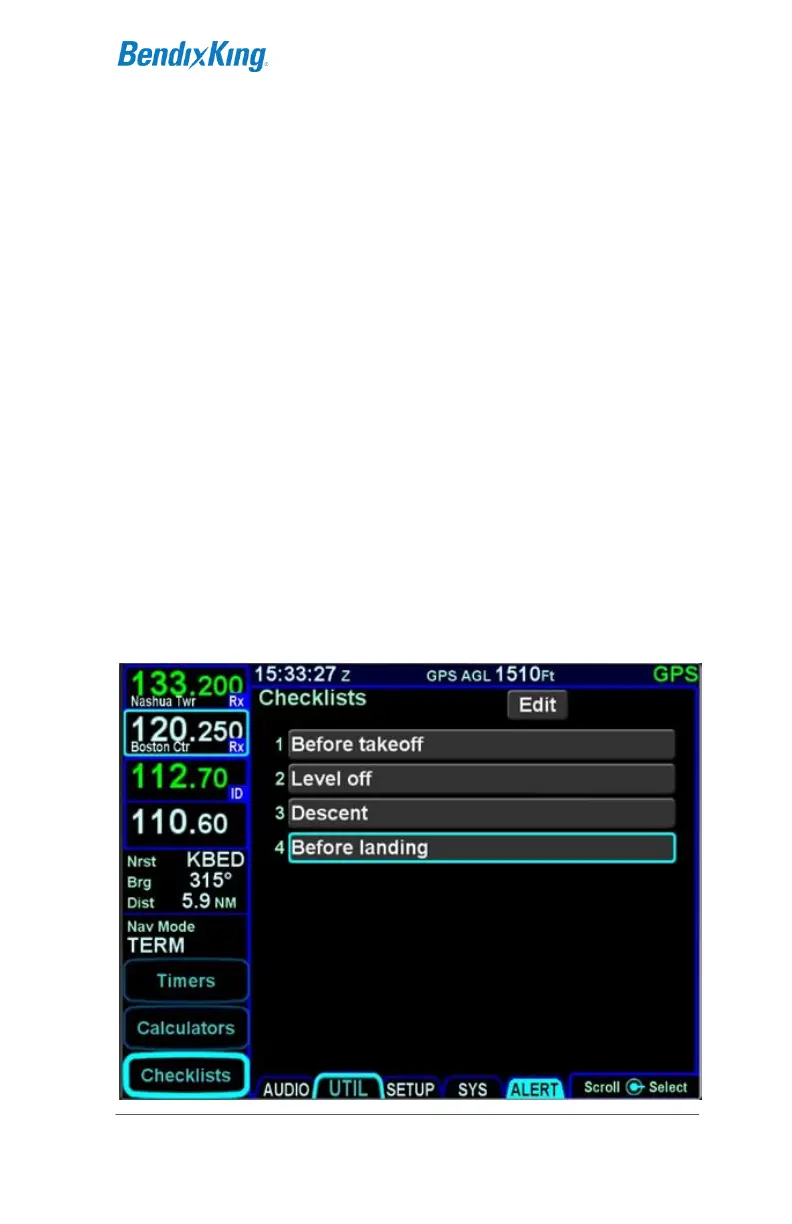
If enabled in Maintenance Mode, up to 9 custom checklists can
be created and stored in the AeroNav via the “Checklist” LSK of
the UTIL tab, each with up 50 steps. Each step can be up to 30
characters long.
Creating a Checklist
The first step is to create a checklist directory (list of named
checklists to be created). From the “Checklist” LSK, put the
system into checklist edit mode by highlighting the “Edit” box in
the top right corner of the page, either by touching it or using the
bottom right AeroNav knob to highlight the box. The edit box will
be displayed with a blue background and presents a numbered
blank row when it is in edit mode.
When the system is put into checklist edit mode, the light blue
wraparound cursor needs to be manually placed on the next
available line in the checklist directory by touching the line or
using the bottom right AeroNav knob. Then touch the row in the
directory list a second time or push the bottom right AeroNav
knob to generate a keypad for checklist naming.
Creating a Checklist Directory



 To Next Page