AeroNav 900/880 Series Pilot’s Guide
89000039-010
Rev 1 May 2019 Map Subsystem 4-65
LIGHTING
Some pilots prefer to use the Charts pages in the daytime lighting
scheme at all times and some prefer the nighttime lighting scheme.
In order to provide that flexibility, a separate “Chart Day/Night Mode”
option (Auto, Day, Night) has been provided on the User Options
LSK of the Setup tab on the AUX page. “Day” will always provide a
bright white background for readability. “Night” will always turn the
bright white backlighting off. “Auto” will use the additional “Chart
Auto Mode” selection (Sensor, DimBus) on the User Options LSK of
the Setup tab on the AUX page to control the definition of Auto.
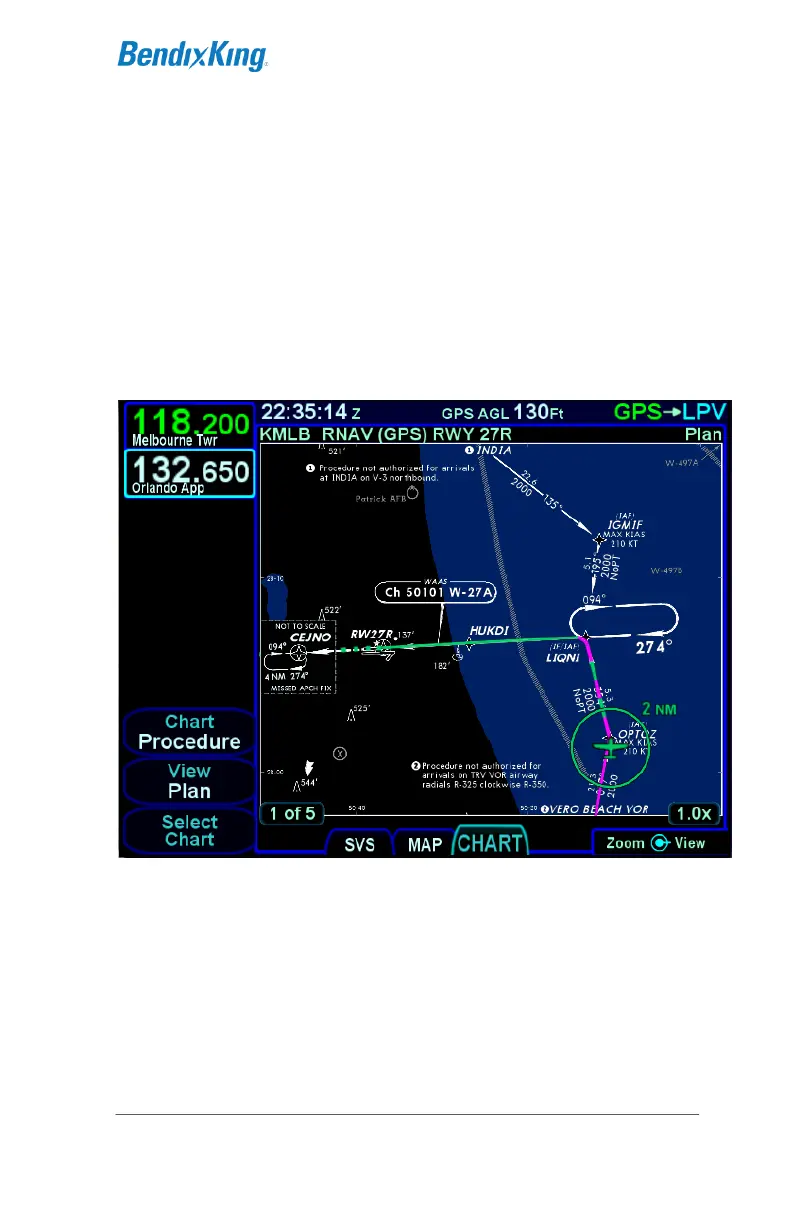
Chart in Night Mode



 To Next Page