AeroNav 900/880 Series Pilot’s Guide
89000039-010
7-84 General Rev 1 May 2019
VERIFICATION OF SUCCESSFUL PAIRING
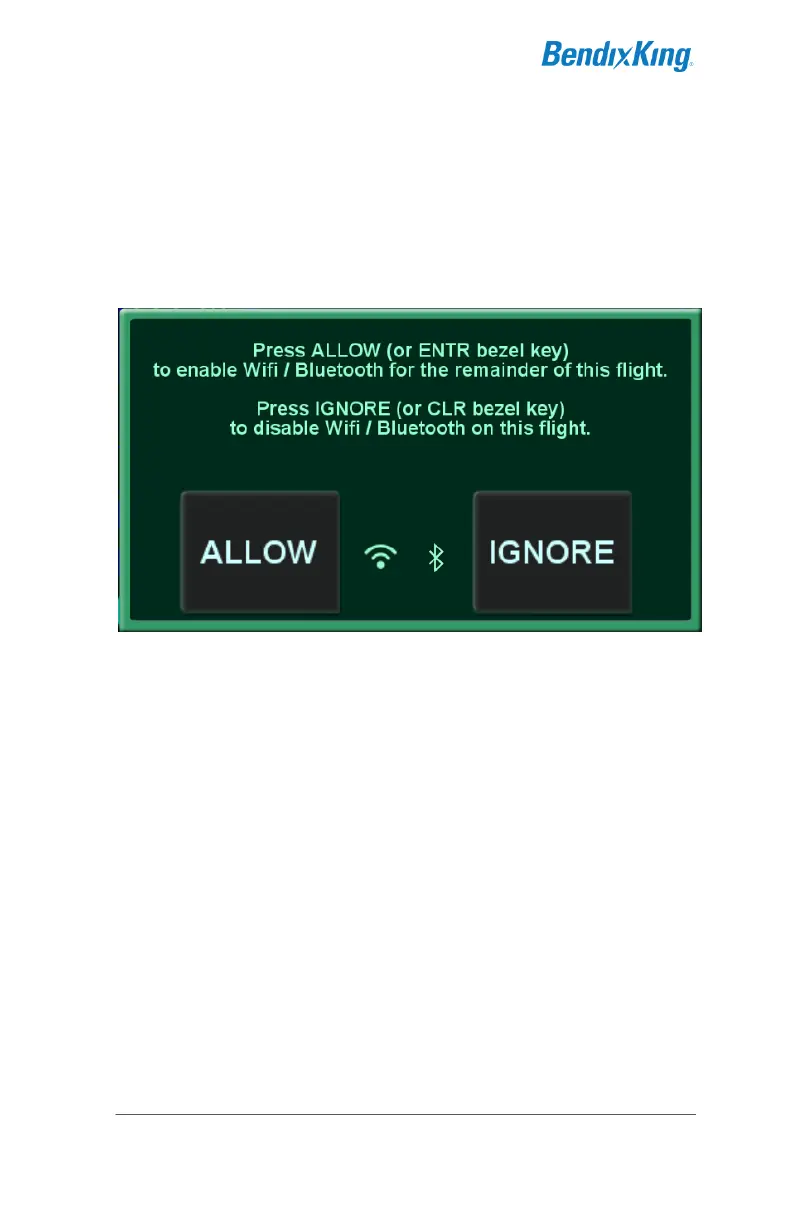
Start the AeroNav in flight mode. As the AeroNav is starting in
flight mode, a pop-up message will appear asking to confirm that
the use of a remote keyboard is authorized. Touch "Allow" or
press the ENTR button on the AeroNav to authorize the use of
the keyboard.
Bluetooth / WiFi Confirmation Pop-Up
Test that the pairing was successful by any of several methods,
including:
Press FMS several times on the Bluetooth keyboard.
Verify that the FMS page changes with each key press.
Press COM followed by "118.0" on the Bluetooth
keyboard. Verify that the com radio is tuned to 118.0†
Select the FMS FPL page on the AeroNav. Repeatedly
press the down arrow key on the Bluetooth keyboard until
the cursor is at the end of the flight plan (insert cursor).
Press a letter on the Bluetooth keyboard and verify that a
waypoint entry is initiated.



 To Next Page