AeroNav 900/880 Series Pilot’s Guide
89000039-010
Rev 1 May 2019 General 7-83
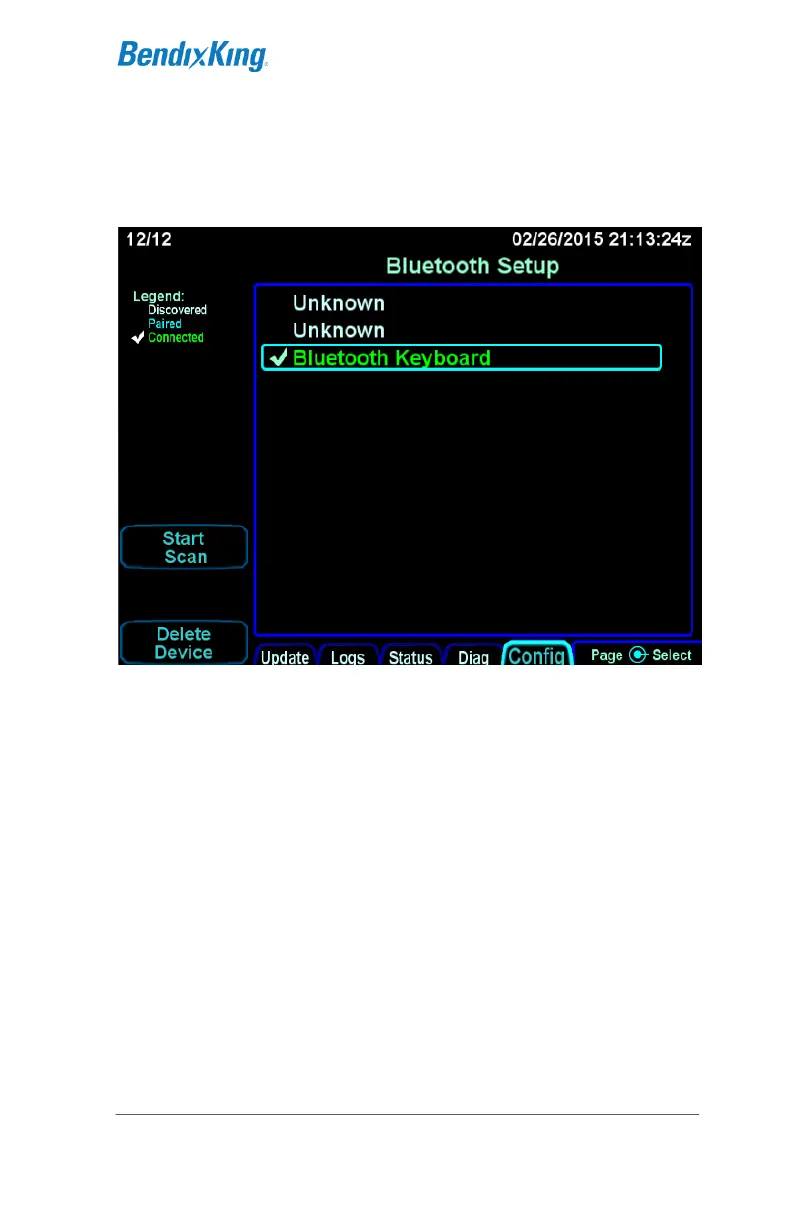
On the keyboard, enter the numeric code followed by the ENTR
key. If pairing was successful, the selected device in the list will
be shown in green.
Bluetooth pairing - pairing successful
If the device is not shown in green or if the device name
disappears from the display, restart the pairing process with
pressing the button on the back of the keyboard. If repeated
attempts to pair are unsuccessful, contact BendixKing Technical
Support.
After successful pairing, exit maintenance mode by pressing the
"Done" LSK on the Update tab.



 To Next Page