AeroNav 900/880 Series Pilot’s Guide
89000039-010
3-36 FMS Subsystem Rev 1 May 2019
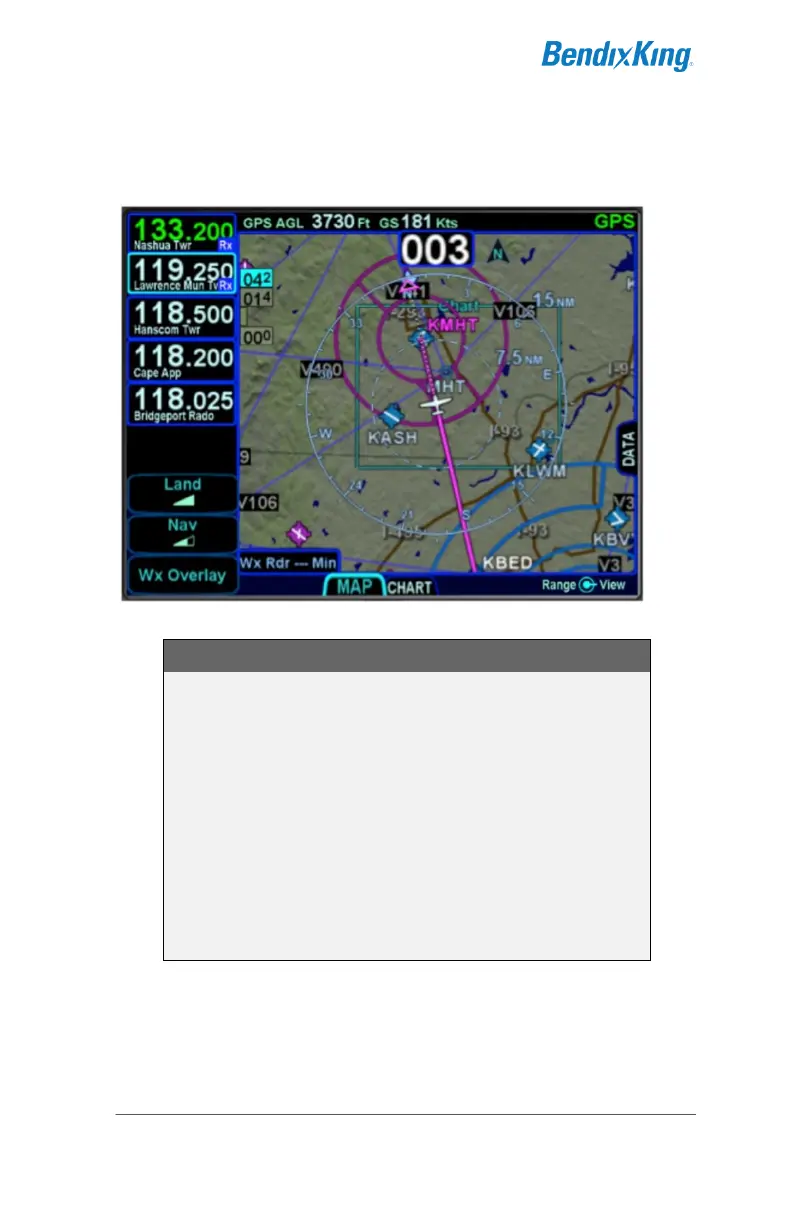
symbol crosses the boundary of the chart extent box, this is a
good time to switch over to the Chart tab on the MAP page.
Chart Extent Box
COOL FEATURE
Hot Links to Charts in Flight Plan
Whenever a flight plan leg (blue airfield legs) has at
least one published approach associated with it, a
chart icon is presented on the right edge of the flight
plan leg. By using the right-hand knob on the
AeroNav, scroll through the flight plan elements until
the chart icon is highlighted in reverse video. If, at
that time, the knob is pushed in, the AeroNav will
display either the specific chart for that associated
procedure or the directory of possible procedures for
that airfield.



 To Next Page