AeroNav 900/880 Series Pilot’s Guide
89000039-010
4-4 Map Subsystem Rev 1 May 2019
North Up can be either Magnetic North or True North depending on
the “Bearing Reference” selection on the User Options – SETUP tab
of the AUX page.
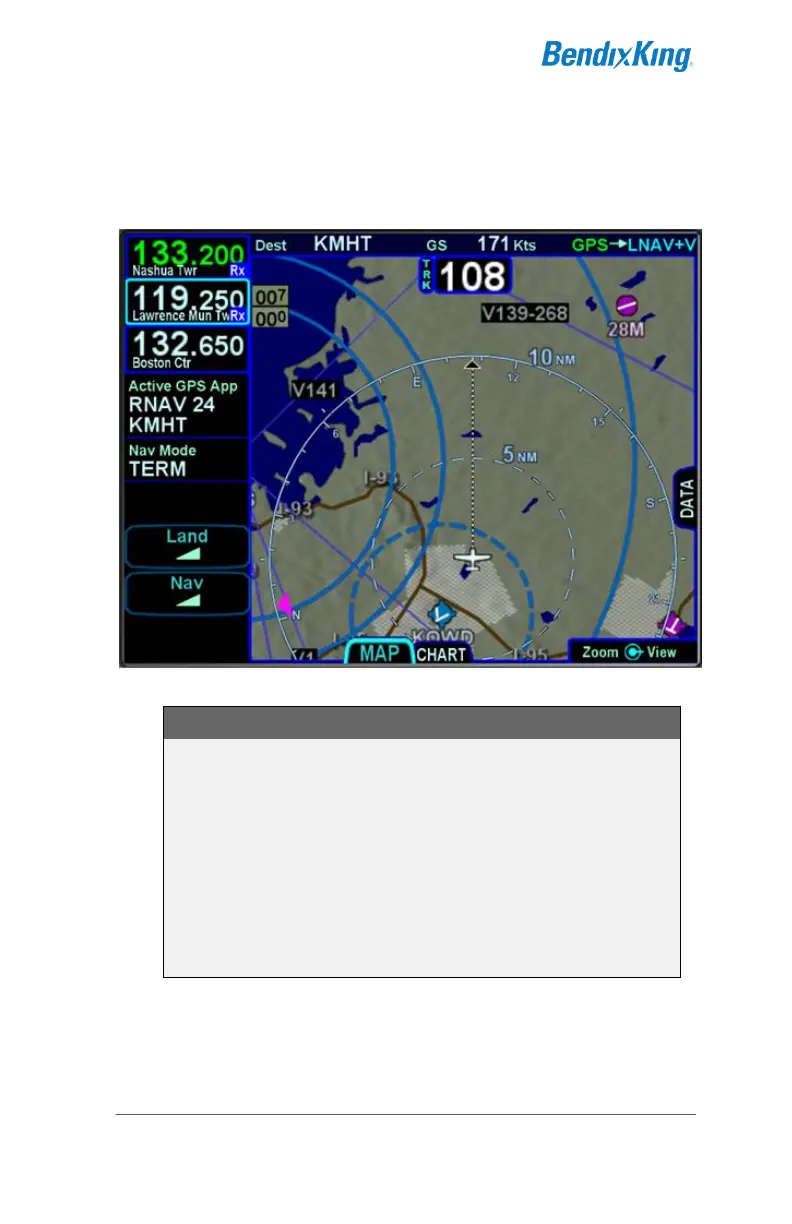
Track-Up, Arc View Example
TIPS AND TECHNIQUES
Map Content Control
Map features displayed are highly dependent on a
combination of the map view, map range, map declutter
settings, and user setup choices. For example, if the
flight plan concludes at an airfield, the airfield identifier
may be automatically decluttered in favor of the
waypoint identifier that represents the airfield from the
flight plan. In this example, both identifiers can be
made visible by ranging in the map to under 4nm.



 To Next Page