AeroNav 900/880 Series Pilot’s Guide
89000039-010
4-48 Map Subsystem Rev 1 May 2019
NOTE
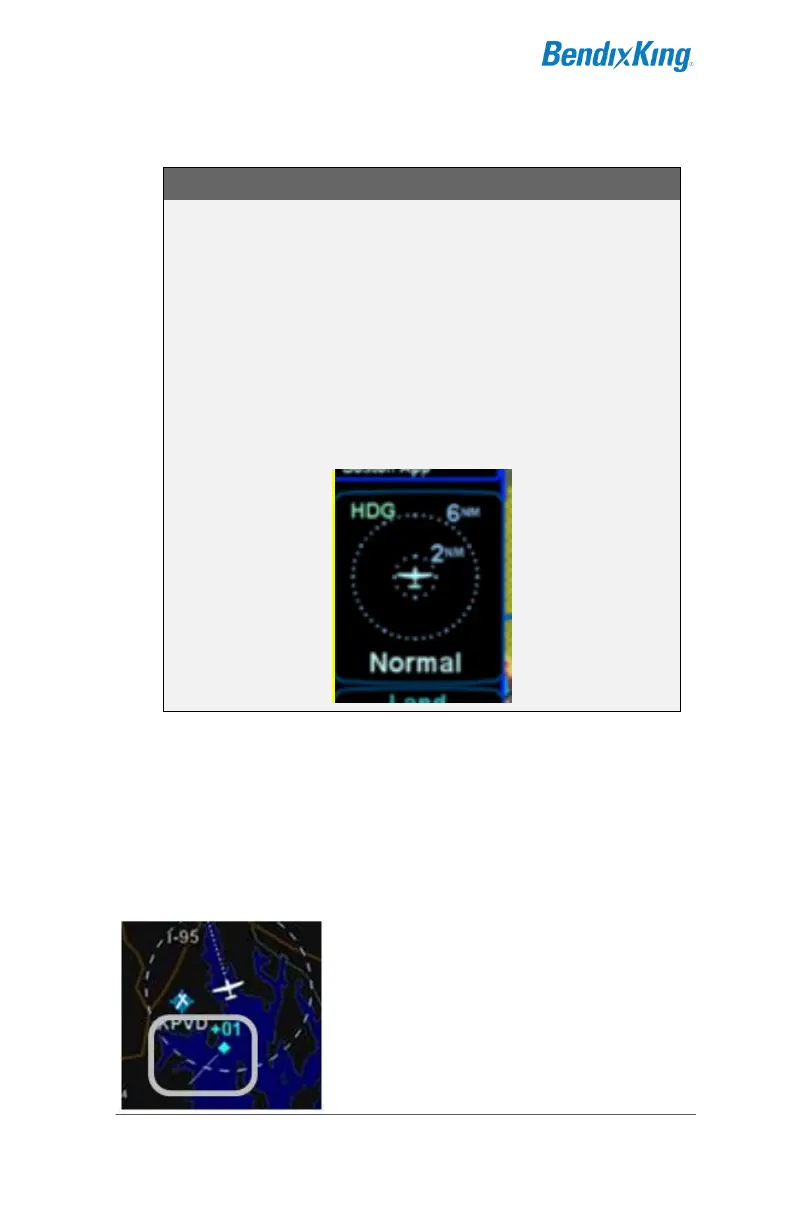
Traffic Mode and Range Changes
The traffic sensor mode changes are automatic based
on phase of flight. If however, a manual mode change
is desired, it can only be accomplished when the traffic
thumbnail is displayed and is accomplished by either
pressing the L1 LSK or touching the lower 1/3 of the
traffic thumbnail. The only means to change the traffic
thumbnail display range is accomplished by touching
the upper 2/3 of the traffic thumbnail.
TIS capable transponders are supported by the AeroNav including
map depictions of the TIS track lines. These track “barbs” are only
reported and indicated to 45° cardinal increments (e.g. 0°, 45°, 90°,
135°, etc.) and roughly point in the direction of sensed traffic
direction.
TIS Track Pointer



 To Next Page