AeroNav 900/880 Series Pilot’s Guide
89000039-010
5-10 Aux Subsystem Rev 1 May 2019
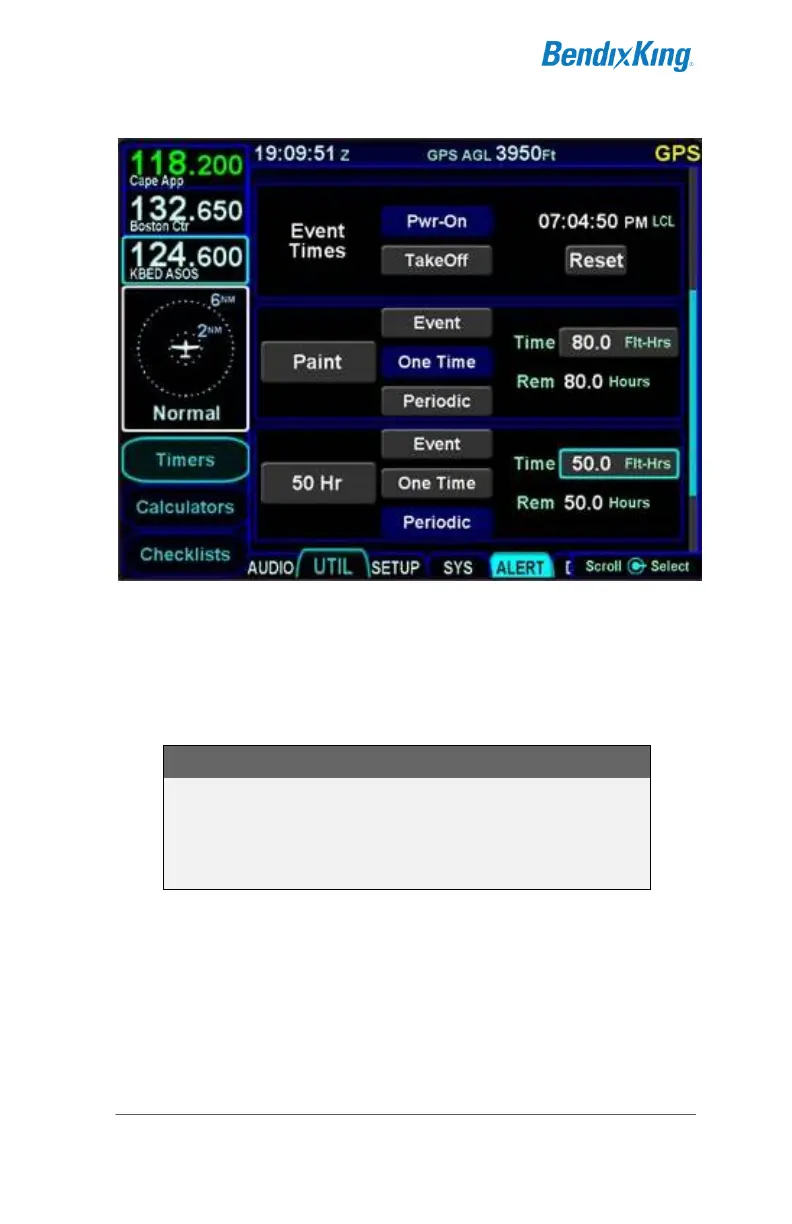
Custom Timer Examples
Custom timers have a default name of “Event” with an
accompanying “Event” CAS message at expiration. If the custom
timer name were manually set to a blank, then the CAS message
will be “Timer”.
TIPS AND TECHNIQUES
Separate “Switch Tank” Alert
A specific Switch Tanks alert can be created via the
“User Options” LSK on the SETUP tab as described
later in this manual.
Acknowledging the custom timer expired CAS message (via
touch or pressing the CLR button) will only clear the alert
message. Resetting of the timer must be done on the Timers
page.



 To Next Page