AeroNav 900/880 Series Pilot’s Guide
89000039-010
Rev 1 May 2019 Aux Subsystem 5-25
Datablock Item Title
and Image
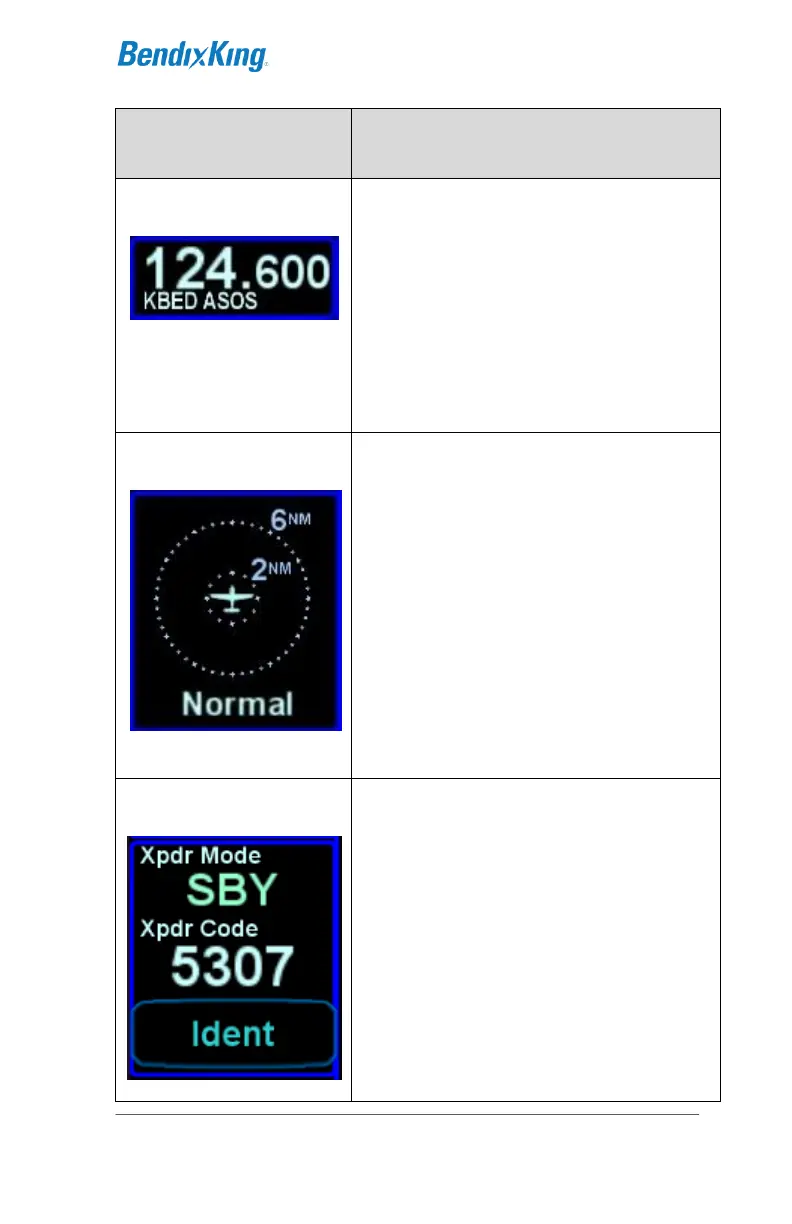
Provides a means to display a 5
th
com
or nav frequency (fourth standby slot)
(2 lines)
Only available on left side datablocks
Note: If this field is currently in
datablock edit mode as indicated by a
blue background, then com/nav tuning
is disabled
A thumbnail depiction of the traffic
sensor output. The range rings can be
adjusted by touching the upper 2/3 of
the block and the mode (e.g. Normal,
Above, Below, etc) can be toggled by
either using the adjacent bezel LSK (if
on the left side of the AeroNav) or by
touching the lower 1/3 of the block. If
selected for display on the left edge of
the AeroNav, it is in a fixed location
aligned with the top line select key.
It can be placed wherever desired on
the right edge of the AeroNav.
Provides a means to display and
control the remote transponder mode
and code as well as a Reply lamp.
The Ident function will be performed by
touching the Ident soft key. Touching
the mode or code will produce the
transponder specific keyboard for data
entry.
Can be displayed on the left or right
sides of the AeroNav and in an
abbreviated form along the top.



 To Next Page