AeroNav 900/880 Series Pilot’s Guide
89000039-010
5-64 Aux Subsystem Rev 1 May 2019
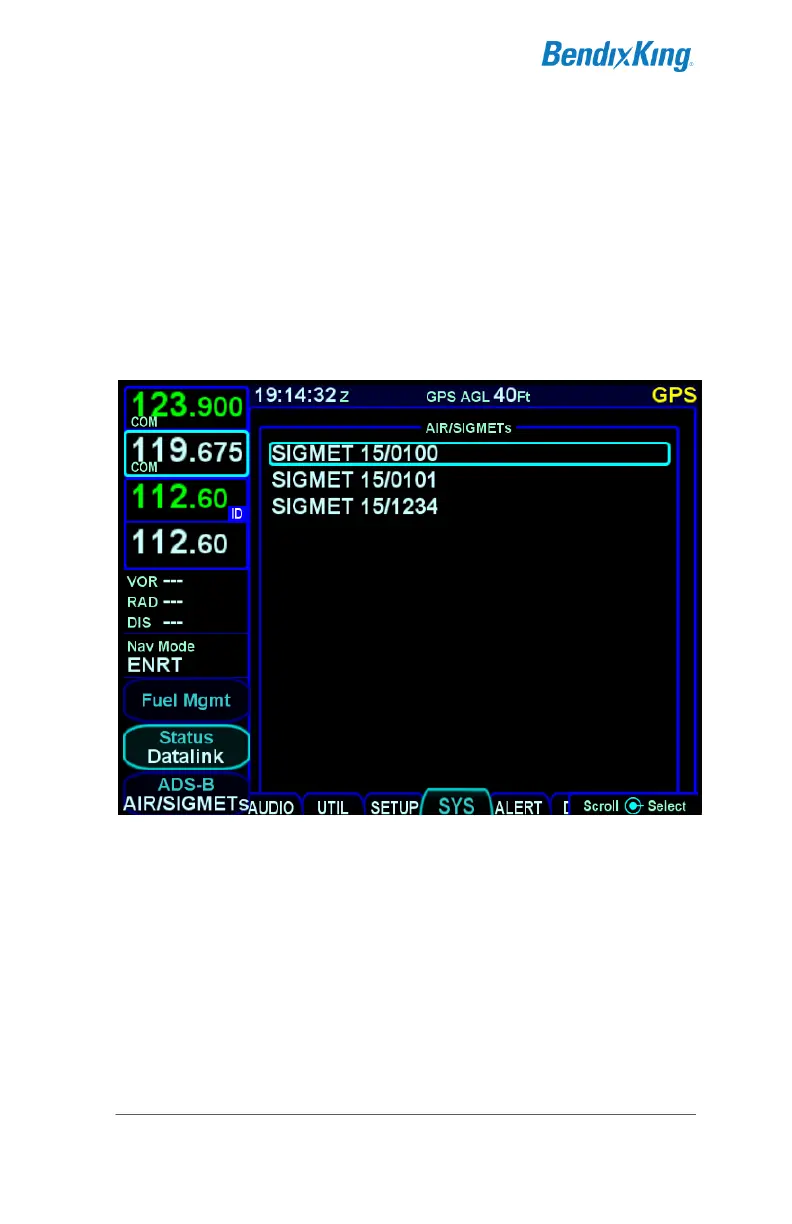
ADS-B AIRMET/SIGMET Page
The ADS-B AIRMET/SIGMET Page shows a list of AIRMETs and
SIGMETs that have been received over FIS-B. Using the right
knob or the touchscreen, a cursor can be moved to surround
each of the reports in the list. Selecting one of the AIRMETs or
SIGMETs, either by pressing the right knob button, pressing the
ENTR button, or touching the report surrounded by the cursor,
will cause the ADS-B Product Text page (see page 5-65) to
appear, showing the text for the selected report.
ADS-B AIRMET/SIGMET Page



 To Next Page