AeroNav 900/880 Series Pilot’s Guide
89000039-010
6-10 Navigation Rev 1 May 2019
assumed intent is to fly to the fix and automatically sequence legs
as normal from there.
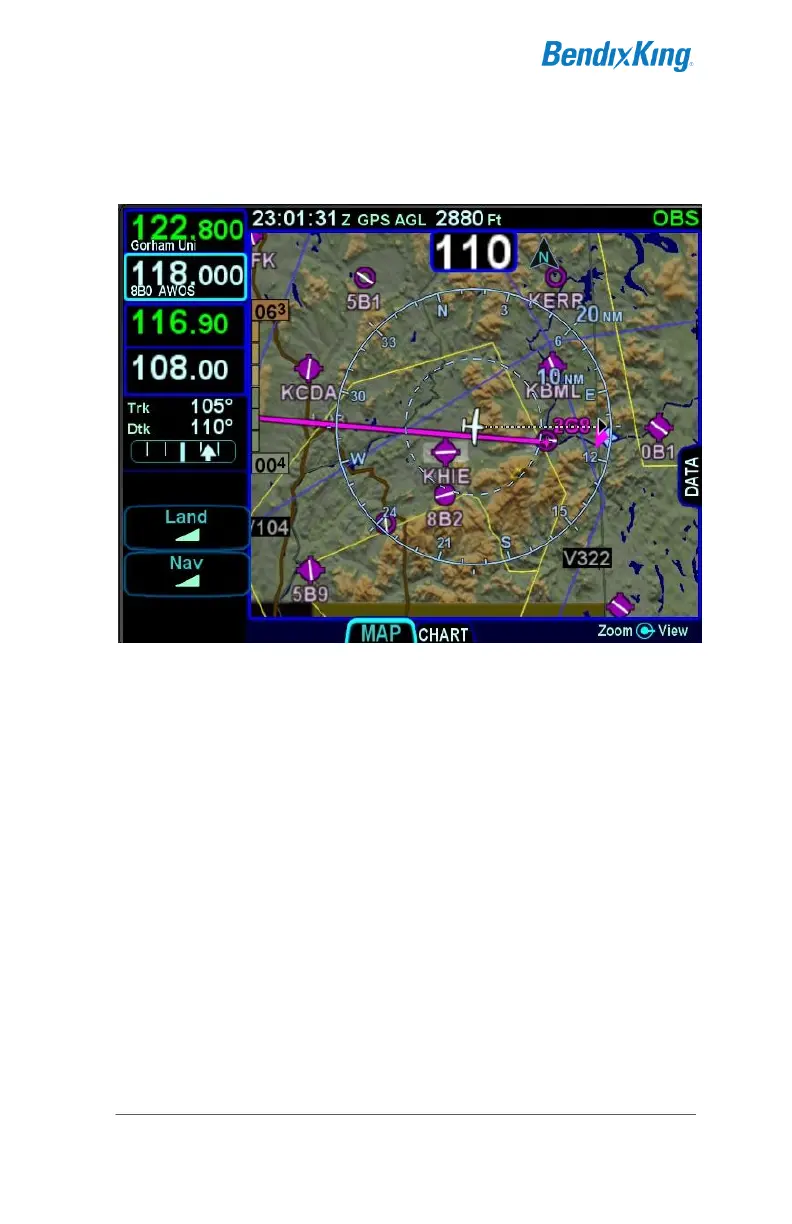
OBS TO Depiction
In OBS FROM (defined as when the difference between the
selected OBS course and the aircraft course to the fix is greater
than or equal to 90°), the system will activate the reciprocal
course away from the station with guidance away FROM the fix.
The previously active TO leg will change to white and remain in
pivot. The assumption here is that you will want to fly the leg on
the 180° plane between the aircraft and the fix. If the TO leg is
within this plane, you will fly to the station. If you swing the TO
leg to the opposite plane, the FROM leg would now be in the 180°



 To Next Page