AeroNav 900/880 Series Pilot’s Guide
89000039-010
1-26 System Overview Rev 1 May 2019
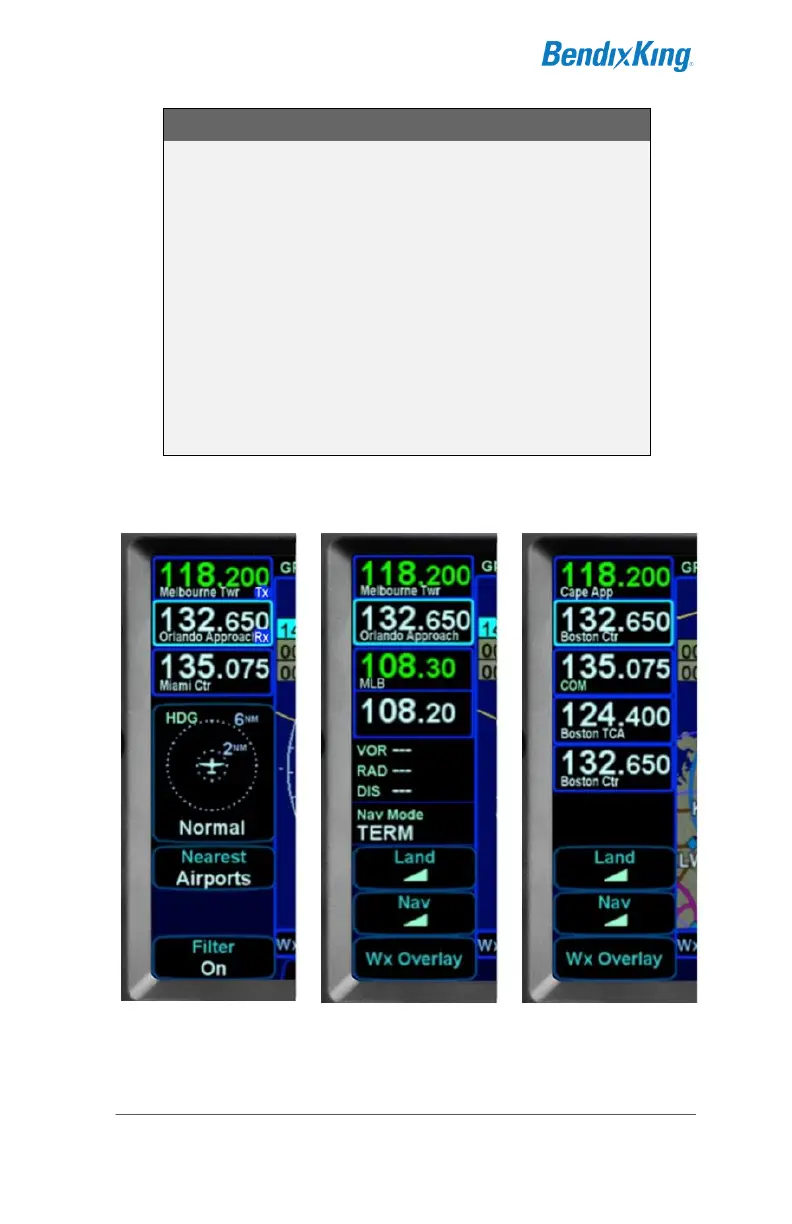
COOL FEATURE
Multiple Standby Frequencies
The com (or nav) frequencies can be formatted to
act as a type of quick directory when set up ahead of
time. This can be handy in local area operations
when just a few standard frequencies are expected
to be used for a flight – for example ATIS, Ground,
and Tower frequencies can be entered in three com
slots for quick swapping into the active channel.
Touch the frequency slot that you want to be the #1
Standby at any given time and then when the bezel
Frequency Swap button is pressed, that slot is what
is swapped with the Active channel.
Multiple Frequency Formats



 To Next Page