101
Embroidery Selection
Designs from USB stick
The embroidery module provides a USB port to connect your
USB stick.
Via the USB stick you can transfer embroidery designs to the
machine and the Embroidery designs can be recalled from the
USB stick.
Connecting and removing from USB port
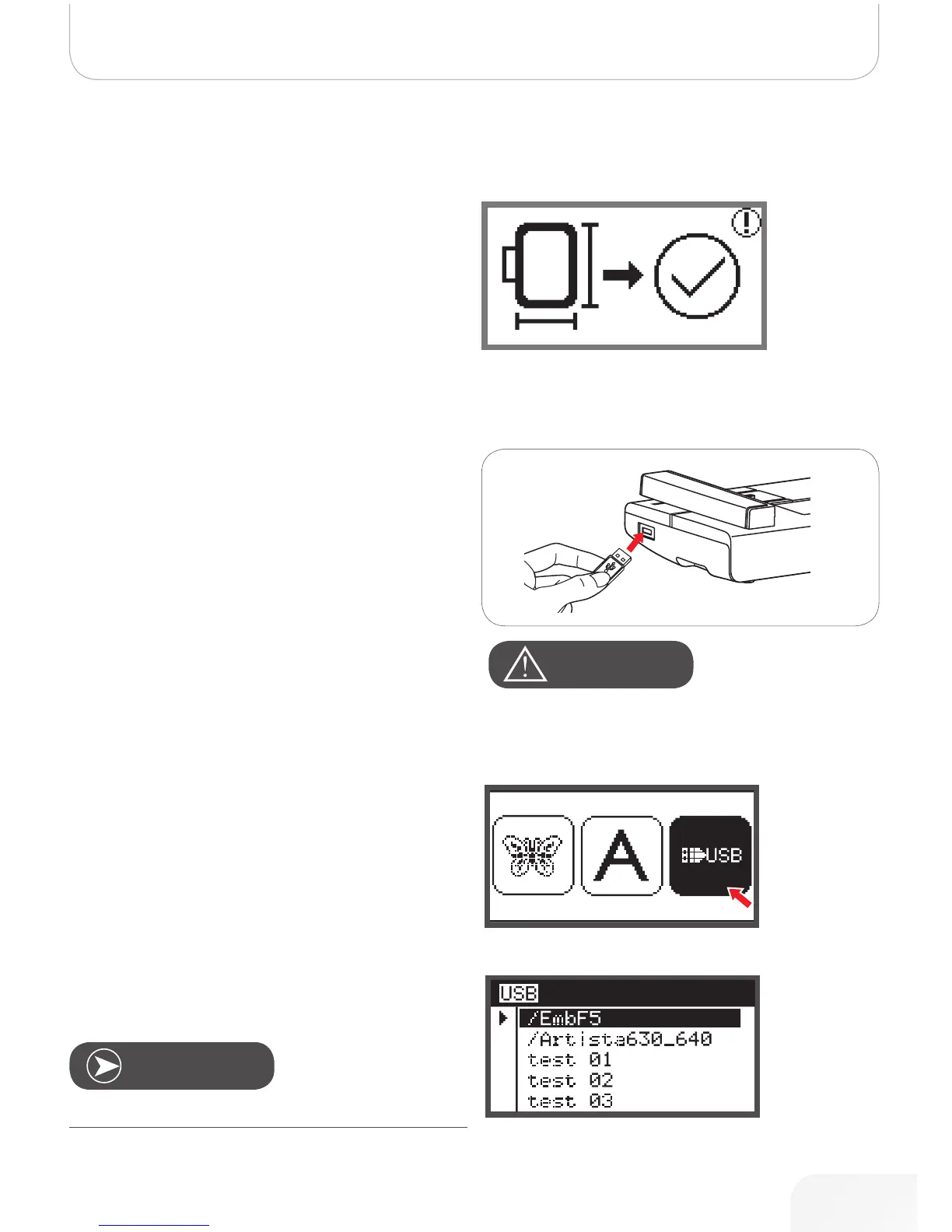
• Insert the USB stick into the USB port on the left side
of the embroidery module.
• To remove, carefully pull the USB stick out.
• Use the arrow buttons to choose the desired embroi-
dery design and then press the OK button.
Recalling the design from USB stick
• Use the arrow buttons to choose the USB icon and
press the OK button.
• Press the OK button to prepare embroidery.
– A warning message appears reminding you to
check the embroidery hoop size.
• Press the OK button to confirm and enter the embroi-
dery display. Now you can start to embroider.
This embroidery machine reads .exp format only.
Note
AtteNtioN!
When attaching the USB Stick to the embroidery module wait
5 seconds and then choose the USB icon and press the OK
button.
502020.83.11_2013_06_bernette chicago 7_EN



 To Next Page