112
Embroidery Selection
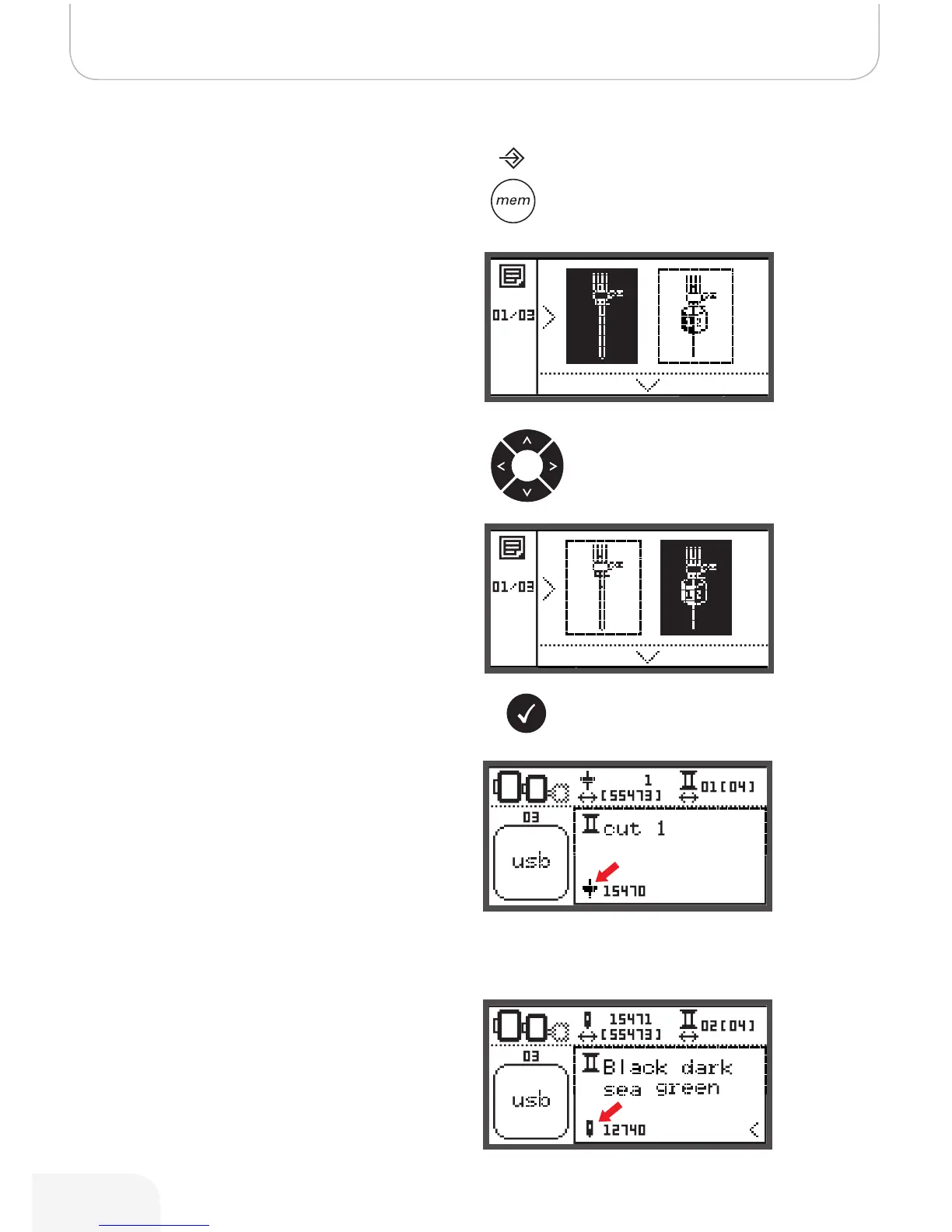
Switch from Embroidery Mode to Cutting Mode
• Open the Setup program and use the arrow buttons to
choose the CutWork Tool or to choose the sewing
needle.
• Press the OK button to confirm.
– In Cutting Mode following display is shown.
– In Embroidery Mode following display is shown.
Depending on the selected designs, the machine is making all
necessary settings automatically.
• Switching from Embroidery Mode to Cutting Mode can
be made manually too.
502020.83.11_2013_06_bernette chicago 7_EN



 To Next Page